
 Shopify
 WooCommerce
GENLOOK FOR DENIM
Virtual try-on for jeans & denim.
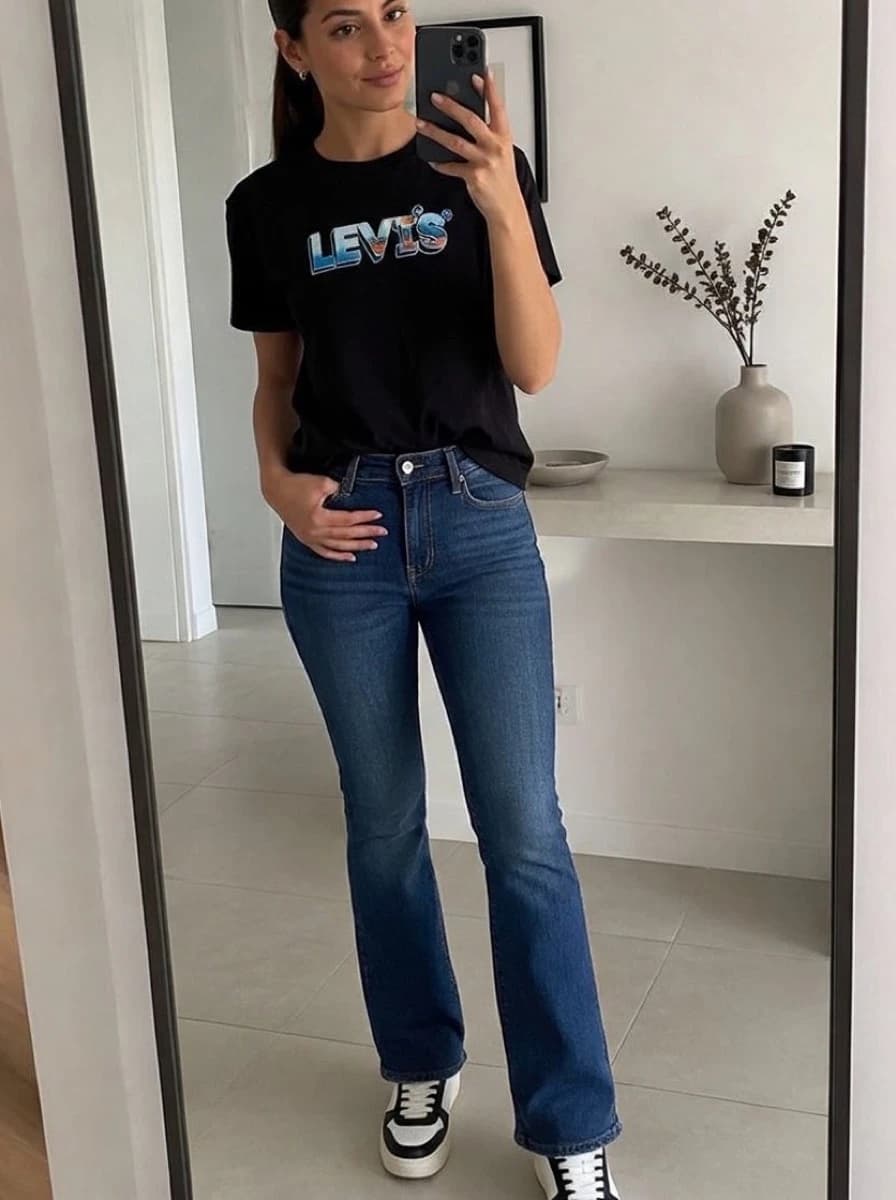
Shoppers choose jeans on how the rise, leg shape and wash look on them. Genlook shows your jeans on the shopper's own photo, right on the product page, before they order.
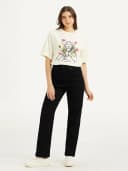
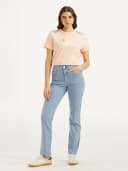
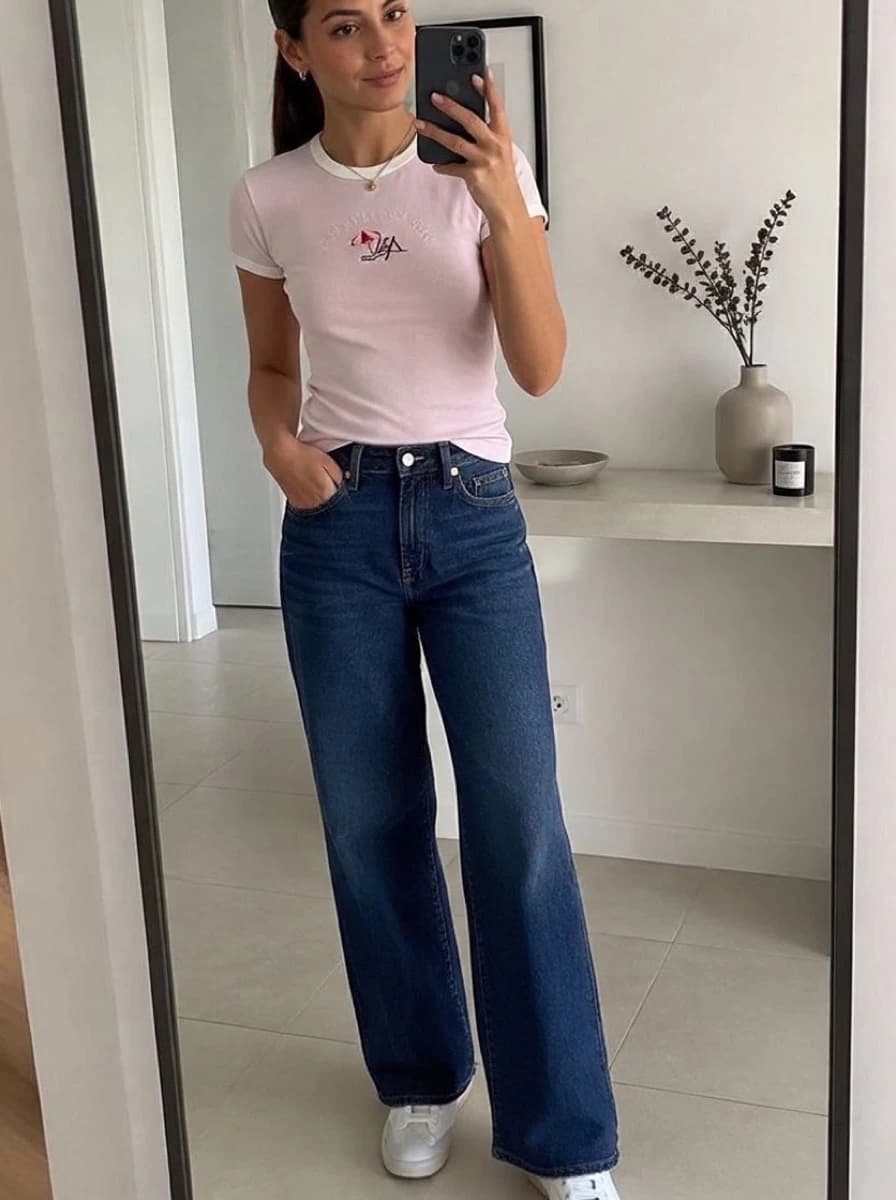
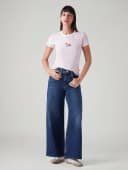
Examples of denim try-ons.
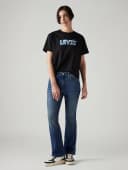
One shopper photo with four different pairs. Each result is shown next to the product photo it was made from.



Used by 900+ fashion stores








02 · Why denim is hard to sell online
Shoppers often order several pairs of jeans and return most of them.
A straight leg looks different on every body, and product photos only show it on the model. Many shoppers order several pairs to compare at home and send back the ones they don't keep. The store pays for those returns.
· Shoppers regularly name jeans as one of the hardest items to buy online
· A model's height and size say little about how jeans look on the shopper
· Genlook shows each pair on the shopper's own photo before they order
Swipe for the next pair on the same photo. Cards also change on their own.
900+
fashion stores use Genlook
5.0
rating on the Shopify App Store
8.2s
median time per try-on
Skinny to wide leg
denim cuts and washes
03 · Denim styles
Try-on for skinny, straight, wide-leg and bootcut jeans.
Genlook shows each cut on the shopper's own photo, from mom jeans to bootcut, with the wash from your product photo.
04 · How denim try-ons look
How Genlook renders rise, length and wash.
Rise
Low-rise, mid-rise and high-rise jeans show the waistband at the height the product photo shows.
Leg length
The result shows whether a pair looks cropped or full length on the shopper.
Wash and distressing
Whiskering, fading and rips carry over from your product photo.
Leg shape
Wide-leg jeans look wide and skinny jeans look close to the leg, as in your product photo.
05 · Where denim brands use it
Where stores use try-on.
Product pages
A try-on button next to add-to-cart shows the rise and leg shape on the shopper's own photo.
Comparing cuts
Shoppers compare straight, wide and bootcut jeans on their own photo instead of on three different models.
Email & restocks
Link new-wash and restock emails to product pages with try-on, so shoppers can see the jeans on themselves.
06 · In depth
Why shoppers order several pairs of jeans at once.
Denim is one of the hardest categories to buy online. 46% of women call jeans the hardest item to shop for, and 60% of ill-fitting-clothes returns are jeans. Many shoppers order two or three pairs and return the rest, and the store pays shipping both ways.
Seeing a pair on their own photo shows shoppers how the cut and wash look on them. It does not pick the size, so keep your size chart next to it. The live demo shows how rise, length and wash look in a try-on, and the ROI calculator estimates the impact on your traffic.
07 · Denim questions
Questions from denim brands.
Does it show the difference between high and low rise?↓
Yes. Genlook works from your product photo, so a high-waisted jean shows the waistband at the natural waist.
Does it show loose and tight cuts?↓
Yes. The shape of the garment carries over: wide-leg jeans look wide and skinny jeans look close to the leg.
Do I need to take special photos?↓
No. Ghost mannequin photos and standard model shots both work. Genlook takes the jeans from the photo and shows them on the shopper.
Does wash and distressing carry over?↓
Yes. Whiskering, fading and rips come from your product photo, so a vintage wash still looks vintage on the shopper.
Does it help shoppers pick a size?↓
No. Try-on shows how the cut and wash look on the shopper. It does not measure anything, so pair it with your size chart for the size choice.
What does it cost?↓
The Free plan includes 10 try-ons a month, and no card is required. Paid plans include more try-ons each month.
Available on these platforms.
Shopify app →WooCommerce plugin →PrestaShop module →Try-On API →Or use the Try-On API for a custom store.
Further reading
What is virtual try-on? →ROI calculator →Add try-on to your denim store.
Start on the Free plan with 10 try-ons a month, no card required. It works with the denim photos you already have.