Shopify
 WooCommerce


超過 900 家時尚品牌採用













幾分鐘內即可完成設定
- 1
建立您的帳戶
免費註冊,並在 Genlook 儀表板中新增您的 PrestaShop 商店。
- 2
安裝模組
在「模組」→「模組管理員」中上傳模組,然後從 Genlook 選單連線您的商店。
- 3
選擇您的商品
套用於所有商品,或僅限特定分類。試穿按鈕將出現在這些商品的頁面上。
後台管理 · 模組 · Genlook
Genlook
已連線商店連線
glk_••••••••••••3f8a
✓ Valid
商品頁面上的試穿按鈕
已啟用的商品
142 / 208
在 PrestaShop 上的運作方式
PrestaShop 8 與 9
使用 PrestaShop hook 的標準模組。無需編輯佈景主題或維護覆寫。
商品組合
試穿功能會採用顧客所選的商品組合,並將其加入購物車。
PrestaShop 購物車
結帳、物流和優惠券等功能均維持正常運作。
支援您的語言
小工具會跟隨您商店的語言切換器,支援超過 15 種語言。
































追蹤試穿次數及其帶來的銷售額
每次試穿都會被追蹤至 PrestaShop 訂單,您還可以收集顧客電子郵件,作為日後行銷活動之用。
- 有試穿與未試穿購物者的轉換率比較
- 試穿後成立訂單的營收
- 購物者電子郵件,可傳送至 Klaviyo 或您的 Shopify 顧客名單
購物者
emma@···.com

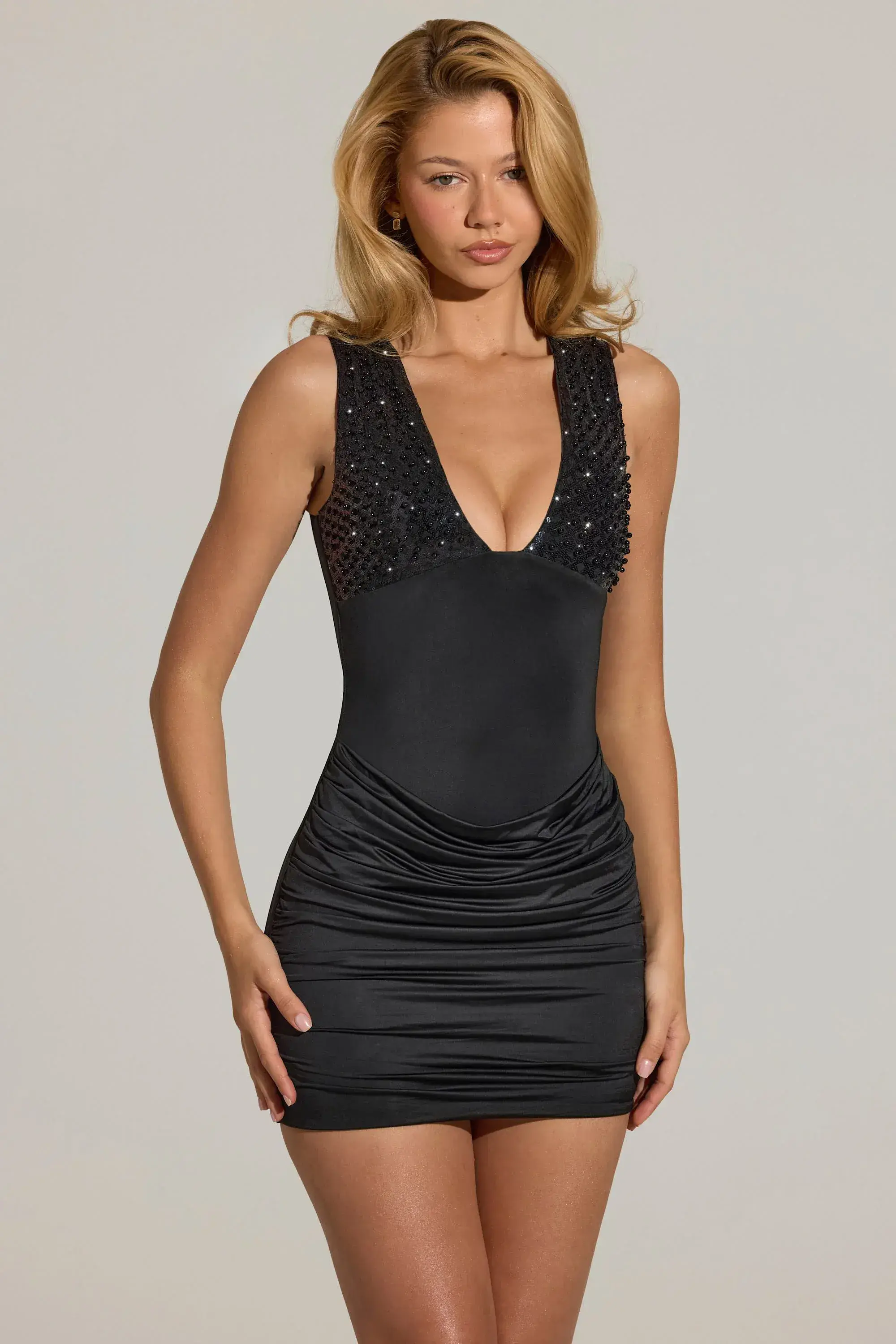
試穿了亮片迷你連身裙
14:02
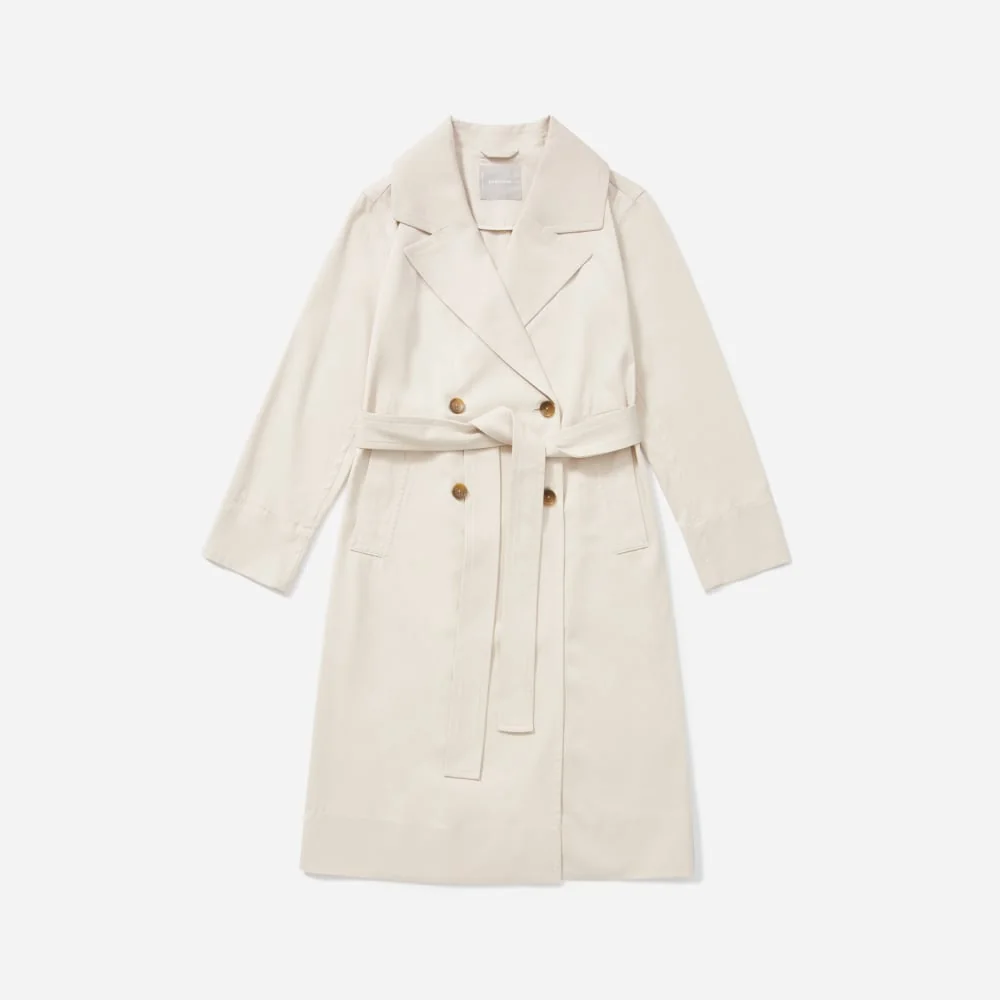
試穿了黑色中長連身裙
14:03留下了電子郵件
已傳送至 Klaviyo
14:03購買了黑色中長連身裙
計入試穿帶來的銷售
€89.00隔天
來自時尚商店的評論
“Super fun and easy to set up! The installation was straightforward, and the virtual try-on feature worked smoothly. A great way to make the shopping experience more interactive and engaging for customers.”
5.0
Shopify App Store 上的 40 則評論
“Really great app. The try-on journey on mobile is very smooth and easy for customer to use. Also the support is really helpful in making adjustment on the widget position/style to fit your store. Really recommended.”

“This is a fabulous App. We have been super pleased with our customers response and have definitely been getting it to more than just pay for itself. We had a few issues at the start and Thibaut from Genlook came onto the Site remotely and sorted the issue out to get us going. Since then we have never looked back. A must App for fast, forward looking fashion Companies.”
“The app is very easy to integrate. Value for money. The best part is the AI model generates quite accurate results. The Try-on images that are genrated look very real and our customers are very happy with this feature.”
常見問題
我該如何安裝模組?
建立一個免費的 Genlook 帳戶並新增一家 PrestaShop 商店。接著在「模組」→「模組管理員」中上傳模組,開啟 Genlook 選單,連線您的商店並選擇您的商品。整個過程通常只需約 10 分鐘。
支援哪些 PrestaShop 版本?
支援 PrestaShop 8.0 及更新版本(包含 PrestaShop 9),並需搭配 PHP 8.1 或以上版本。如果您使用的是 PrestaShop 1.7,可以利用 Try-On API。
能與我的佈景主題相容嗎?
可以的。Genlook 使用標準的 PrestaShop hook,因此試穿按鈕能完美融入 Classic、Hummingbird 及各式自訂佈景主題中。
會拖慢我的網站速度嗎?
不會。Genlook 只會從我們的 CDN 載入一個延遲載入(deferred)的指令碼,且 AI 是在我們的伺服器上執行,而非您的主機空間。
顧客的照片儲存在哪裡?
儲存於 Genlook 的伺服器,絕不會存放在您的 PrestaShop 資料庫中。照片皆經過加密處理,保留 7 天後即自動刪除,且絕不用於訓練 AI 模型。
費用怎麼算?
免費方案每月提供 10 次試穿額度,不需綁定信用卡。付費方案則每月提供更多試穿額度。
不是使用 PrestaShop 嗎?
Genlook 同時支援以下平台。