
 WooCommerce
APPLICATION OFFICIELLE SHOPIFY · 5.0 ★
L'essayage virtuel pour Shopify.
Installez l'application depuis le Shopify App Store et activez l'intégration au thème. Un bouton d'essayage apparaît à côté de l'ajout au panier, utilisant les photos de produits déjà dans votre interface Shopify.


 6,2s
6,2s
Utilisé par plus de 900 boutiques de mode
★★★★★5.0sur le Shopify App Store







01 · Installation
Installez-la depuis le Shopify App Store.
Installer depuis l'App Store
Installez Genlook depuis le Shopify App Store. L'application ne modifie pas le code de votre thème.
Activer l'intégration au thème
Activez l'intégration de Genlook dans l'éditeur de votre thème. Le bouton d'essayage apparaît à côté du bouton d'ajout au panier.
Activer vos produits
Sélectionnez des produits ou des collections entières dans le tableau de bord Genlook. L'essayage est alors en ligne sur ces pages produits.
Interface Shopify · Applications → Genlook
Genlook
ConnectéeBouton d'essayage sur les pages produits
Produits activés
142 sur 208 · Gérer →
02 · Fonctionnement sur Shopify
Conçue pour s'intégrer nativement à votre thème et votre panier Shopify.
Intégration au thème
Genlook est une application Online Store 2.0. Elle s'adapte au style de votre thème et continue de fonctionner après ses mises à jour.
Variantes prises en compte
L'essayage utilise la variante choisie par le client, et c'est cette même variante qui est ajoutée au panier.
Panier et paiement Shopify
L'ajout au panier depuis la fenêtre d'essayage utilise le panier natif de Shopify, garantissant le bon fonctionnement des réductions, des règles d'expédition et de Shop Pay.
Performances préservées
Genlook ne charge qu'un seul script différé depuis notre CDN, et l'IA s'exécute sur nos propres serveurs.
03 · Sur vos produits
Fonctionne avec les produits de votre catalogue.
Les essayages sont générés à partir des photos de produits déjà présentes dans votre interface Shopify. Pas besoin de nouvelles photos.




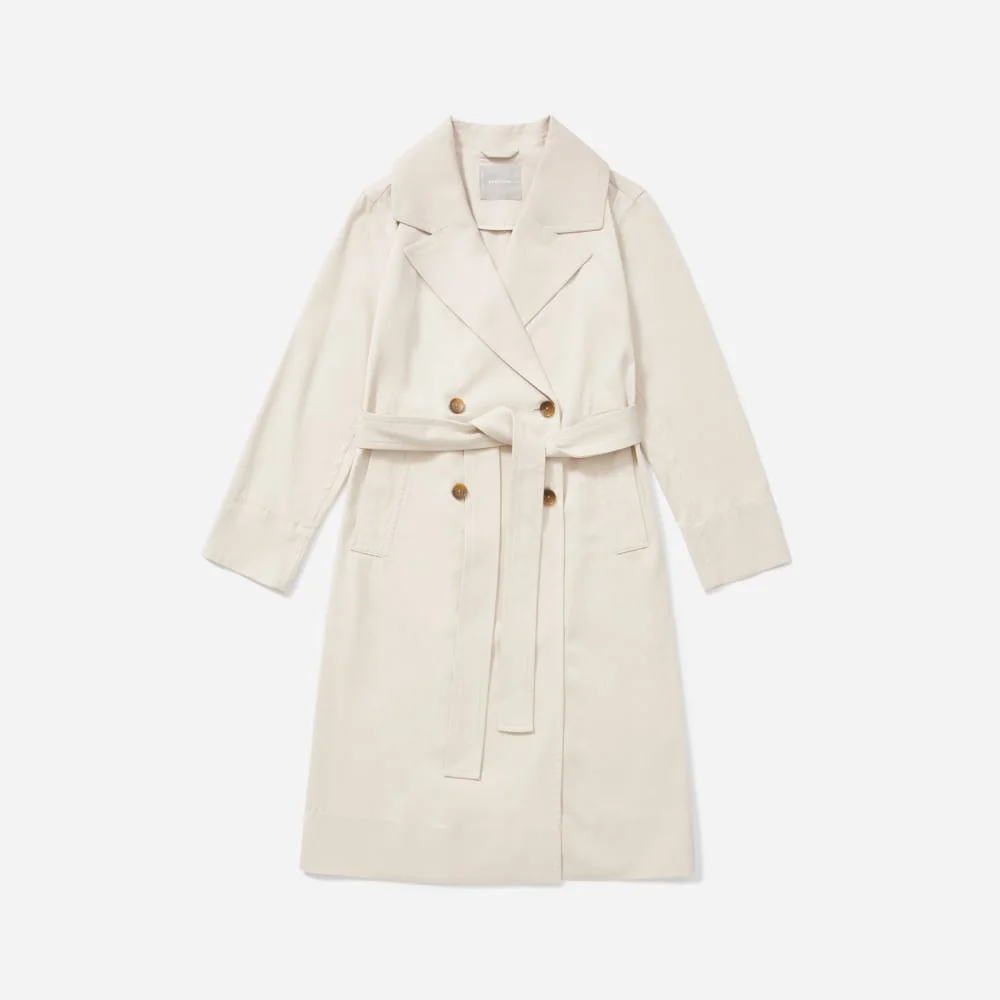












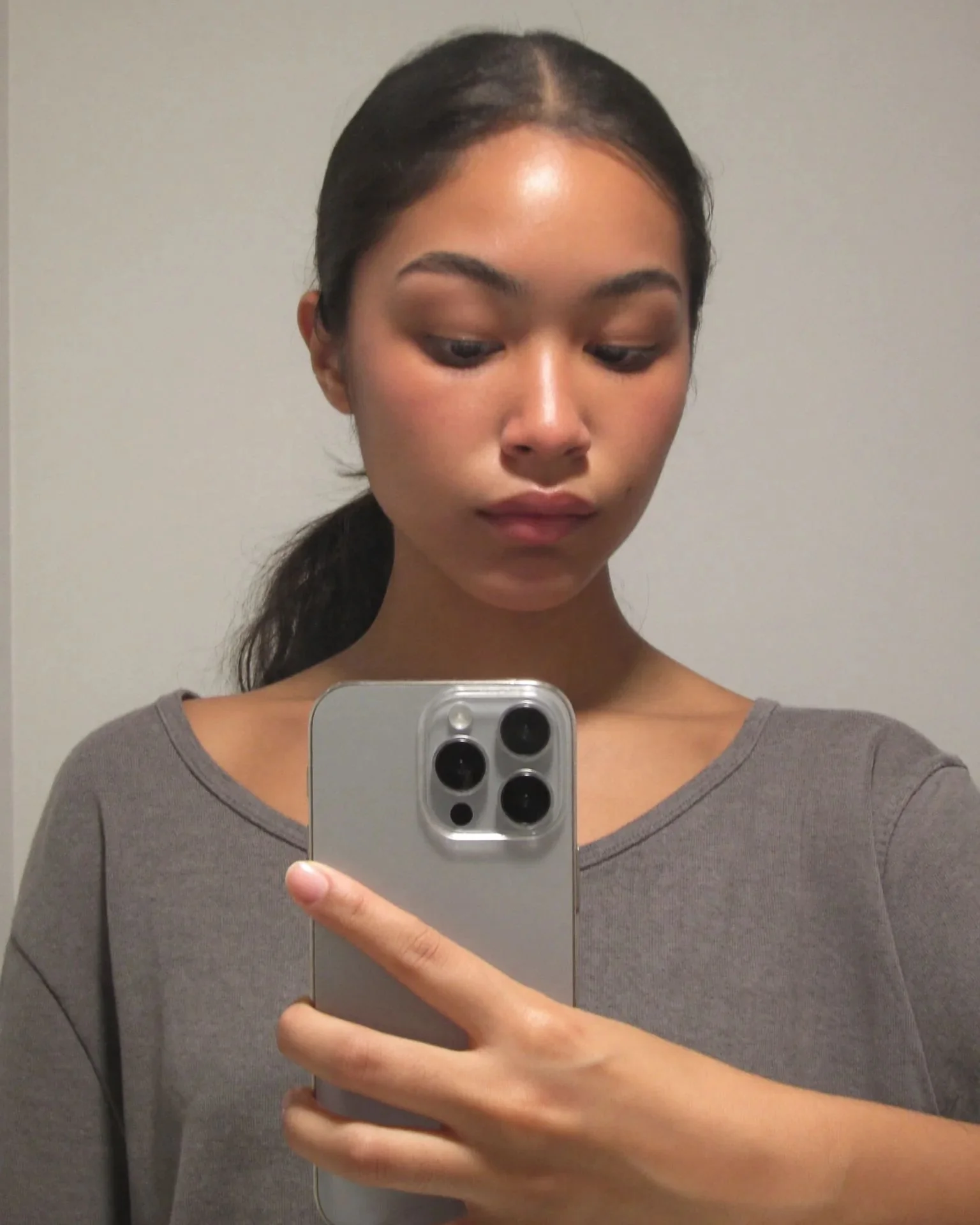
















Ce que compare le tableau de bord
votreboutique.com · Shopify
Conversion, clients ayant essayé
vos données
Conversion, clients n'ayant pas essayé
vos données
Revenus générés après un essayage
vos données
04 · Analytique
Observez l'impact de l'essayage sur vos ventes.
Genlook suit chaque essayage jusqu'à la commande Shopify. Vous pouvez comparer la conversion des clients ayant essayé les produits avec les autres, identifier les produits les plus essayés, et synchroniser les e-mails capturés avec Klaviyo ou Shopify Email.
8.2s
temps médian par essayage
5.0
note sur le Shopify App Store
Avis de boutiques de mode.
“The app is very easy to integrate. Value for money. The best part is the AI model generates quite accurate results. The Try-on images that are genrated look very real and our customers are very happy with this feature.”
Sanaulla International
Émirats arabes unis · ★★★★★
“This is a fabulous App. We have been super pleased with our customers response and have definitely been getting it to more than just pay for itself. We had a few issues at the start and Thibaut from Genlook came onto the Site remotely and sorted the issue out to get us going. Since then we have never looked back. A must App for fast, forward looking fashion Companies.”
Pia Rossini Retail
Royaume-Uni · ★★★★★
“A perfect experience with a very helpful and responsive team.”
SARA ELEMARY
Égypte · ★★★★★
05 · En coulisses
Ce que l'application fait sur votre boutique.
Genlook est une intégration d'application de thème Online Store 2.0. Après l'installation, vous activez
un interrupteur dans l'éditeur de thème et le bouton apparaît sur votre modèle de produit. Aucun code n'est
collé dans theme.liquid, donc changer de thème ne casse rien. Le widget utilise la variante sélectionnée
par le client, ajoute au panier via le système Shopify, et respecte la langue de votre boutique sur
différents marchés. Le temps de génération médian est de 8,2 secondes, et l'IA tourne sur nos serveurs.
Les e-mails capturés dans la cabine d'essayage se synchronisent avec Klaviyo, Shopify Email, Mailchimp, Omnisend et le reste de vos outils. Chaque essayage est attribué à la commande correspondante, le tableau de bord affiche donc la conversion avec les données de votre propre boutique. La facturation s'effectue via votre facture Shopify. Le forfait Gratuit inclut 10 essayages par mois, ce qui suffit pour tester l'outil sur quelques produits avant de passer à un forfait payant.
Vous n'êtes pas sur Shopify ?
Extension WooCommerce →Module PrestaShop →API d'essayage →Ou utilisez l'API d'essayage pour une boutique sur mesure.
06 · FAQ
Questions posées par les boutiques Shopify.
L'application fonctionnera-t-elle avec mon thème ?↓
Oui. Genlook est une application Online Store 2.0, elle fonctionne donc avec tous les thèmes actuels et s'adapte à vos styles. Les anciens thèmes sont également pris en charge.
Cela va-t-il ralentir ma boutique ?↓
Genlook charge un seul script différé depuis notre CDN, et l'IA tourne sur nos serveurs. L'impact sur le temps de chargement est donc minime.
Comment fonctionne la tarification ?↓
Le forfait Gratuit inclut 10 essayages par mois. Les forfaits payants incluent davantage d'essayages chaque mois et sont facturés via votre facture Shopify, comme n'importe quel autre abonnement d'application.
Où sont stockées les photos des clients ?↓
Sur les serveurs de Genlook, séparément de vos données Shopify. Elles sont chiffrées, supprimées après 7 jours et ne servent jamais à entraîner des modèles d'IA.
L'application s'adapte-t-elle à la langue de ma boutique et à mes marchés ?↓
Oui. Le widget détecte la langue de votre boutique et est disponible dans plus de 15 langues. Une seule installation couvre tous vos marchés.
Qu'est-ce que l'Essayage en Direct ?↓
C'est une fonctionnalité en bêta, disponible actuellement uniquement sur Shopify. Les clients activent leur caméra et voient le produit sur eux-mêmes en temps réel, sans importer de photo. Désactivée par défaut, elle peut être activée dans vos paramètres Genlook.
Ai-je besoin de modèles 3D ou de photos de produits spécifiques ?↓
Non. L'essayage virtuel IA de Genlook pour Shopify utilise les photos de produits déjà présentes dans votre interface. Vous n'avez pas besoin de scans 3D ni de nouvelles photos.
Ajoutez l'essayage virtuel à votre boutique Shopify.
Le forfait Gratuit inclut 10 essayages par mois. Installez l'application depuis le Shopify App Store et configurez-la en quelques minutes.