
 Shopify
 WooCommerce
 API
APIVirtual try-on for eyewear.
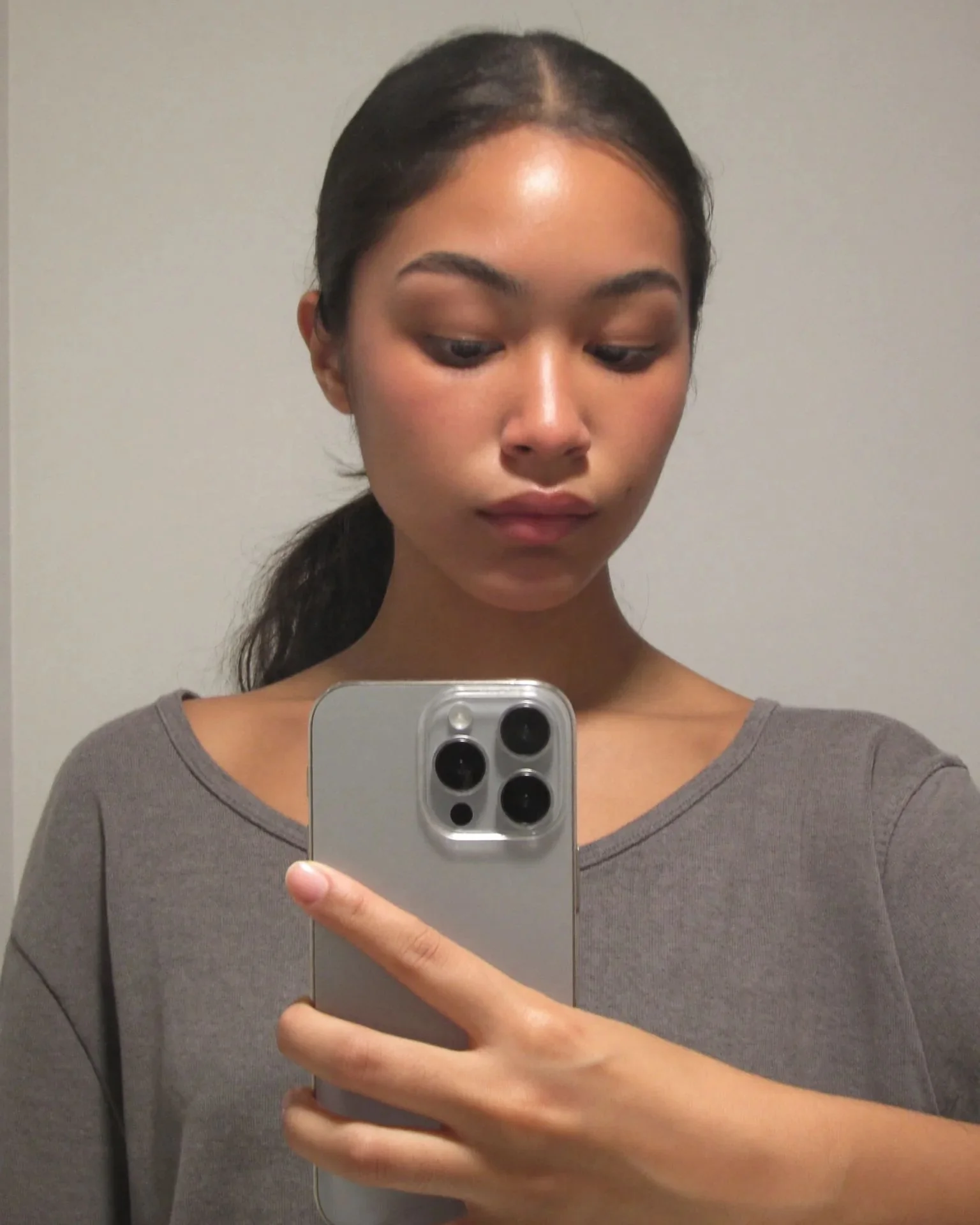
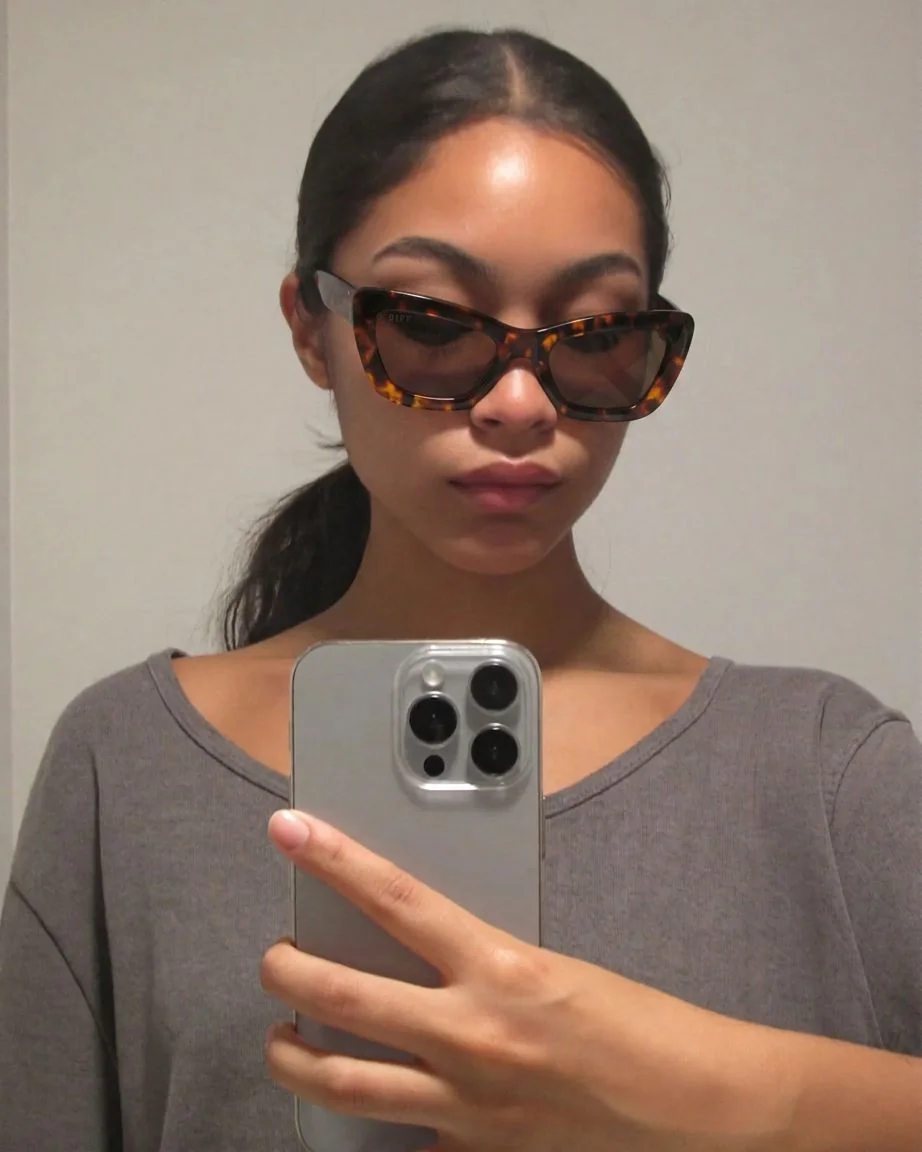
Genlook shows your frames on the shopper's own face in under 10 seconds, right on the product page. Shoppers upload a photo or take one with their camera, and they don't need to download an app.
Free plan, no card needed
 8.2 s
8.2 sFree plan, no card needed
Used by 900+ fashion stores








Examples of eyewear try-ons
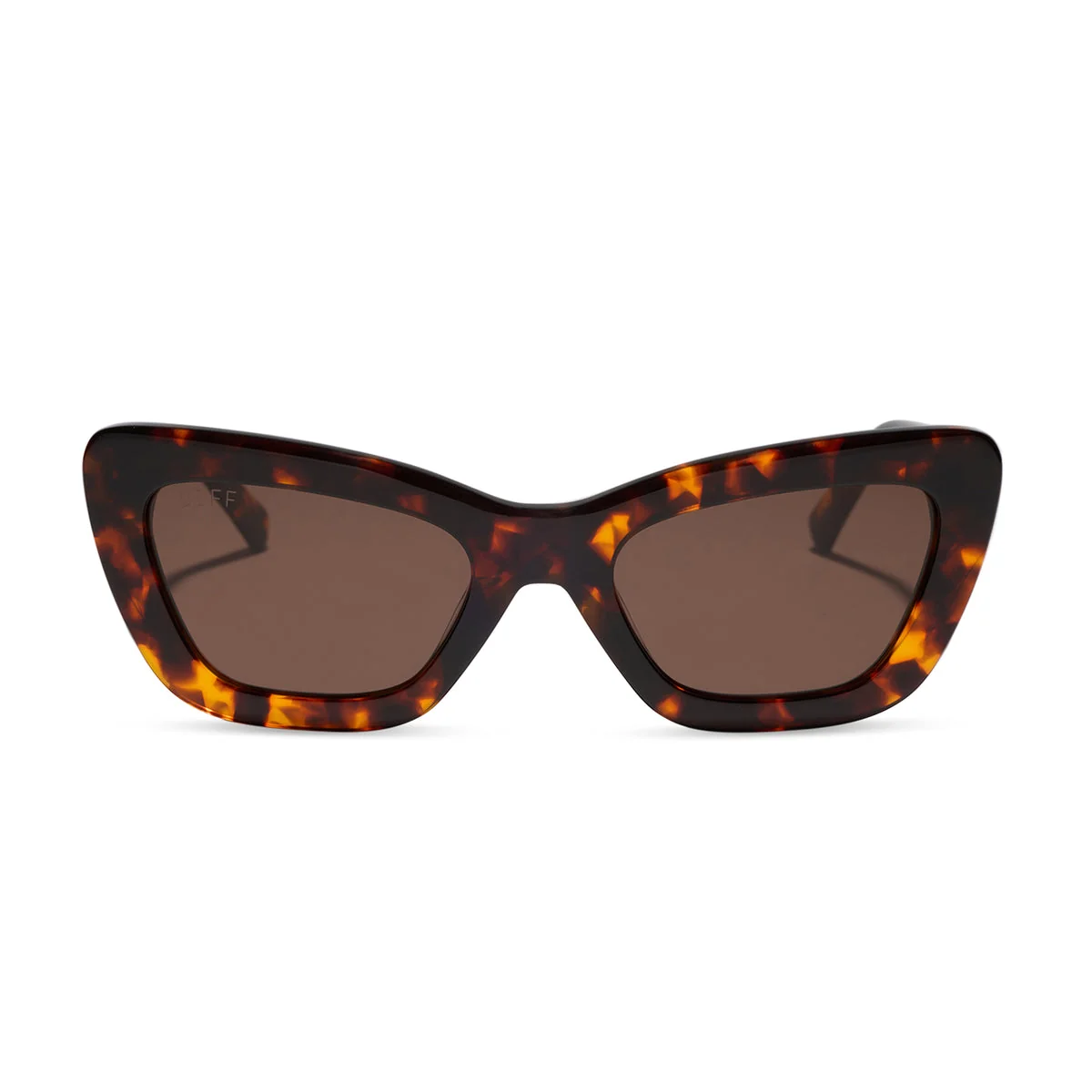
Same shopper photo, four different frames, each with the product photo it came from.
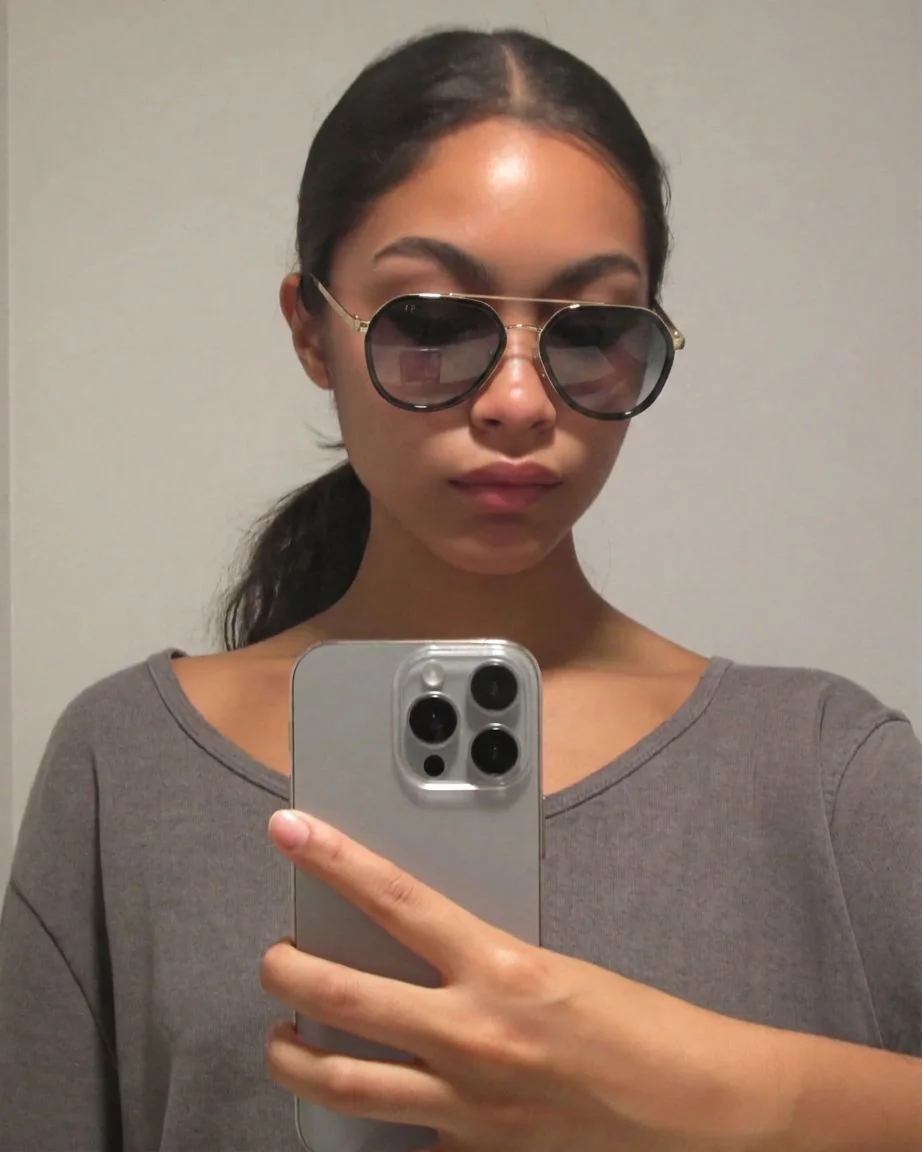
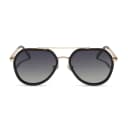
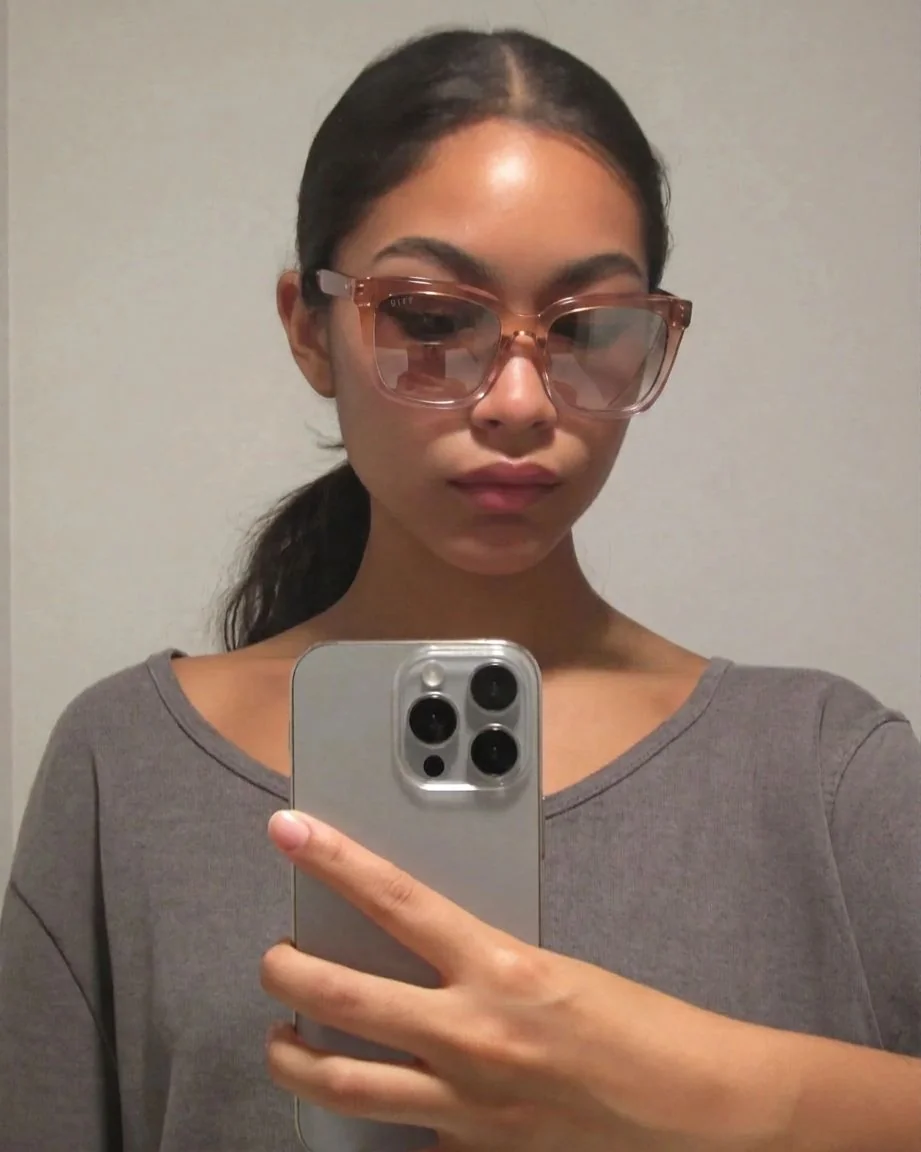
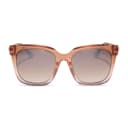
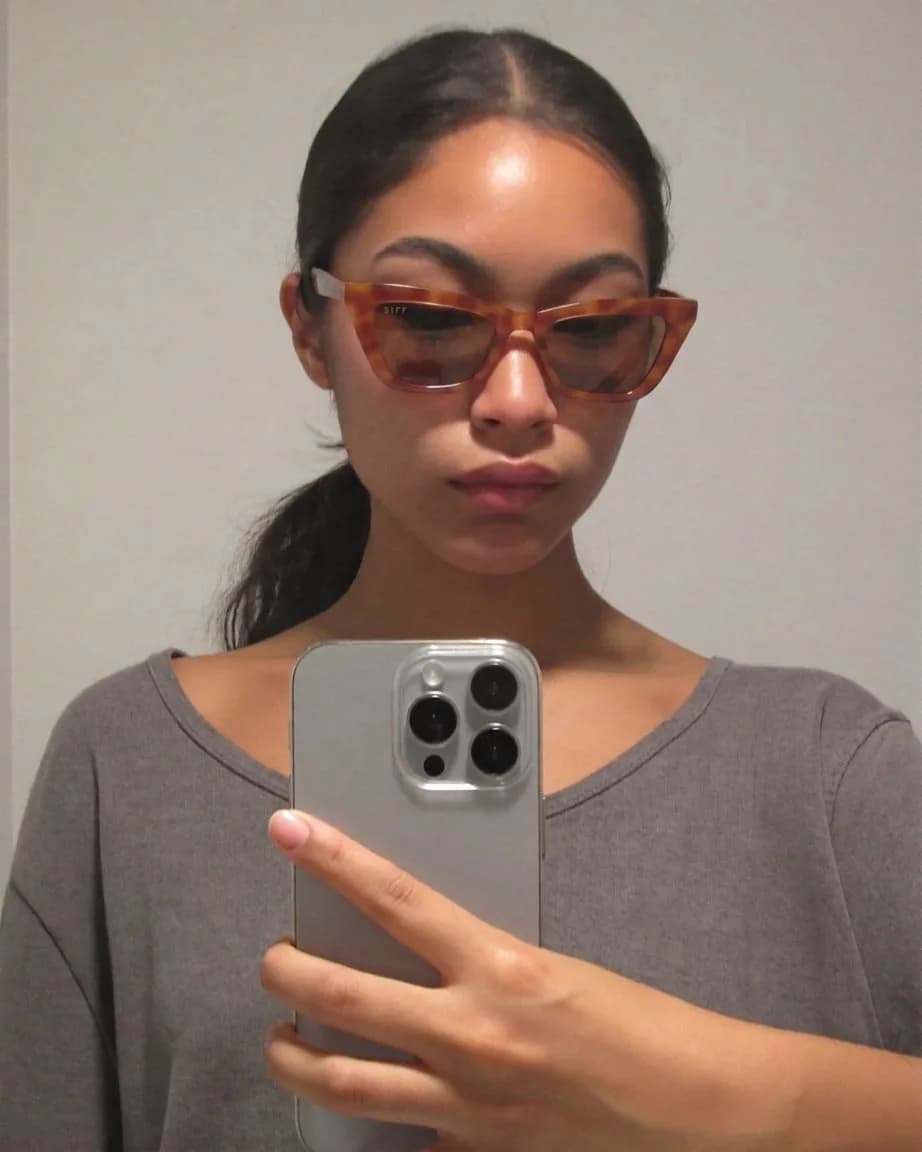
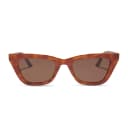
Product photos don't show how a frame looks on the shopper's face
A frame that looks good in a studio photo can look very different on a specific face. Product photos and model shots can't show shoppers how the frame looks on them, so many hesitate or send the order back.
- Studio photos show the frame on its own or on a model
- A model's face shape is different from the shopper's
- Genlook shows the frame on the shopper's own photo in under 10 seconds
Genlook900+
fashion stores use Genlook
5.0
rating on the Shopify App Store
8.2s
median time per try-on
Aviator to cat-eye
frame shapes supported
Try-on for aviator, round, cat-eye and other frame shapes
Oversized acetate and thin metal frames look different on a face. The try-on keeps the shape, thickness and color of each frame.
How Genlook renders frames and lenses
Follows the angle of the face
The frame follows the angle of the shopper's face and the lighting in their photo.
Lens tints and coatings are kept
Tints, gradients and mirrored coatings carry over from the product photo, so sunglasses keep their look.
One photo for every frame
Shoppers reuse their photo across the store, so comparing several frames takes a few clicks.
Works from your product photos
Upload your standard product photos. Genlook extracts the frame automatically, with no setup per product.
Where stores use try-on
Product pages
Shoppers see how the frame looks on their own face, next to the add-to-cart button.
Style comparison
Shoppers compare acetate, metal, cat-eye and aviator frames on their own face instead of a model's.
Frame launches
Link launch emails to product pages with try-on so shoppers can see new frames on themselves.
Why eyewear shoppers hesitate online
Roughly two-thirds of online eyewear returns come down to fit, and 47% of shoppers don't have their measurements at hand when buying. Studio photography shows the frame on its own or on a model, so shoppers can't see how it looks on their own face.
Genlook shows the frame on the shopper's own photo: its shape, color and thickness next to their features. It doesn't measure the face, so keep frame, lens and bridge measurements on the product page for sizing. It works for optical and sun frames. The live demo shows how frames and lens coatings render, and what virtual try-on is covers the underlying technology.
Frequently asked questions
Do I need 3D models of my frames?
No. AR eyewear apps usually need a 3D model of every frame. Genlook generates the try-on from the frame photos you already have, so a new frame can be tried on as soon as it is listed.
Does it work on Shopify?
Yes. Install Genlook from the Shopify App Store and turn on the app embed. The try-on button appears next to add to cart on your eyewear product pages. Genlook also runs on WooCommerce and PrestaShop.
Do shoppers need to download an app to try frames on?
No. Genlook runs in the browser on the product page, on phones and desktops. Shoppers upload a front-facing photo or take one with their camera.
Does try-on show the exact frame size?
No. Try-on shows how the frame looks on the shopper's face: its shape, color and style. It doesn't measure the face. List frame width, lens width and bridge measurements on the product page for sizing.
Will reflective or tinted lenses render correctly?
Yes. Tints and reflections are preserved, including mirrored coatings. A clean product photo on a white background gives the best results.
Can I disable try-on on specific products?
Yes. You can turn try-on on or off per product or per collection from the dashboard, which is useful for cases and cleaning cloths.
Are shoppers' photos private?
Yes. Photos are encrypted in transit and at rest, never used to train AI models, and deleted automatically after 7 days.
What does it cost?
Genlook has a Free plan with 10 try-ons a month, and no card is required. Paid plans include more try-ons each month. Shoppers who only browse don't use any try-ons.
Available on
Or use the Try-On API for a custom store.
 PrestaShop module