Shopify
 WooCommerce
 API
APIVirtual Try-On (VTO)
Technology that lets shoppers preview how a product looks on them (or in their space) before buying.
What is virtual try-on?
Virtual try-on (VTO) is a family of technologies that let shoppers preview how a product looks on them before buying: clothing on their body, glasses on their face, a watch on their wrist. It replaces imagination with a visual answer to the question every online shopper has: "how will this look on me?"
The term covers the whole category. The shopper-facing experience built on it is usually called a virtual fitting room, and the entry point on a product page is the try-on widget.
The three main approaches
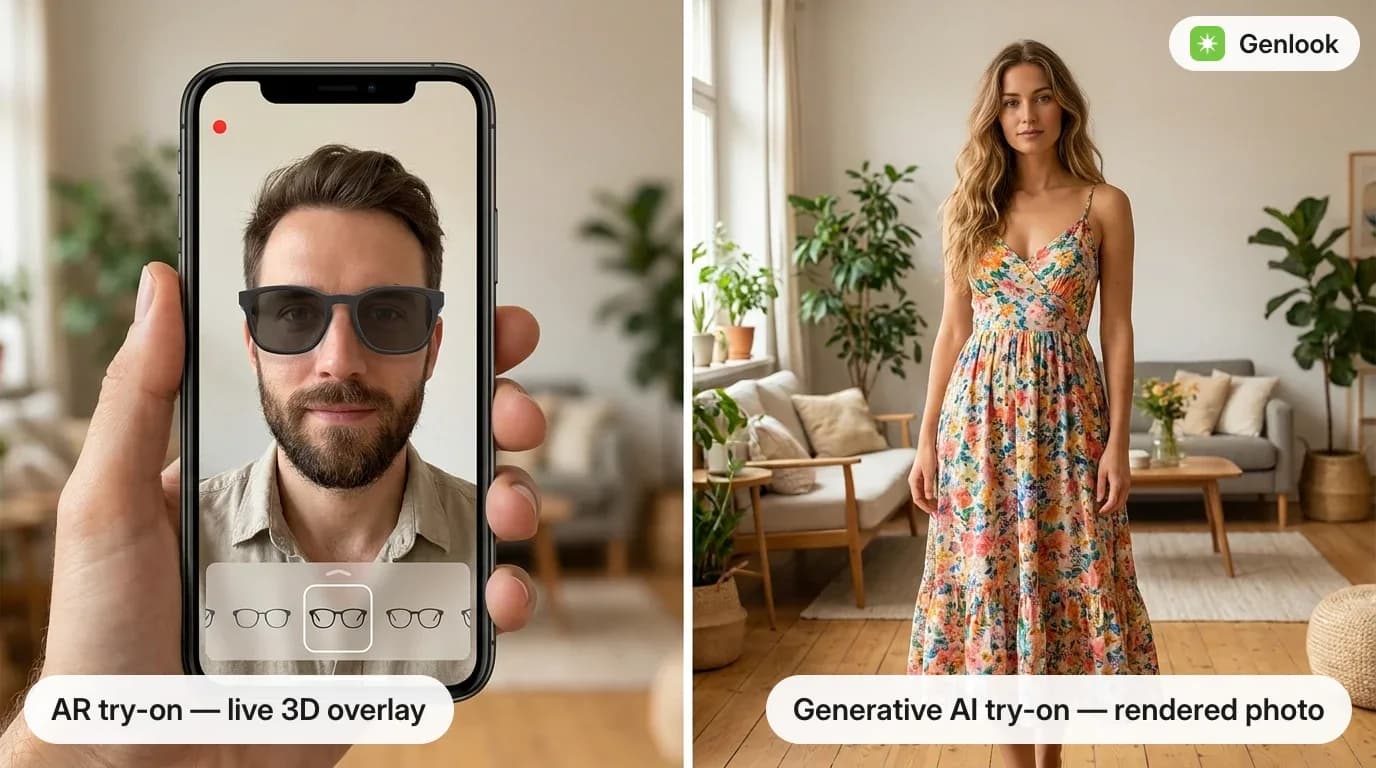
- AR try-on: a live camera overlay of a 3D product model, anchored to the face or body. Standard for rigid items such as eyewear, watches, and makeup.
- Generative AI try-on: garment transfer renders the product onto a photo of the shopper using a diffusion model. Standard for apparel, where fabric must be re-rendered per body and pose.
- Avatar-based try-on: the product is shown on a 3D body model built from the shopper's measurements. Used mainly for size guidance.
Where it's used
- Product pages: a try-on button next to add-to-cart, the most common placement.
- Marketing: try-on results shared by shoppers, or used in email and social campaigns.
- In-store: QR codes and smart mirrors bringing the same technology to physical retail.
Product coverage has expanded steadily: clothing, eyewear, jewelry, shoes, hats, wigs, handbags, and beauty are all supported by current systems.
FAQ
Questions, answered.
Is virtual try-on the same as a virtual fitting room?↓
Virtual try-on is the technology category; a virtual fitting room is the shopper-facing experience built on top of it. In everyday use the terms overlap heavily.
What does a shopper need to use virtual try-on?↓
For photo-based (generative) try-on, a single clear photo taken with any smartphone. For AR try-on, a device with a camera. No app download is required with browser-based implementations.