
 Shopify
 WooCommerce
OFFICIAL PRESTASHOP MODULE
Virtual try-on for PrestaShop.
Genlook is a PrestaShop module that adds a try-on button to your product pages. It works with your current theme and your existing catalog images, and you set it up from the back office.


 6.2s
6.2s
Used by 900+ fashion stores
★★★★★5.0on the Shopify App Store







01 · How it works on PrestaShop
A PrestaShop module for versions 8 and 9.
Installed from Module Manager
Genlook uses standard PrestaShop hooks to add the button to your existing theme. It works with PrestaShop 8 and 9.
Uses your product photos
Genlook generates try-ons from the catalog images you already have. You don't need 3D models or new photos.
Works on mobile
The try-on works in the mobile browser, and shoppers don't need to install an app.
Private by default
Shopper photos are encrypted, deleted automatically after 7 days and never used to train AI models.
02 · On your products
Works with the products in your catalog.
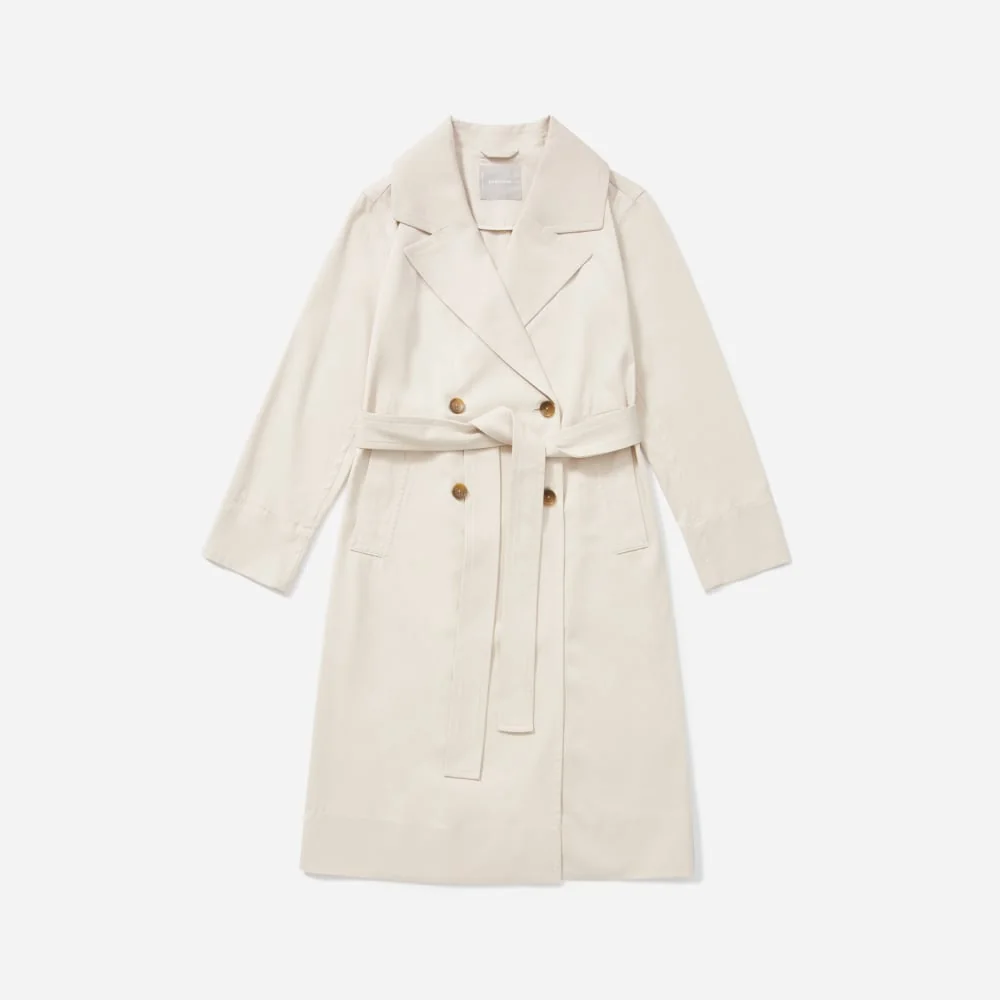
Try-ons are generated from your standard PrestaShop catalog images. You don't need new photography.

































What the dashboard compares
yourstore.com · PrestaShop
Conversion, shoppers who tried on
your data
Conversion, shoppers who didn't
your data
Revenue from orders placed after a try-on
your data
03 · Analytics
See how try-on affects your sales.
Genlook tracks each try-on through to the order. You can compare conversion for shoppers who tried on with those who didn't, see which products get tried on most, and collect emails for your campaigns.
8.2s
median time per try-on
5.0
rating on the Shopify App Store
Reviews from fashion stores.
“The app is very easy to integrate. Value for money. The best part is the AI model generates quite accurate results. The Try-on images that are genrated look very real and our customers are very happy with this feature.”
Sanaulla International
United Arab Emirates · ★★★★★
“This is a fabulous App. We have been super pleased with our customers response and have definitely been getting it to more than just pay for itself. We had a few issues at the start and Thibaut from Genlook came onto the Site remotely and sorted the issue out to get us going. Since then we have never looked back. A must App for fast, forward looking fashion Companies.”
Pia Rossini Retail
United Kingdom · ★★★★★
“A perfect experience with a very helpful and responsive team.”
SARA ELEMARY
Egypt · ★★★★★
04 · Under the hood
What the module does on your site.
Genlook is a standard PrestaShop module, installed from Module Manager like any other. It adds the button through PrestaShop 8 and 9 hooks, without theme edits or override files to maintain across updates. The try-on uses the product combination the shopper selected and adds to cart through PrestaShop's own cart, so checkout, carriers and vouchers work as before. The widget follows your store's language switcher, which helps stores that sell into several European markets.
The AI runs on Genlook's servers and your site serves one deferred script. Shopper photos are stored on our side, encrypted, deleted after 7 days and never used to train AI models. They never enter your PrestaShop database. You manage product coverage, widget design, email capture and per-shopper limits from the Genlook menu in your back office. Billing and analytics are in the Genlook dashboard.
Not on PrestaShop?
Shopify app →WooCommerce plugin →Try-On API →Or use the Try-On API for a custom store.
05 · FAQ
Questions from PrestaShop stores.
How do I install the PrestaShop module?↓
Create a free Genlook account and add a PrestaShop store. Then upload the module zip in Modules → Module Manager, open the Genlook menu, connect your store and turn on try-on for your products. Setup usually takes about 10 minutes.
Which PrestaShop versions are supported?↓
PrestaShop 8.0 and later, including PrestaShop 9, with PHP 8.1 or later. For PrestaShop 1.7, you can use the Try-On API instead.
Does it work with my PrestaShop theme?↓
Yes. Genlook uses standard PrestaShop hooks, so the try-on button fits into your existing theme and picks up its styles. This includes Classic, Hummingbird and custom themes.
Will it slow my site down?↓
Genlook loads one deferred script from our CDN, and the AI runs on our servers instead of your hosting, so the impact on page speed is small.
Do I need 3D models of my products?↓
No. Genlook works from your existing product photos.
What does try-on cost?↓
The Free plan includes 10 try-ons a month, with no card required. Paid plans include more try-ons each month. You only use try-ons when a shopper generates one.
Add virtual try-on to your PrestaShop store.
The Free plan includes 10 try-ons a month. Upload the module and set it up from your back office.