
 Shopify
 WooCommerce
Categories
Virtual try-on for every category
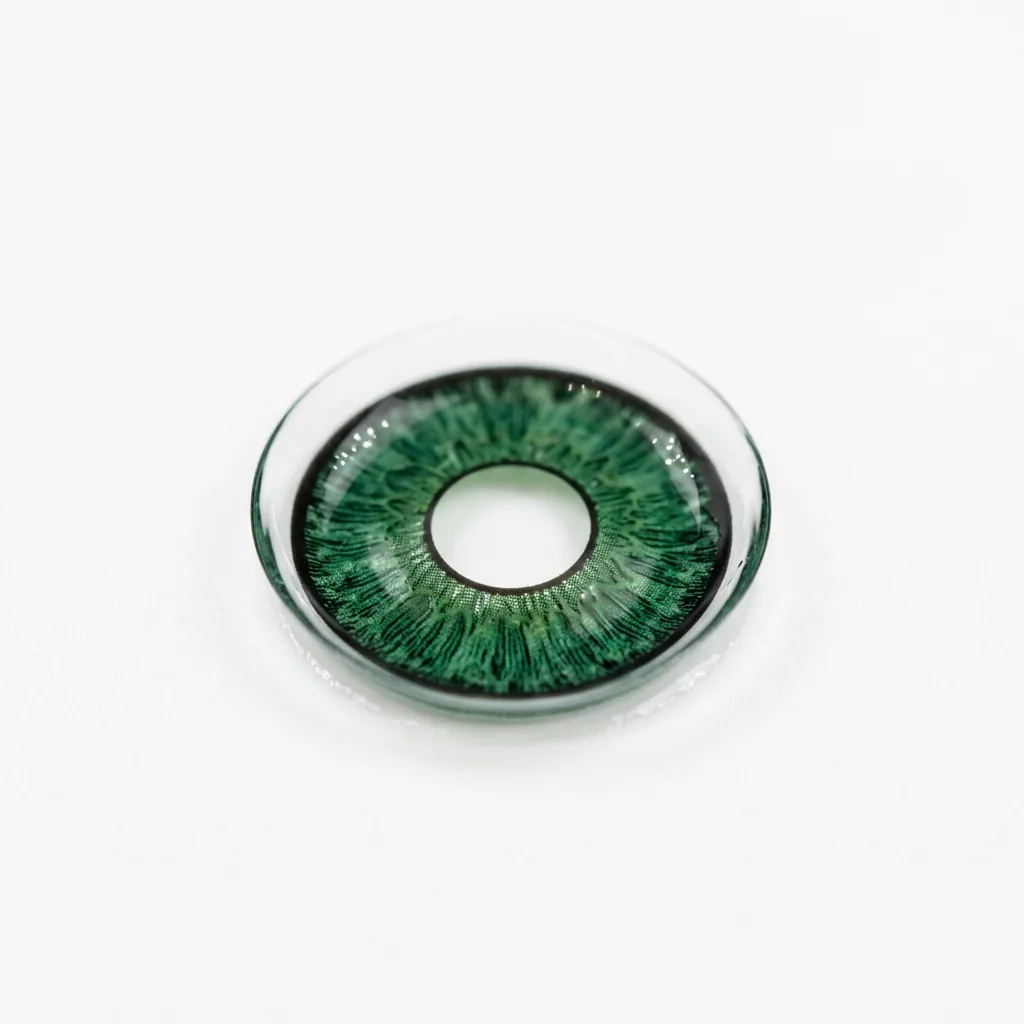
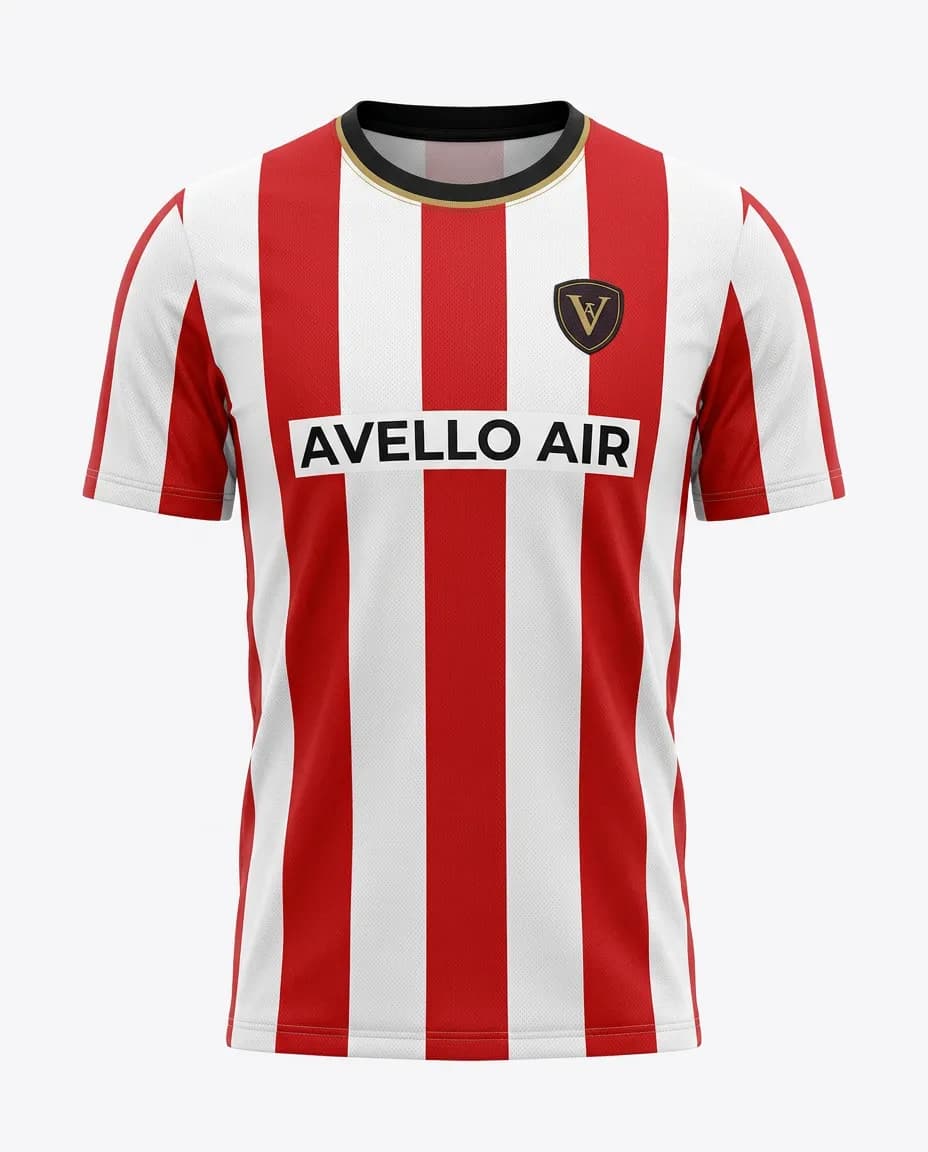
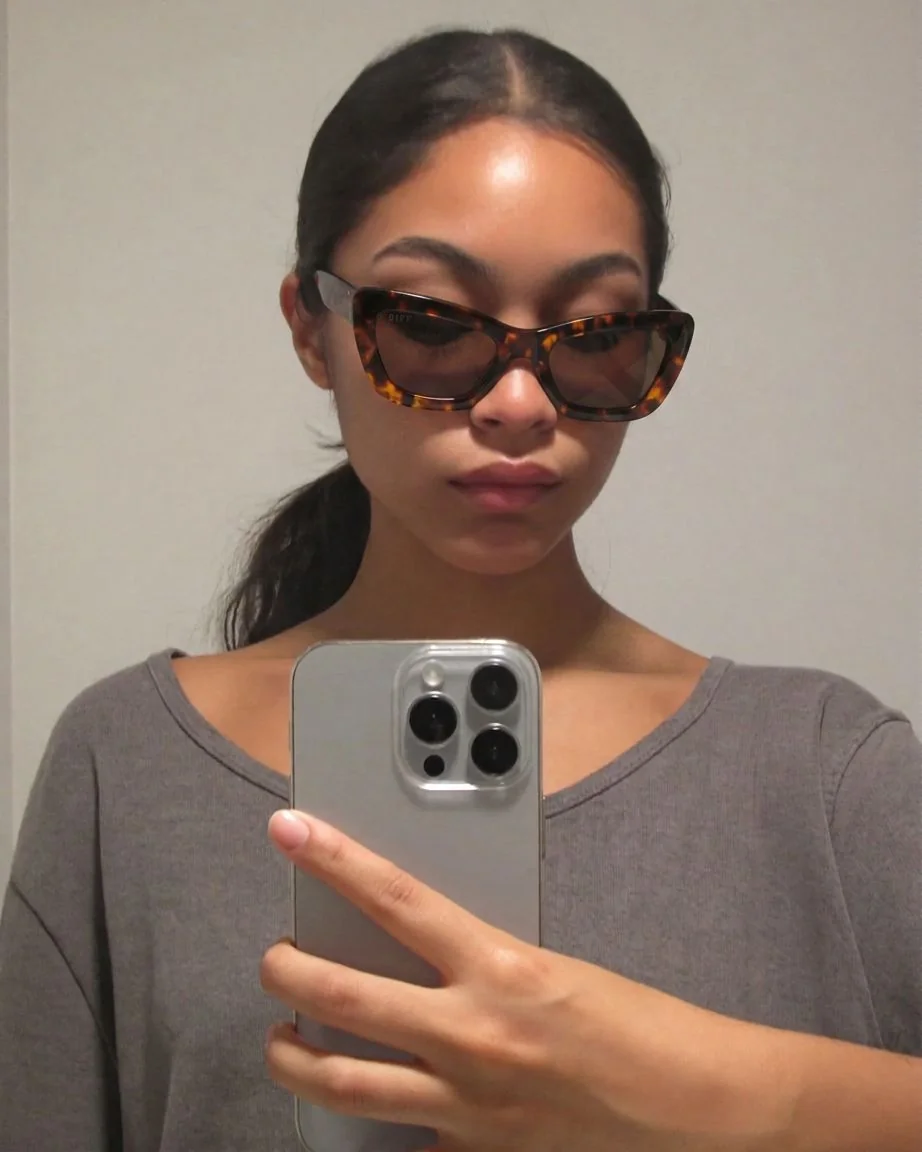
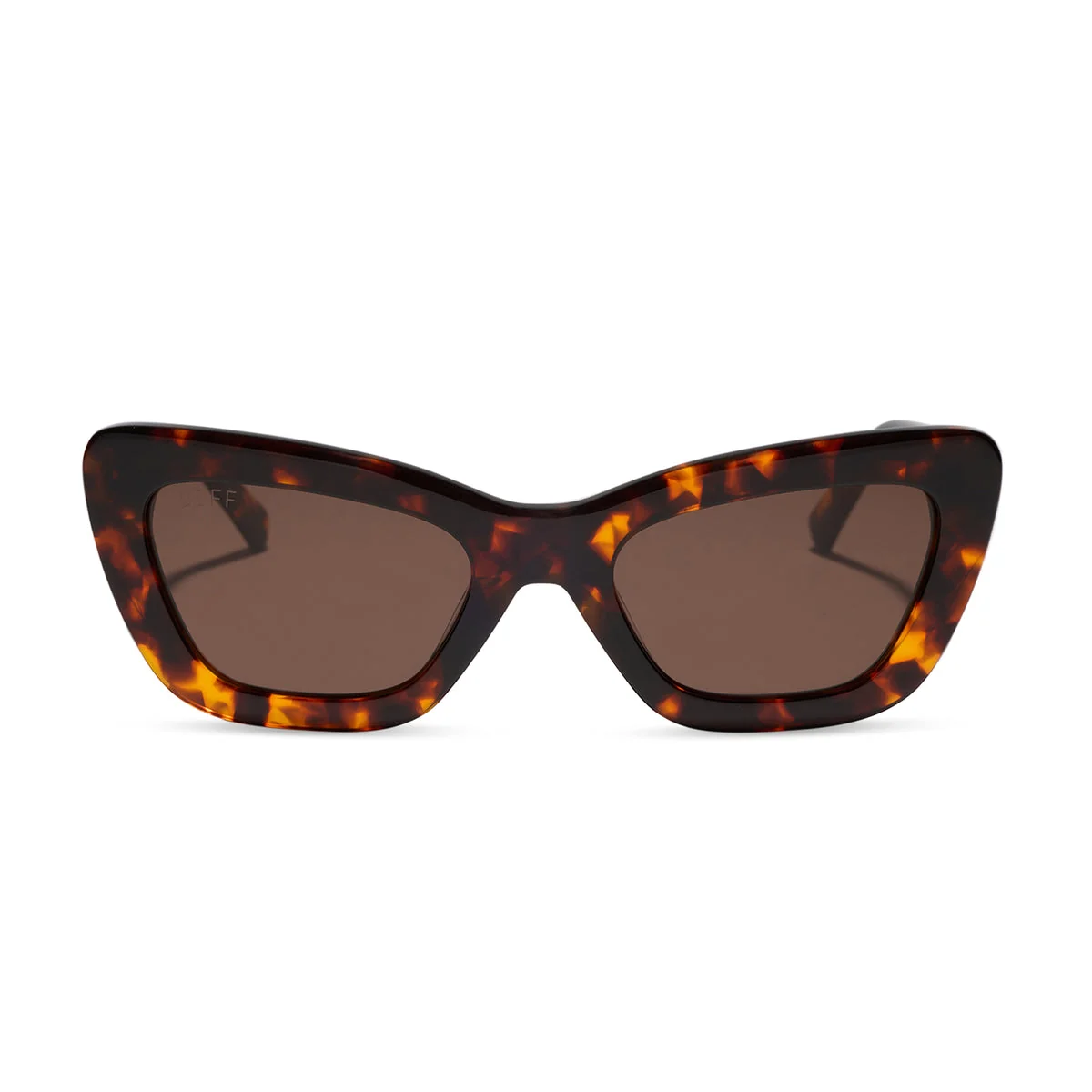
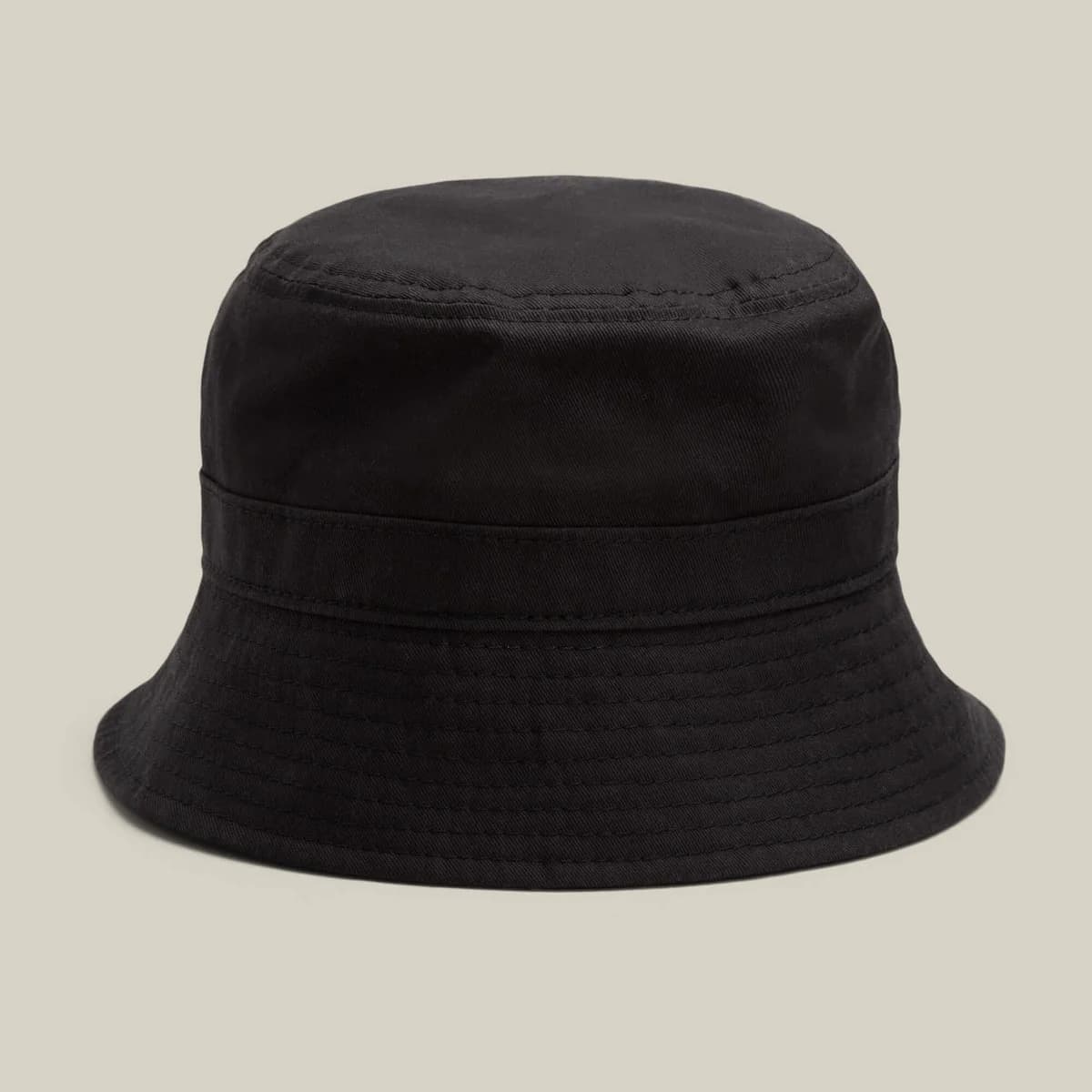
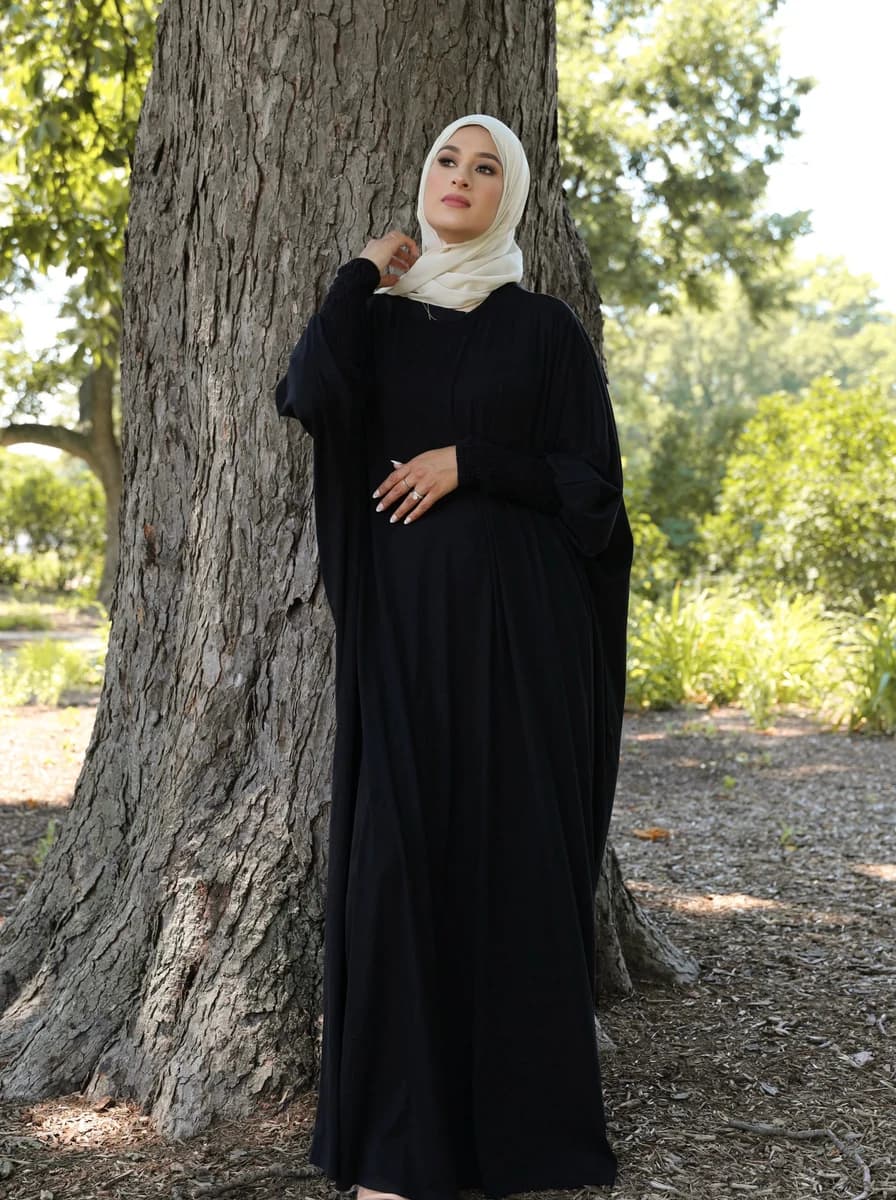
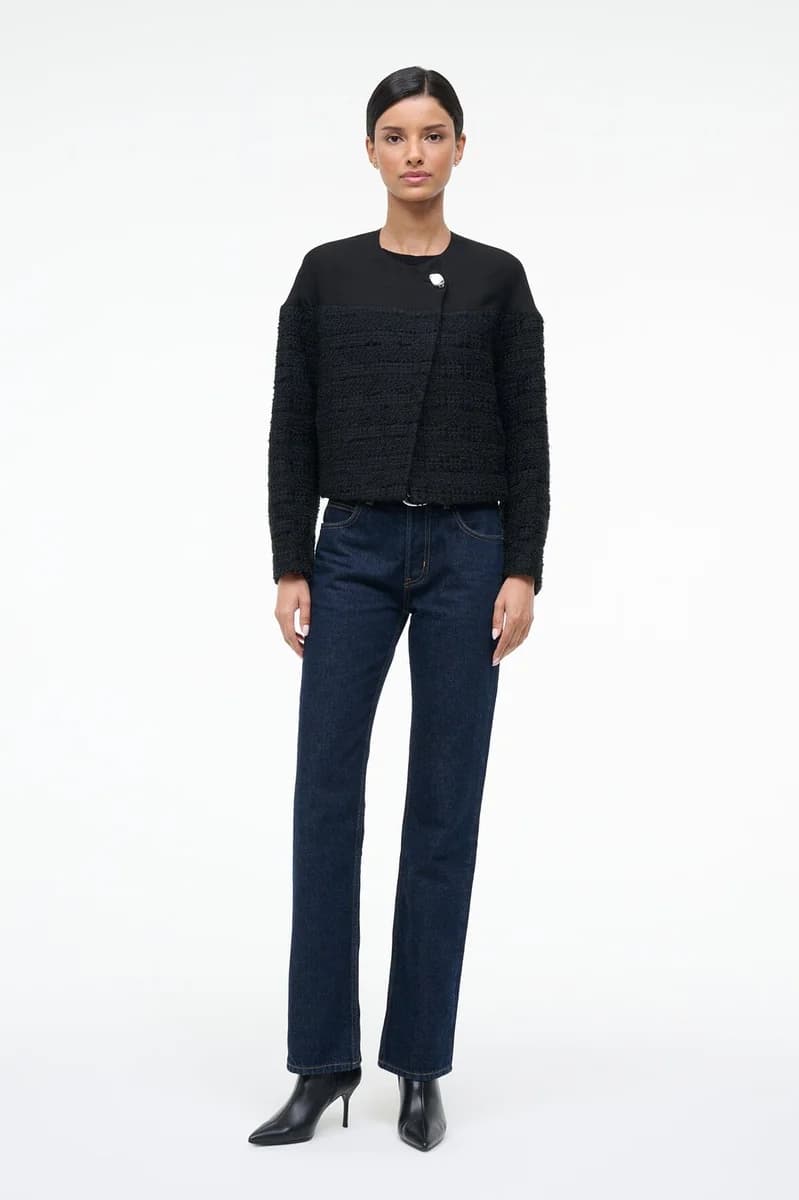
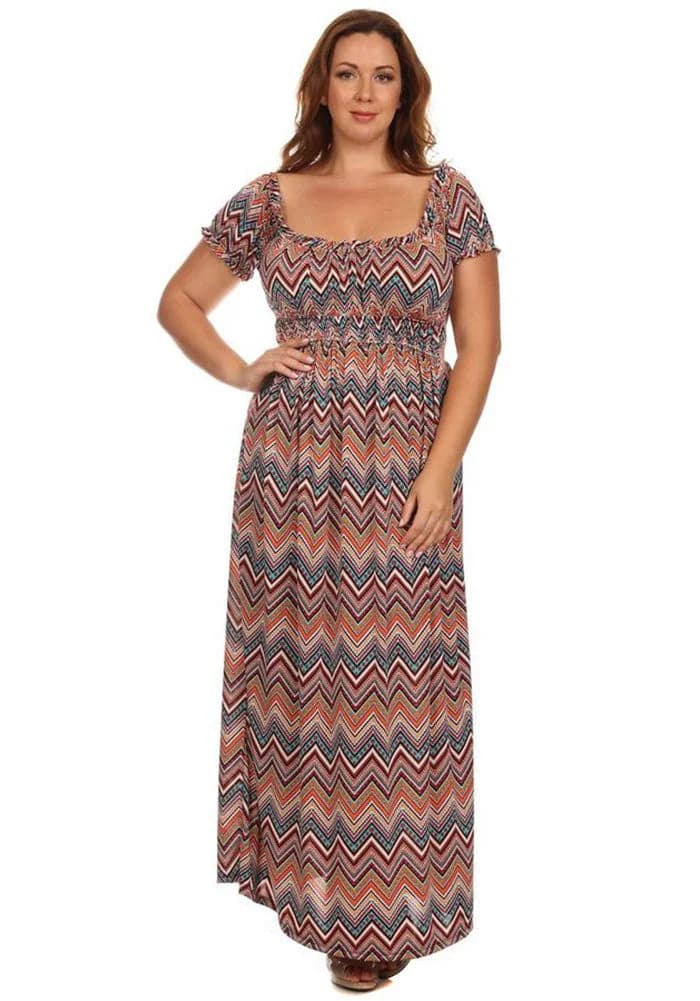
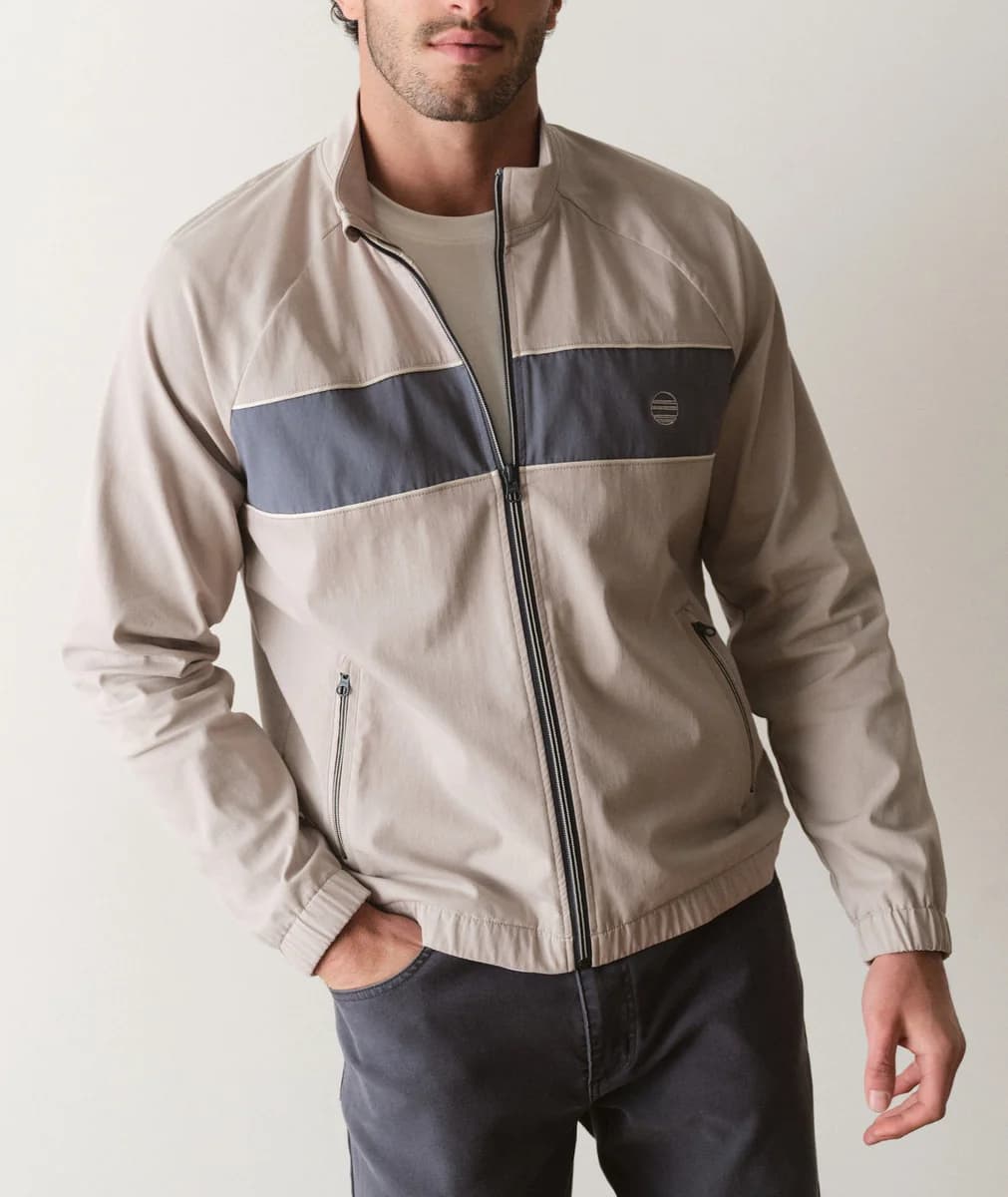
Genlook's virtual try-on engine supports every fashion category, from dresses to eyewear to wigs.


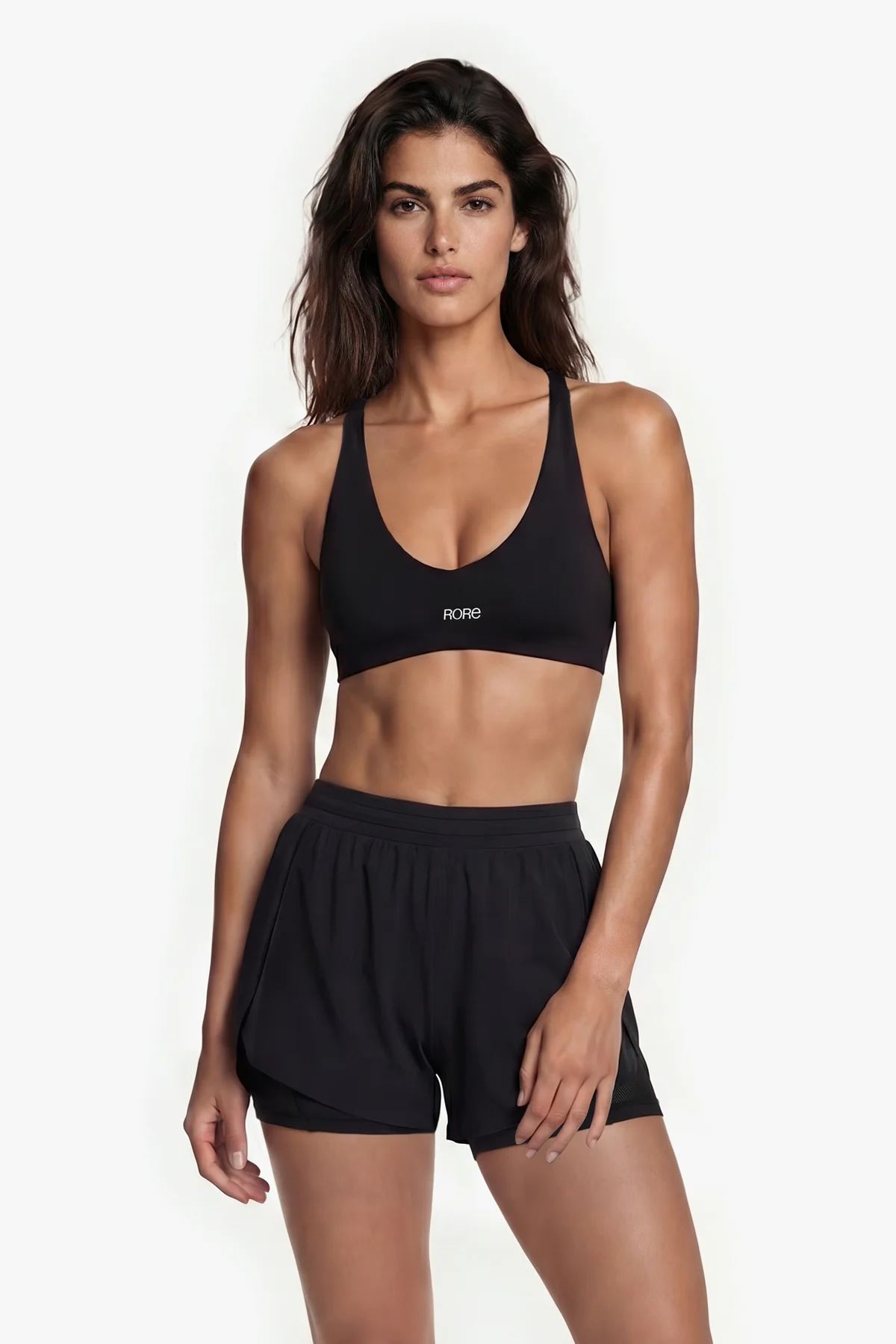


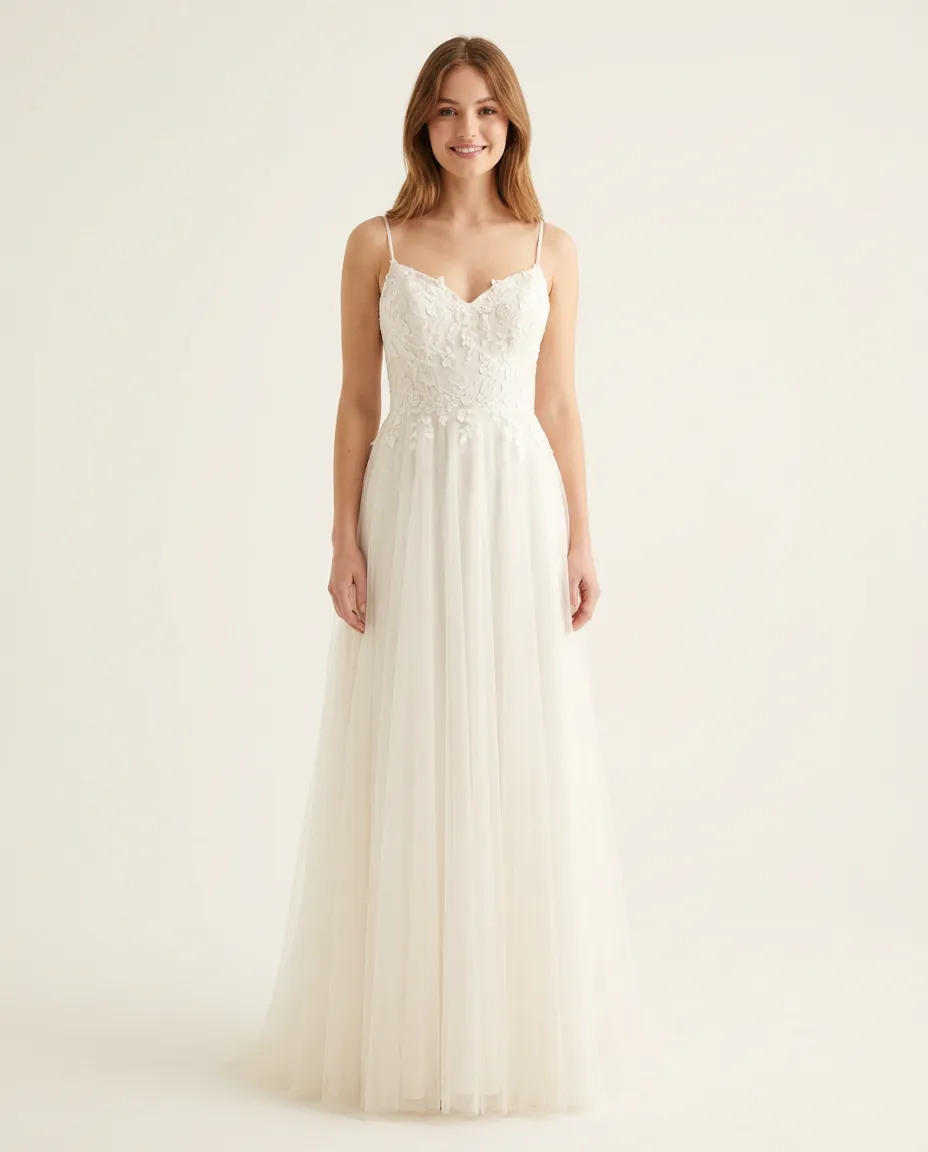

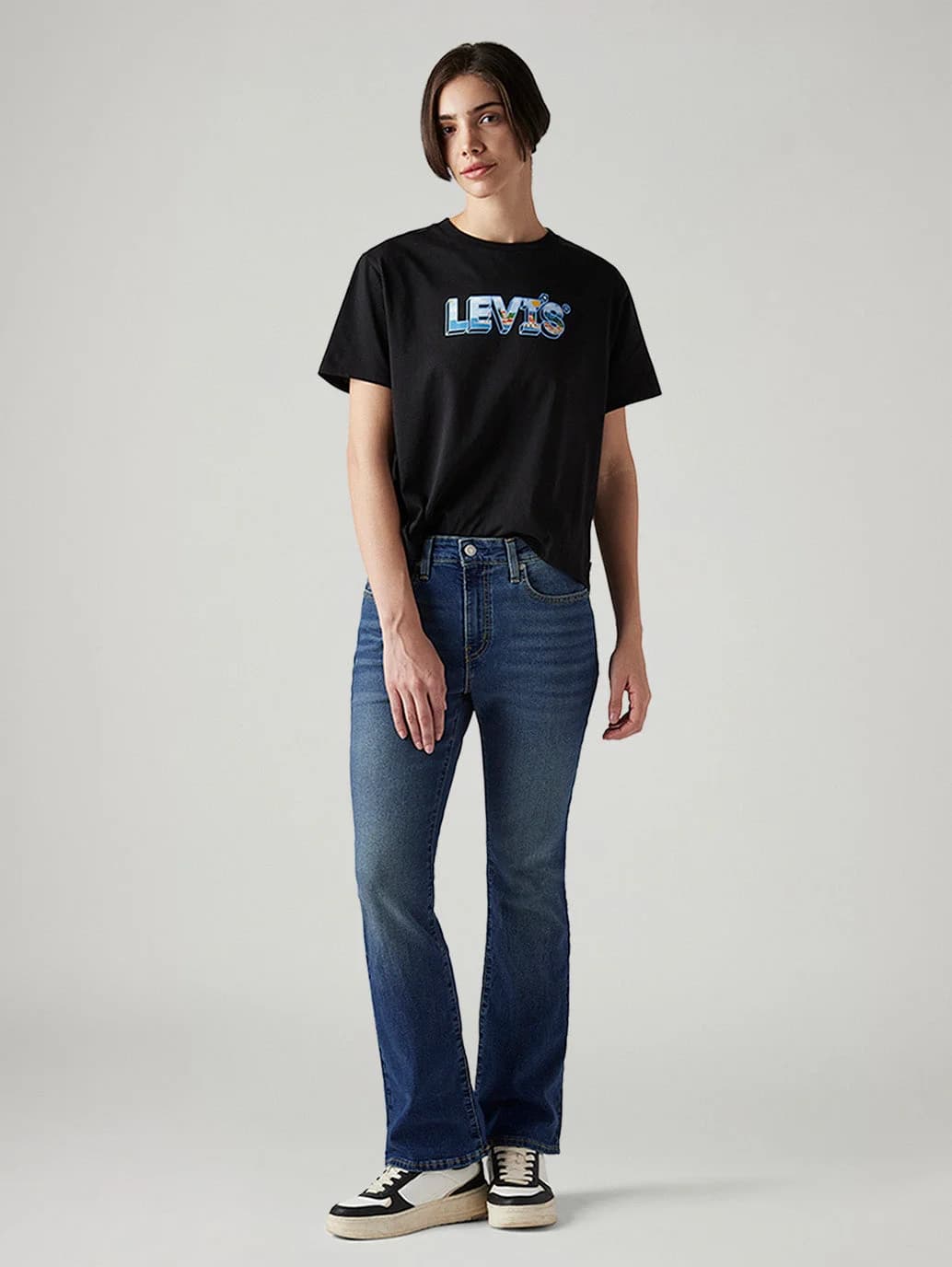


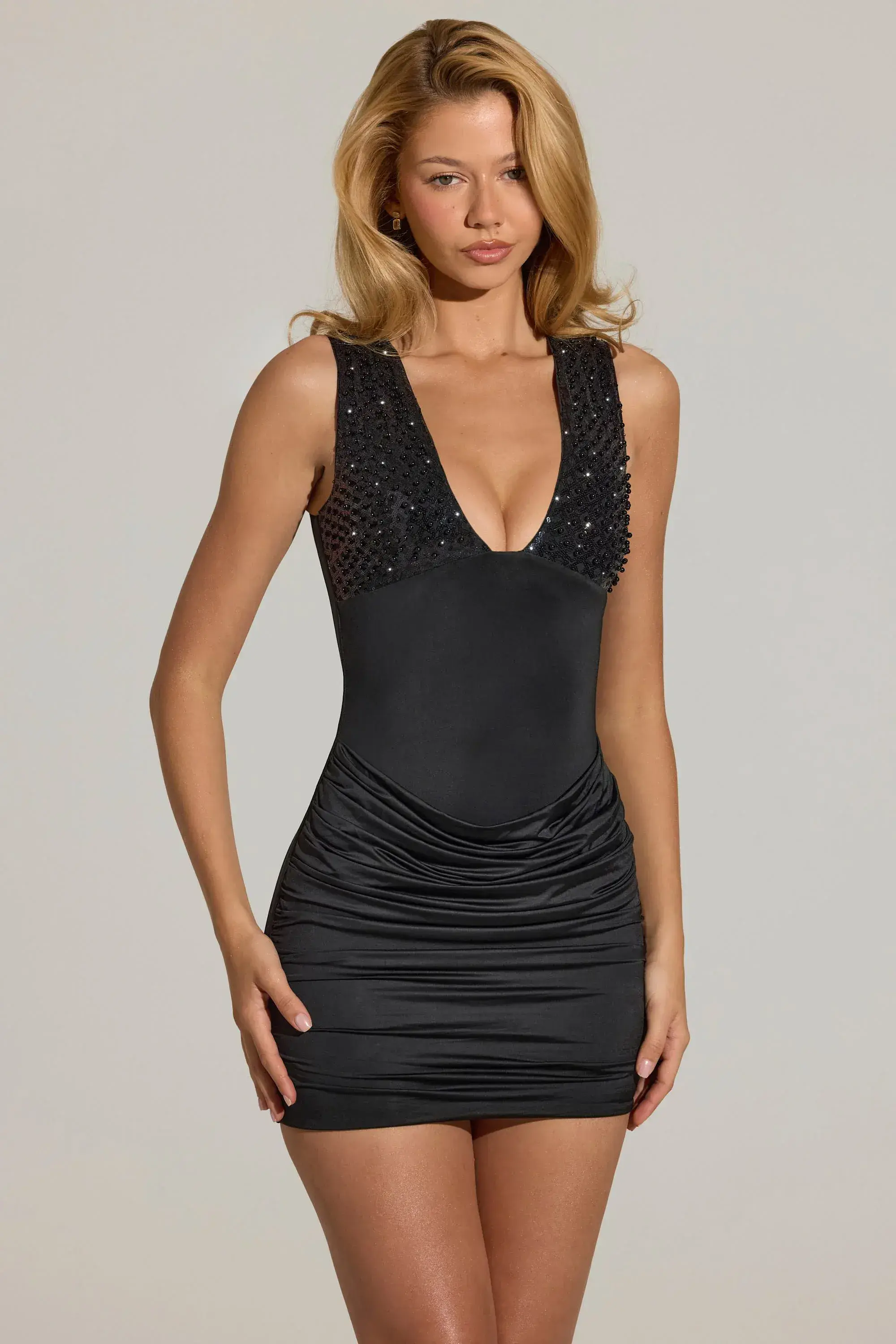

























How it works
The same try-on works for every category.
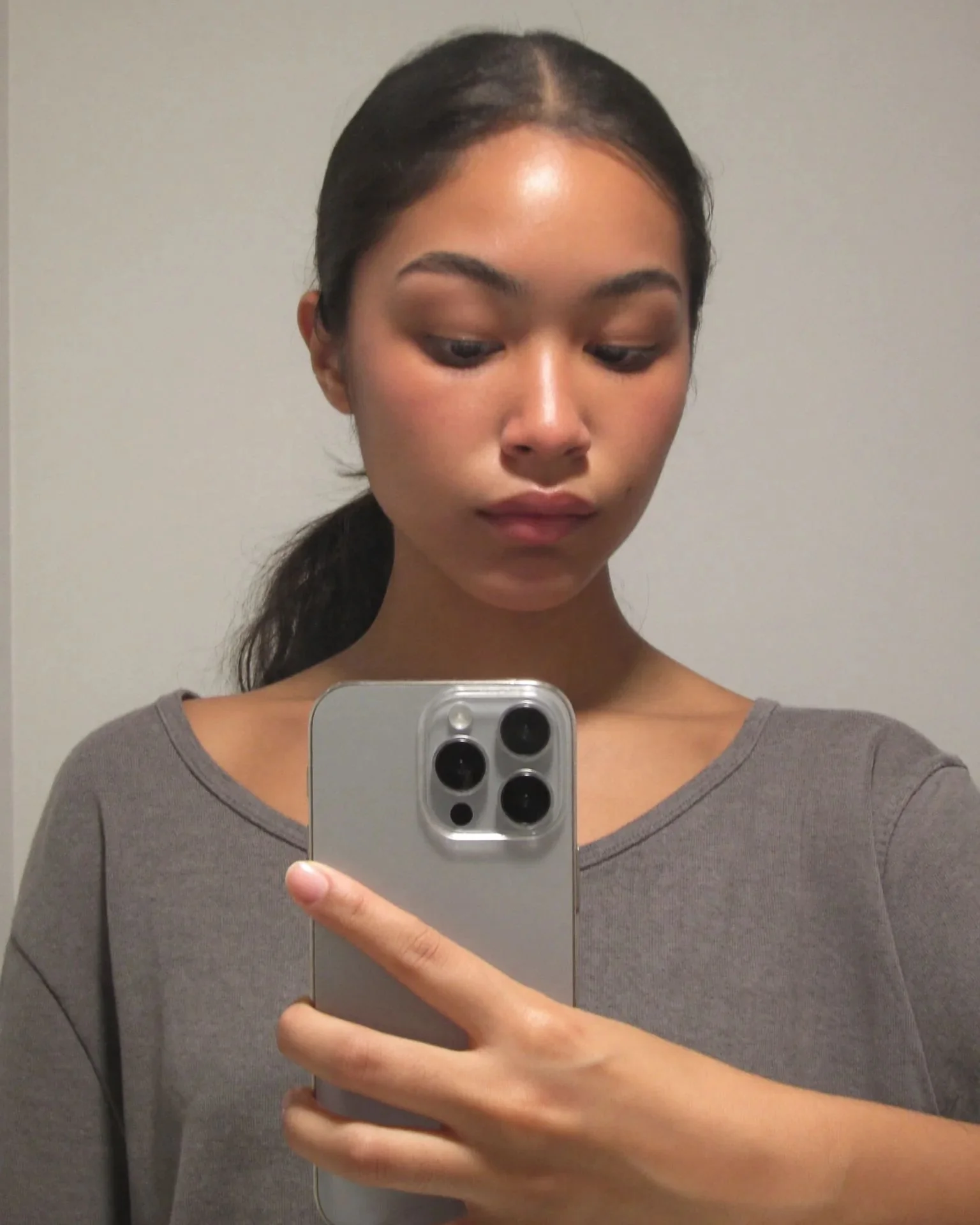
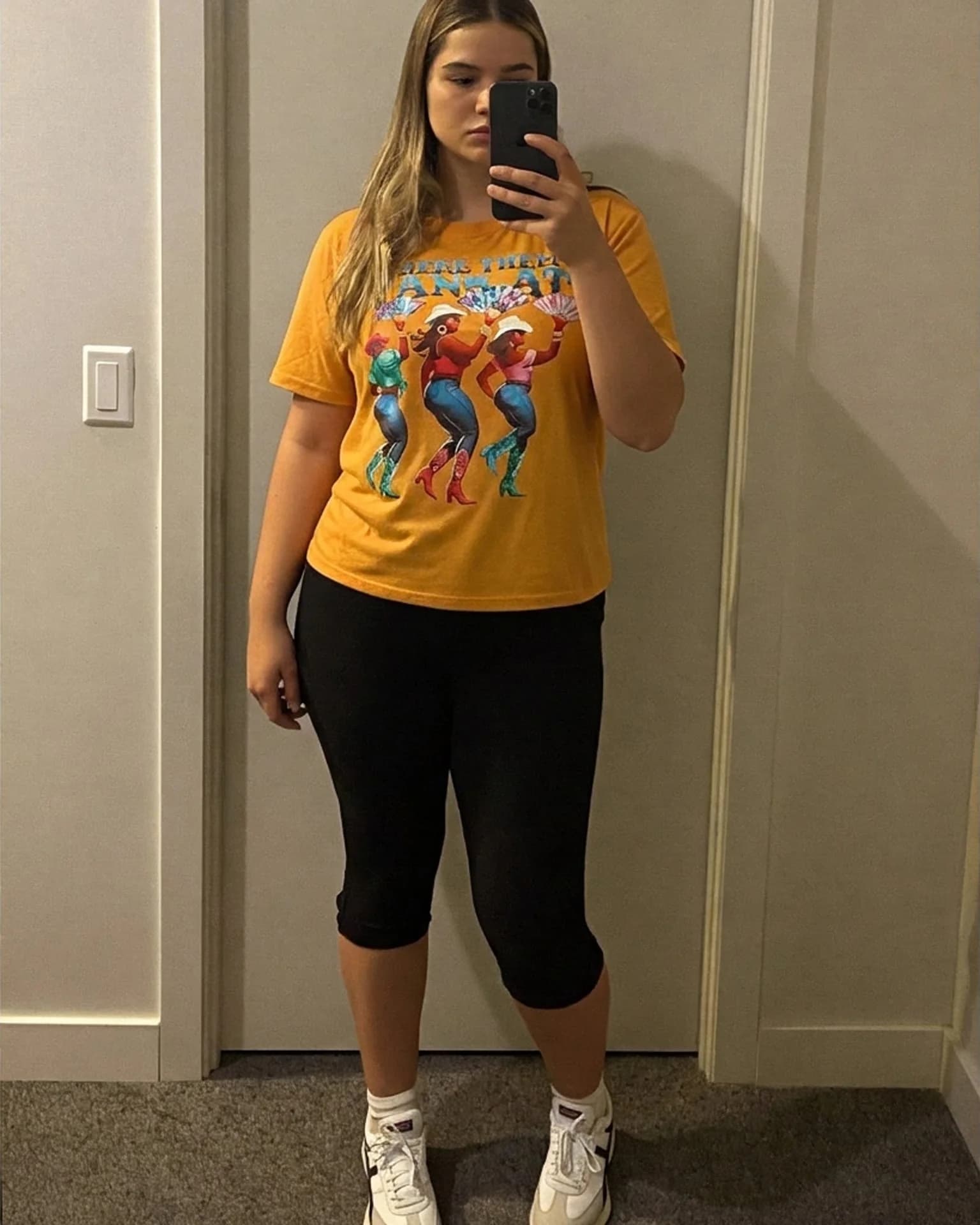
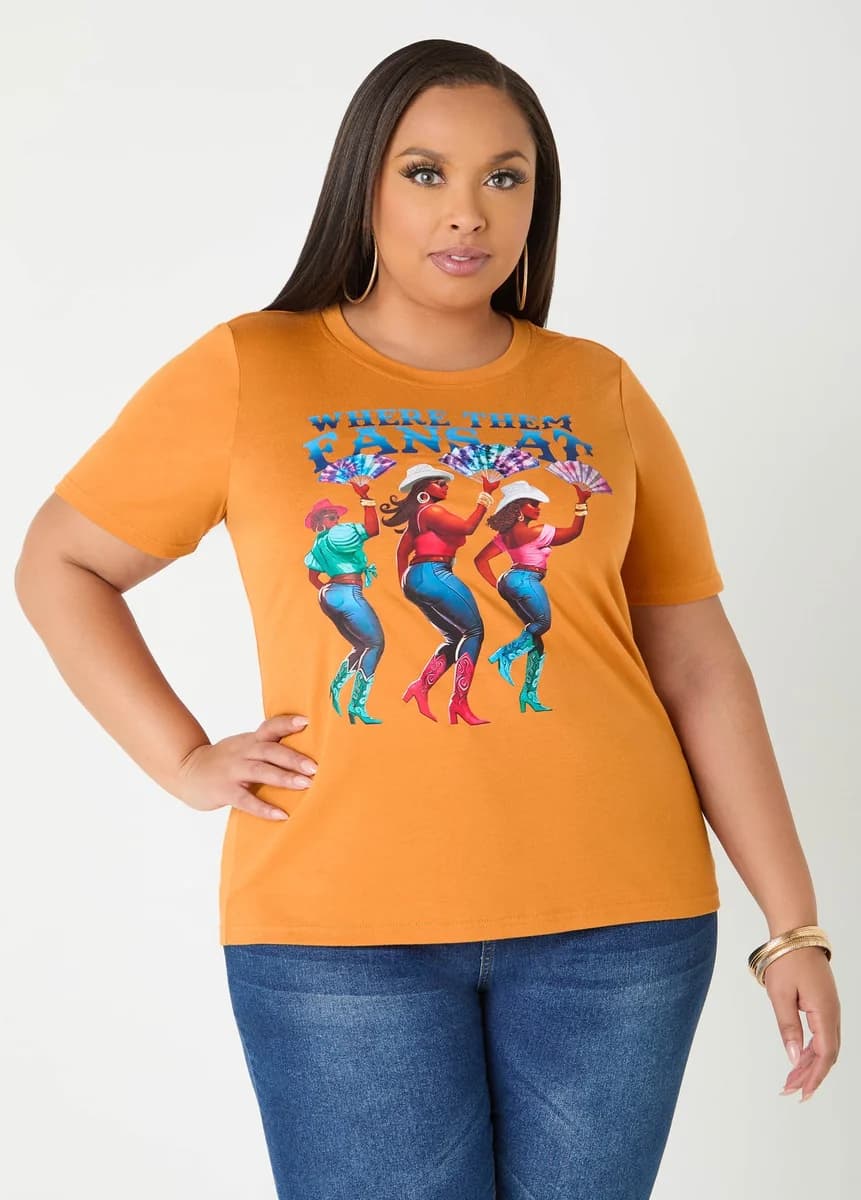
All the categories above use the same try-on. The shopper uploads one photo, and their face, body and pose stay as they are while the product changes. Shoppers don't need to enter any measurements.
The median generation time is 8.2 seconds, and the result appears on the product page.
Your category isn't listed? Get started
Details
How different products are shown.
Genlook keeps the details that matter for each garment, such as the drape and hemline of a dress, the shoulder line of a blazer, or the rise and leg shape of jeans. Shoppers can then judge the style and proportions on their own photo.
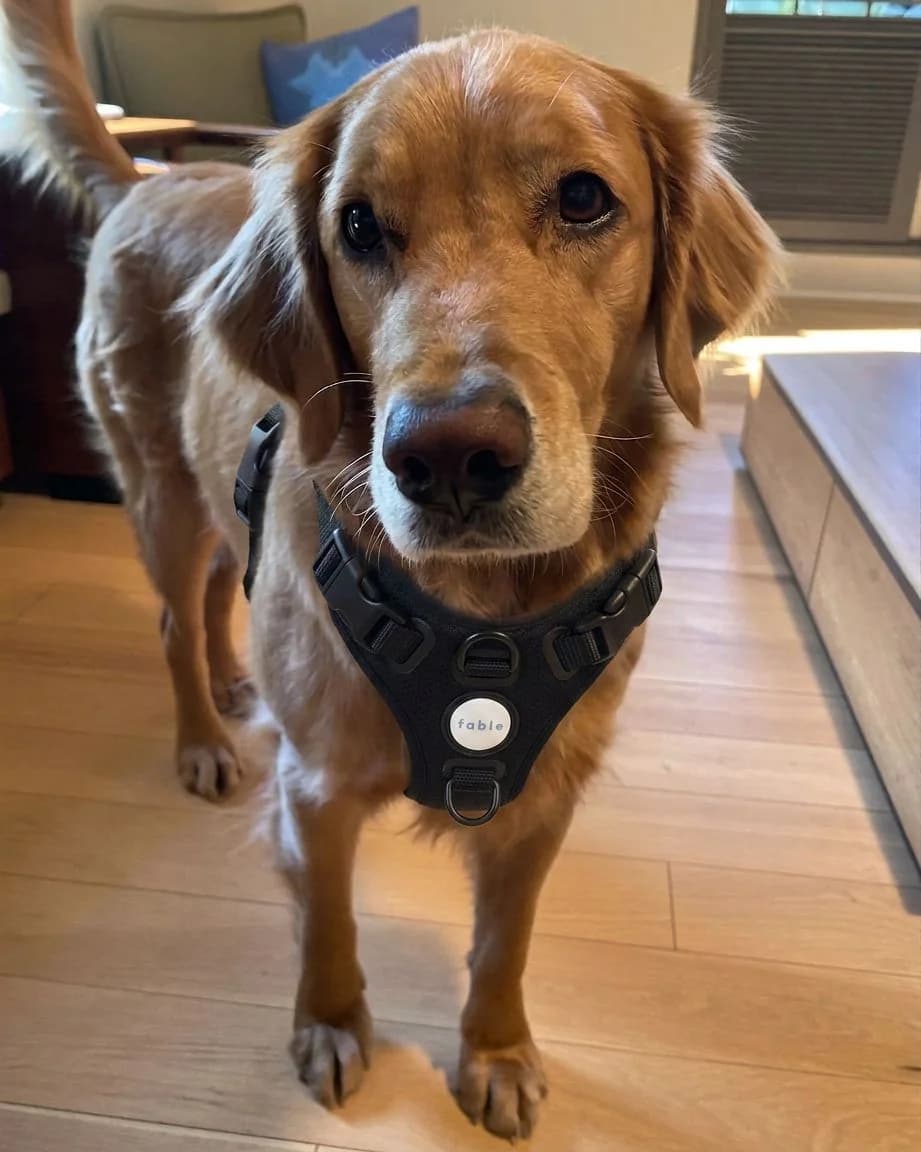
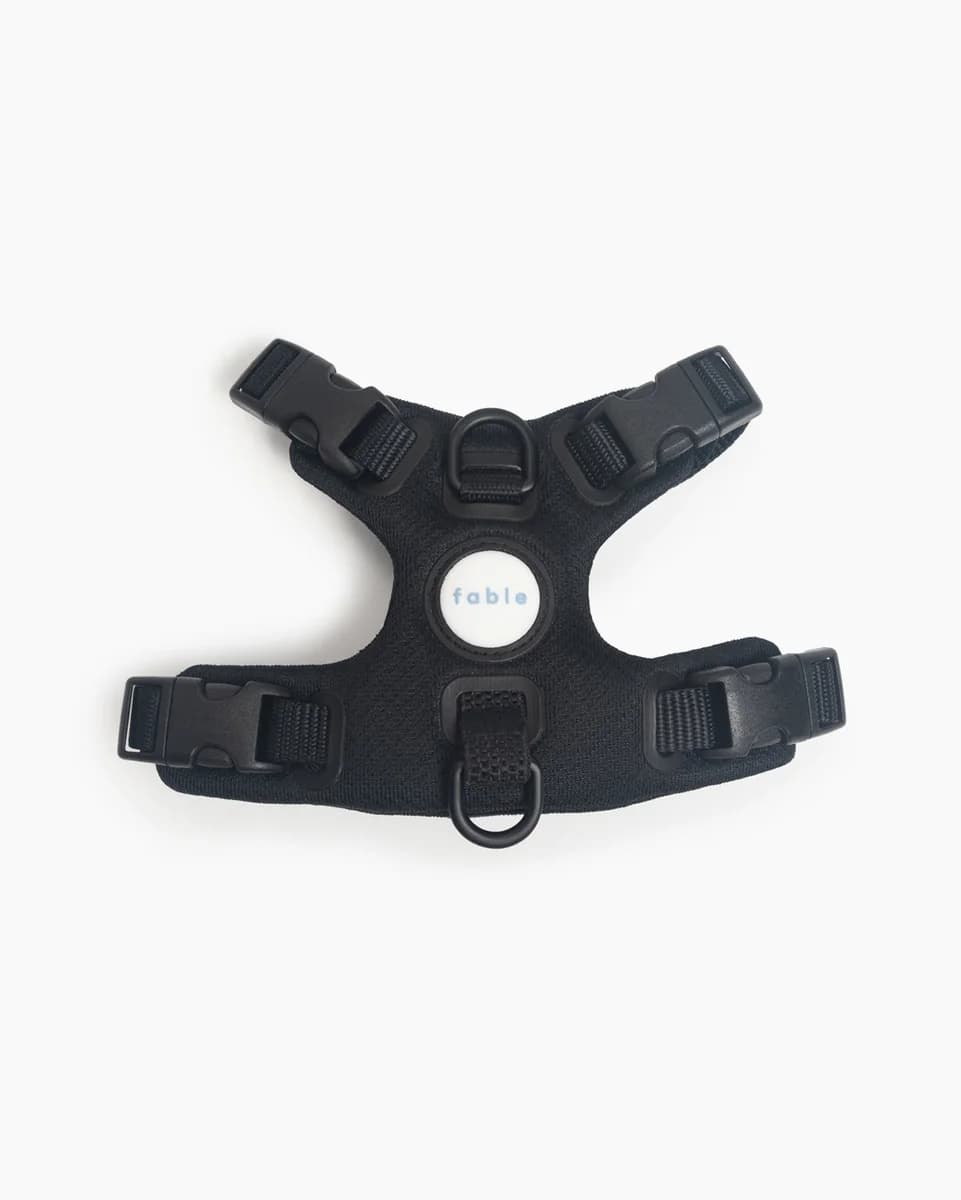
Glasses, hats, wigs and colored lenses are shown on the shopper's face, and the rest of the photo stays the same. Pet apparel works from a photo of the pet.
One store can sell several categories, for example swimwear, streetwear and eyewear, with the same widget. You don't configure anything per product type.
Try Genlook on your store.
Install Genlook on Shopify, WooCommerce or PrestaShop in a few minutes and let shoppers see products on themselves before they buy.