
 Shopify
 WooCommerce
 API
APIVirtual try-on for curve & plus-size fashion.
Genlook adds a try-on button to your product pages. Plus-size shoppers upload a photo and see your garments on their own body in under 10 seconds, instead of judging them from a photo of a model who wears a different size.
Free plan, no card needed
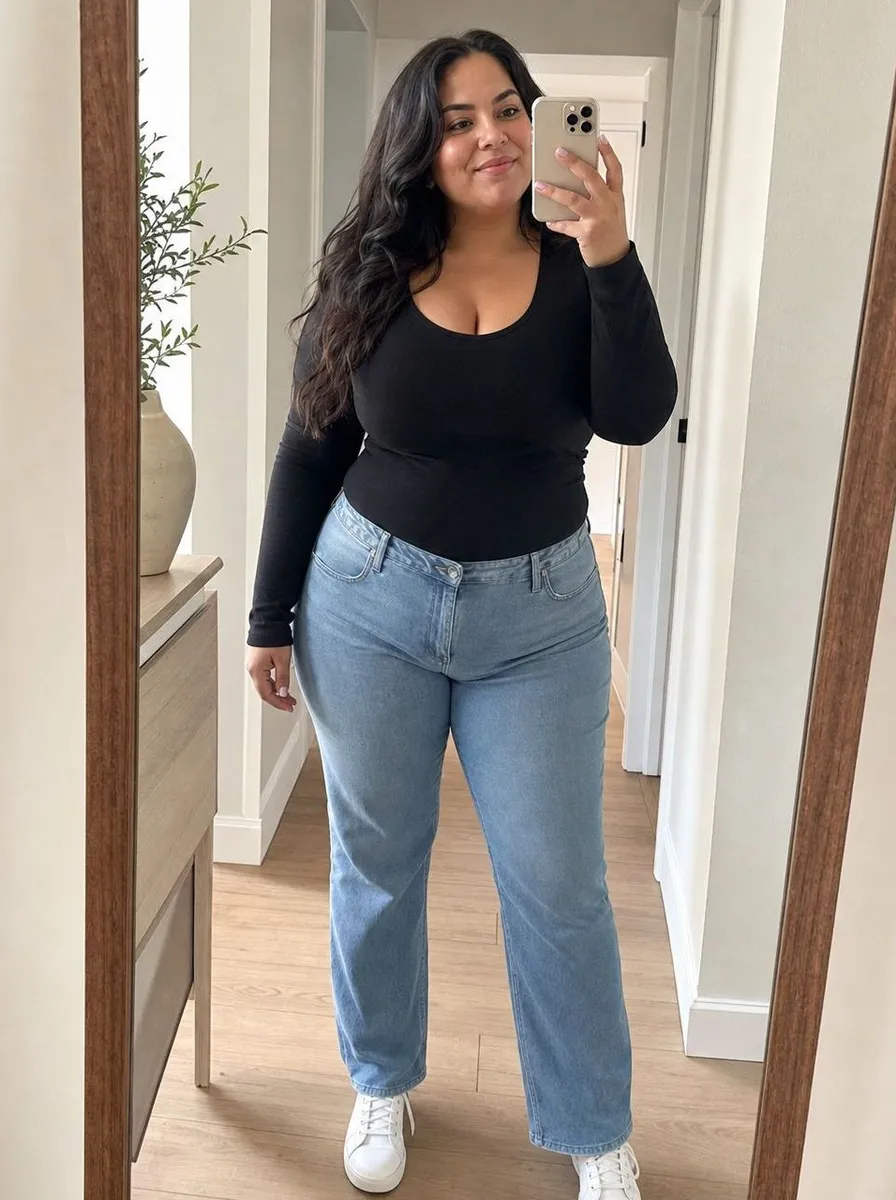
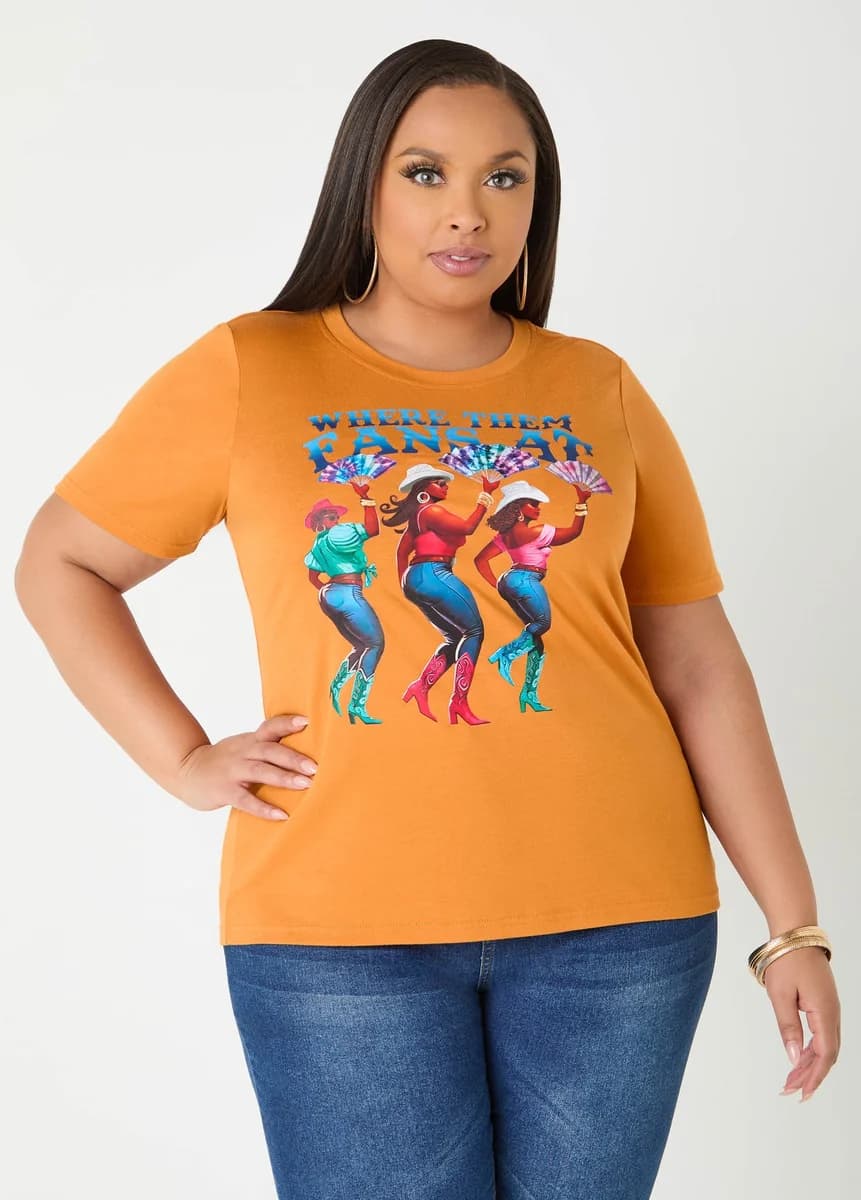
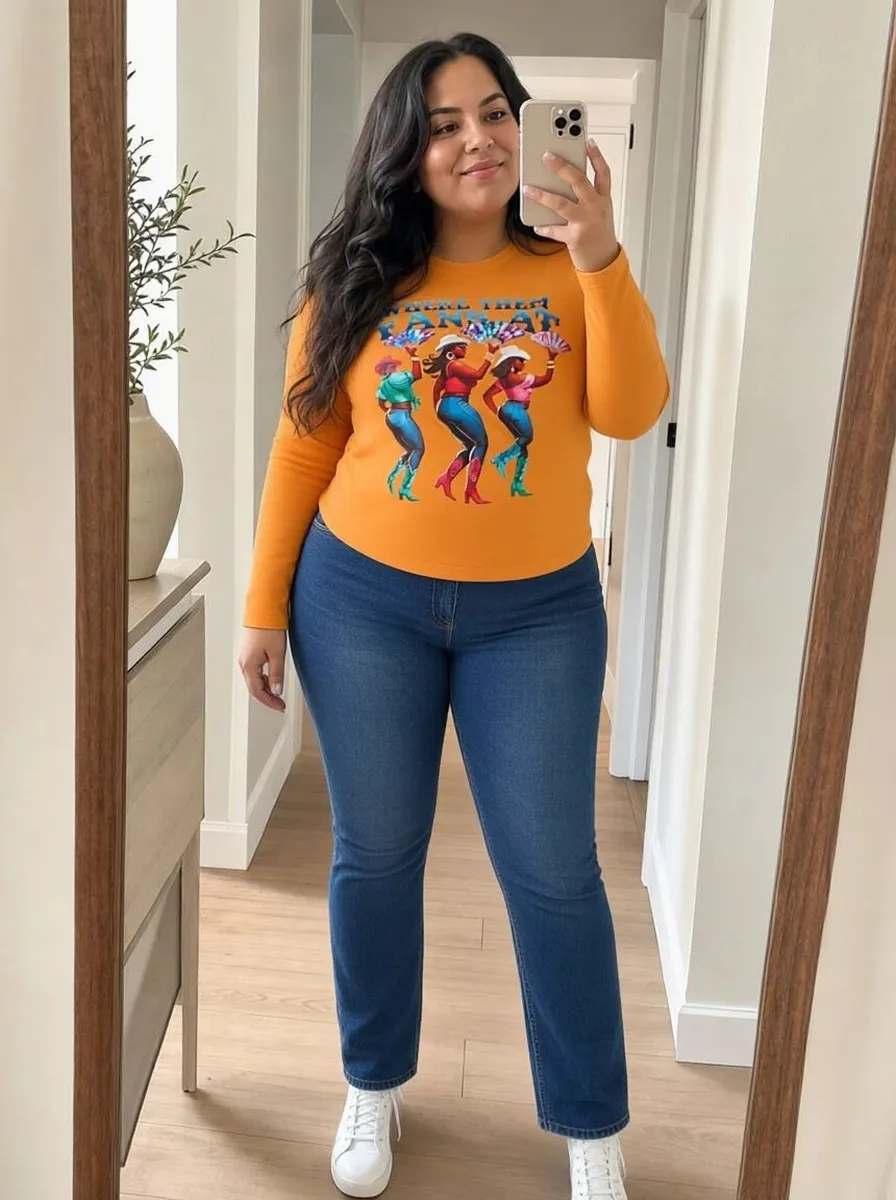 8.2 s
8.2 sFree plan, no card needed
Used by 900+ fashion stores








Example plus-size try-ons
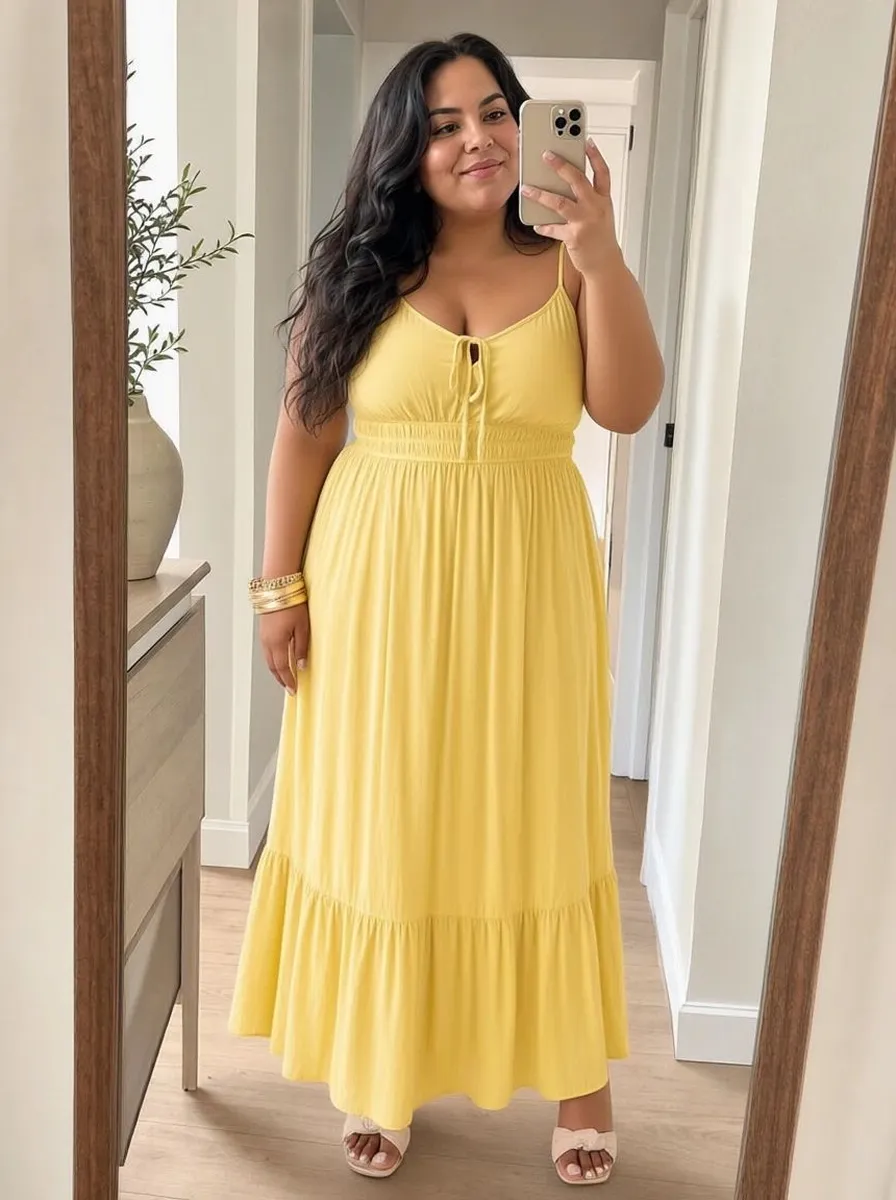
One shopper photo tried with four different pieces. Each result is shown next to the product photo it was made from.
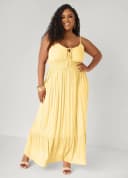
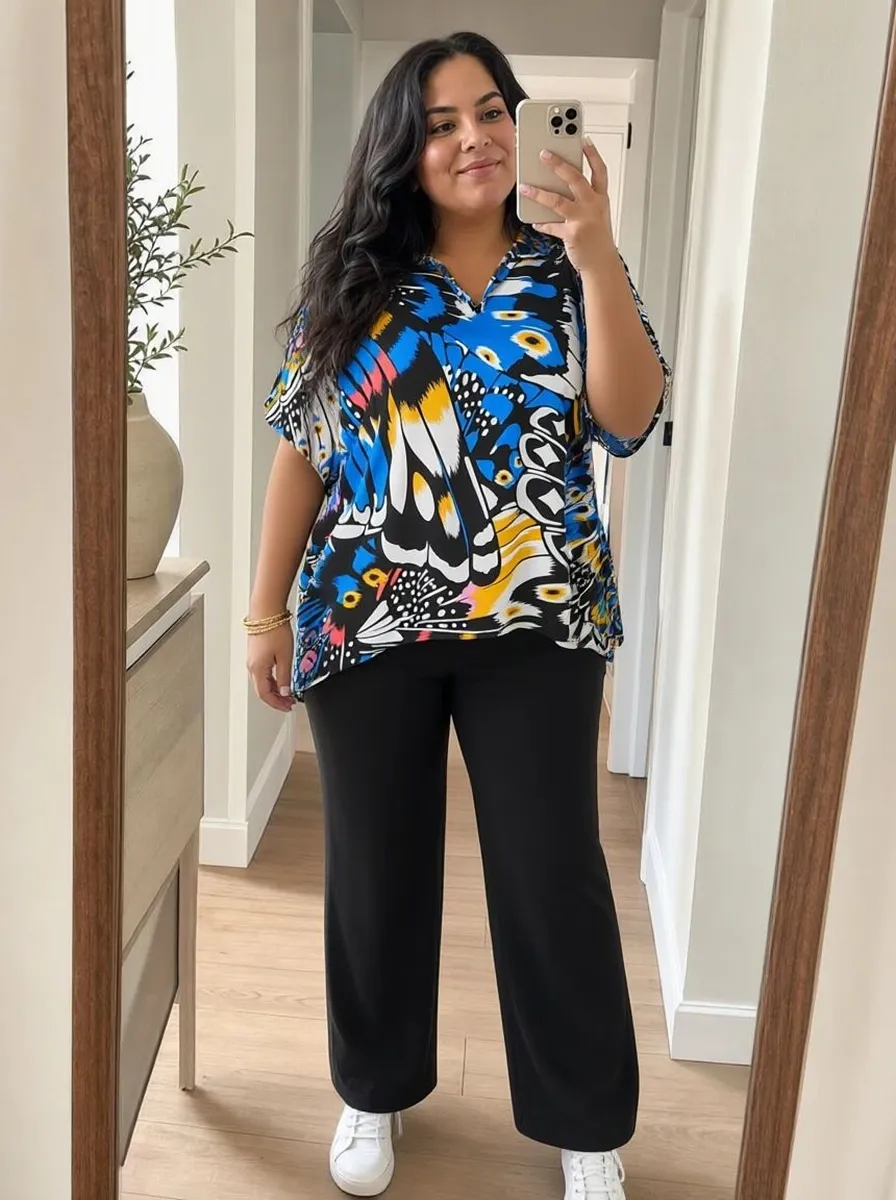
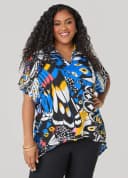
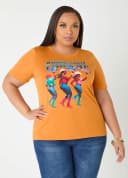
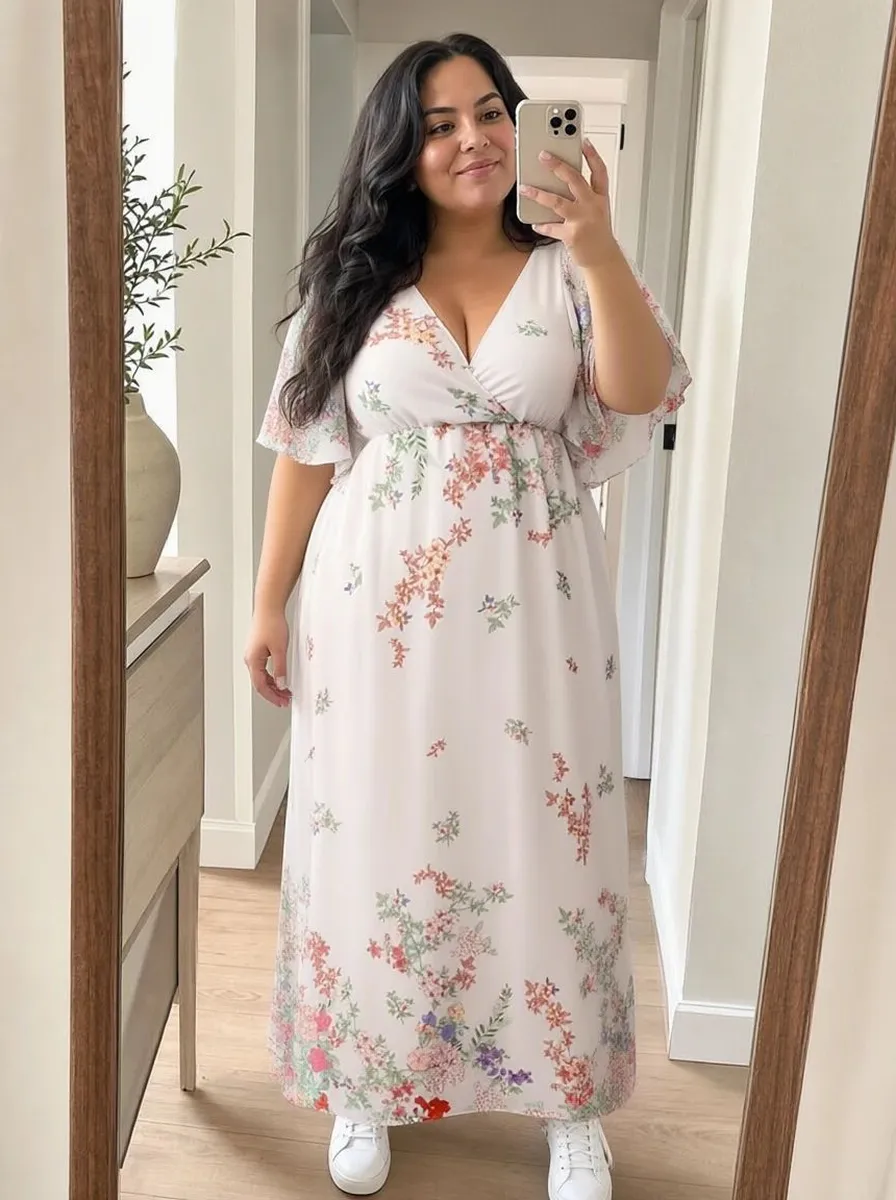
Plus-size shoppers often see clothes on a model who wears a different size
Many product photos are shot on a straight-size model. Plus-size shoppers have to guess how a dress would look on their bust, waist and hips. Many leave without ordering, and some of those who order send the piece back.
- Product photos often show a body several sizes away from the shopper's
- "Model wears size S" tells most shoppers little about how a piece will look on them
- Genlook shows each piece on the shopper's own photo
 Genlook
900+
fashion stores use Genlook
5.0
rating on the Shopify App Store
8.2s
median time per try-on
Tees to gowns
plus-size styles supported
Try-on for plus-size dresses, tops, gowns and jeans
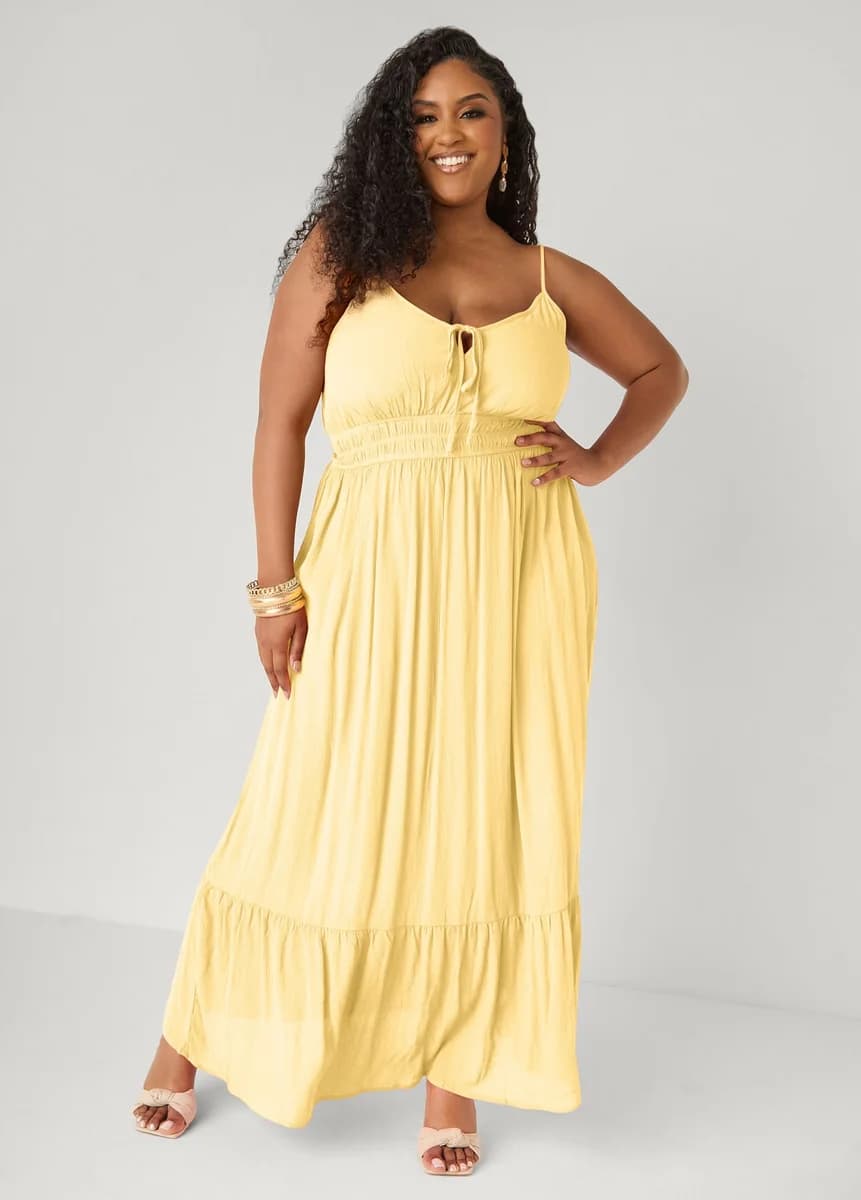
Wrap dresses, hi-low blouses and fitted gowns each fall differently on the body. Genlook shows each style on the shopper's photo.
How Genlook shows garments on plus-size shoppers
Follows the shopper's body
The garment is placed on the body in the shopper's photo, so they see how it falls across their bust, waist and hips.
Made for each photo
Each try-on is generated from the shopper's own photo. Genlook does not scale up a result made for a smaller body.
Shoppers see themselves
Shoppers see your pieces on their own body instead of on a model. They can upload a photo or take one with their camera.
One set of product photos
You don't need to shoot each piece on several models. Genlook uses the product photo you already have.
Where stores use try-on
Product pages
Shoppers see how a piece looks on their own body, next to the add-to-cart button.
Occasion pieces
Shoppers can check how a gown or wrap dress looks on them before ordering it for an event.
Email & campaigns
Link campaign emails to product pages with try-on, so shoppers can see new pieces on themselves.
Why plus-size shoppers need to see clothes on their own body
69% of online shoppers struggle to get the right size first time, and 38% often return ill-fitting clothes. For plus-size shoppers the gap is wider, because the reference photo usually shows a body several sizes away from theirs. Extended-size photoshoots help, but they add photography costs for each piece.
Genlook generates the garment on each shopper's own photo. You keep one set of catalog photos, and each shopper sees how the piece looks on them. Size is still chosen with your size chart. The live demo shows example results.
Frequently asked questions
Does the AI handle larger body types?
Yes. Genlook generates each try-on from the shopper's own photo, so the garment is shown on their body and proportions.
Do we need 3D models for this?
No. Genlook uses the product photos already on your store. Clear photos on plain backgrounds give the best results.
Is the customer's photo kept private?
Yes. Photos are encrypted in transit and at rest, never used to train AI models, and deleted automatically after 7 days.
Does it replace extended-size photoshoots?
It can complement them. Each shopper sees the piece on their own photo, whichever model you shot it on.
Does it pick the right size for the shopper?
No. It shows how the piece looks on their body. Pair it with a clear size chart for the size decision.
What does it cost?
The Free plan includes 10 try-ons a month, and no card is required. Paid plans include more try-ons each month.
Available on
Or use the Try-On API for a custom store.
 PrestaShop module