
 Shopify
 WooCommerce
 API
APIVirtual try-on for fashion brands.
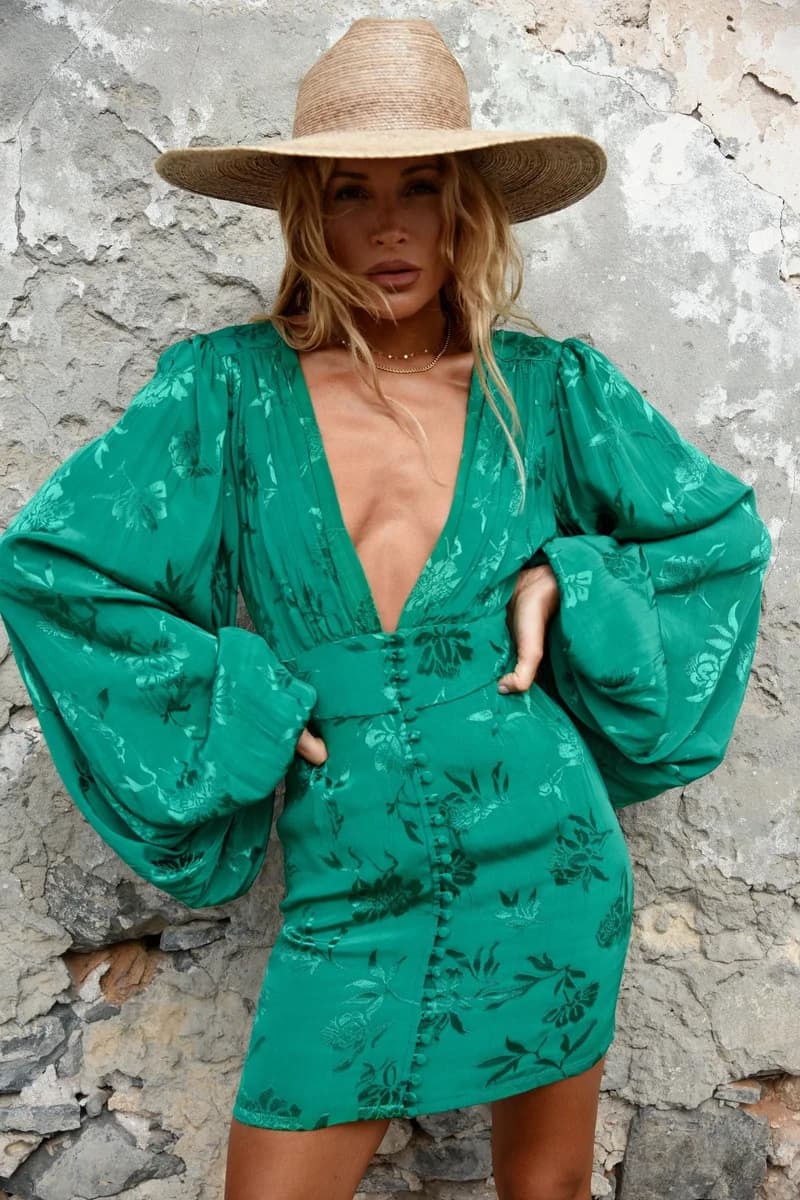
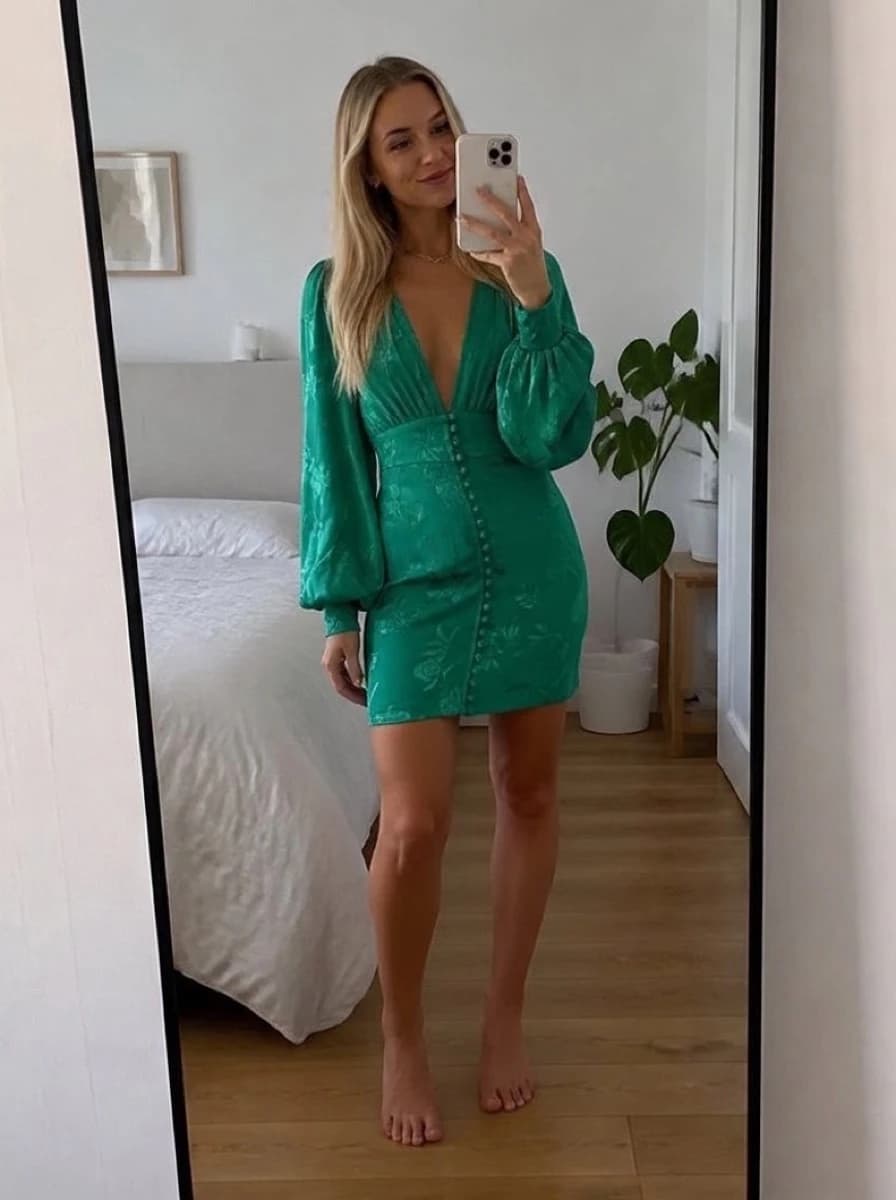
Your lookbook shows the collection on one model. Genlook shows each piece on the shopper's own photo, right on the product page, using the catalog photos you already have.
Free plan, no card needed

 8.2 s
8.2 sFree plan, no card needed
Used by 900+ fashion stores








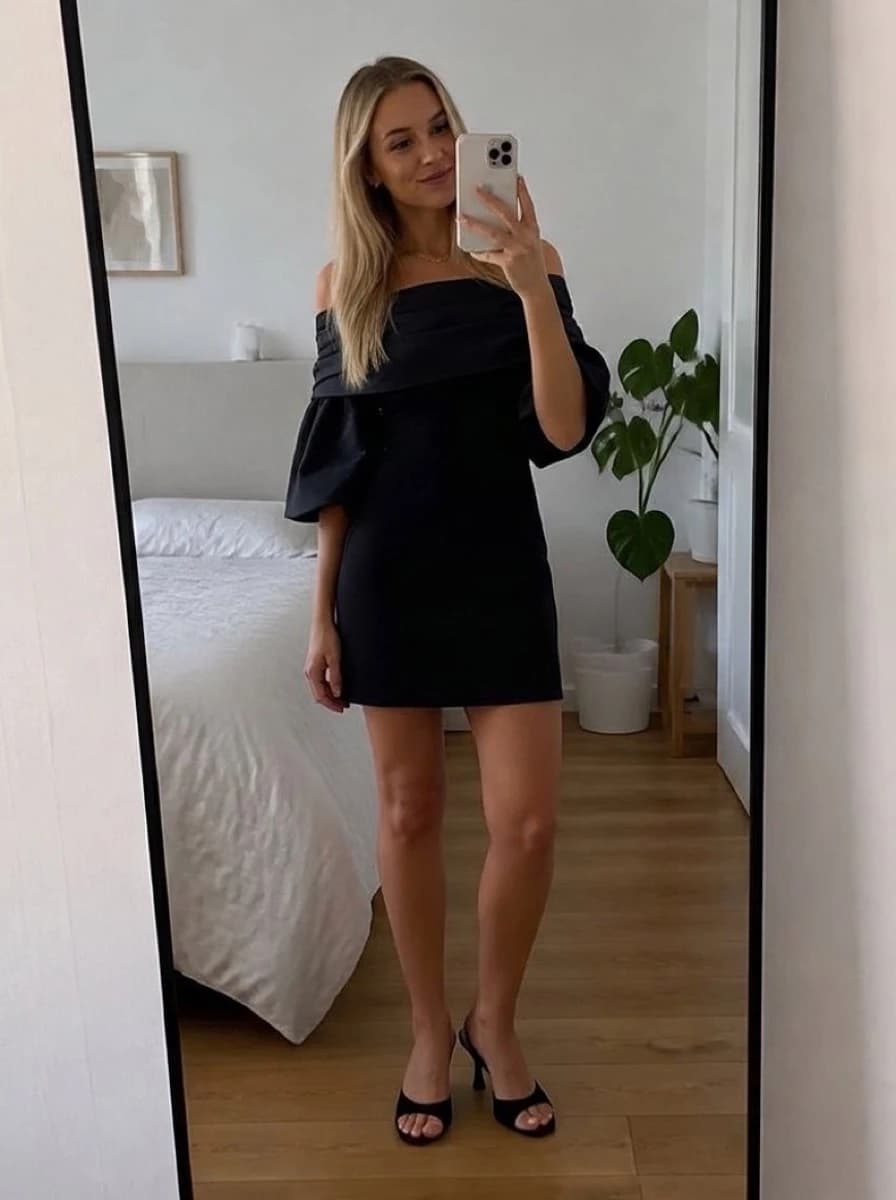
Examples of collection try-ons
Three shoppers, four different pieces. Each result is shown next to the product photo it was made from.


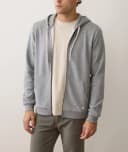


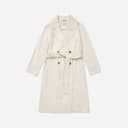
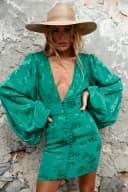
Online shoppers can't try clothes on before they buy
In a store, shoppers answer their doubts in the fitting room. Online, the doubts stay until checkout. When a product page can't show how a piece looks on the shopper, some leave the cart and others buy and send it back.
- Fit and look are the main reasons shoppers return apparel
- A photo of one model can't show how a piece looks on every shopper
- Genlook adds a try-on to the product page
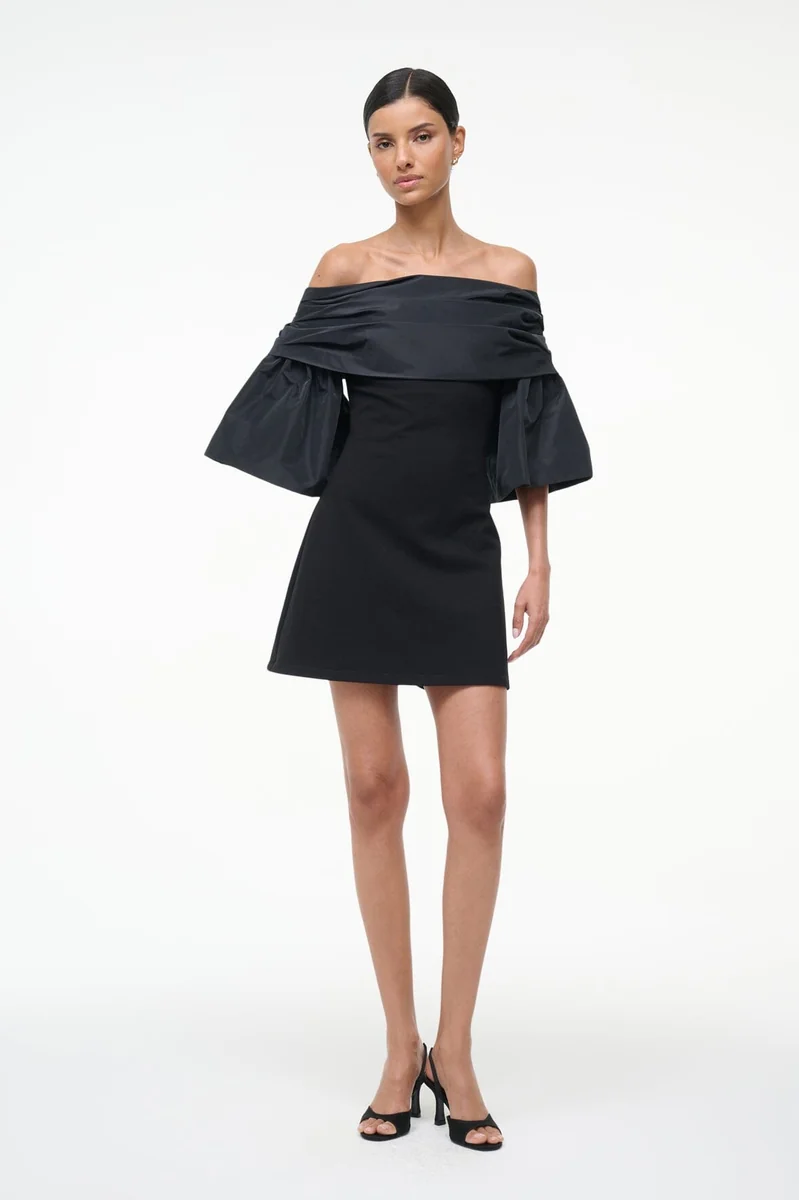 Genlook
900+
fashion stores use Genlook
5.0
rating on the Shopify App Store
8.2s
median time per try-on
Silk to knit
fabrics across the collection
Try-on for most pieces in a fashion collection
Genlook works with dresses, tops, jackets, knitwear, trousers and evening wear. A bias-cut satin dress and a chunky knit each keep their own look.
Try-on that matches your store and uses your existing photos
Fabric carries over
Silk keeps its shine, cotton falls naturally, and knits keep their texture.
Matches your theme
The try-on button uses your theme's styling. Growth and Pro plans show no Genlook branding.
Uses your existing photos
Flat lays, ghost mannequins and on-model shots all work. You don't need a new photo shoot.
Turn it on by collection
Enable try-on per product or per collection from the dashboard. There is no per-product setup or 3D modeling.
Where stores use try-on
Product pages
A try-on button on your apparel product pages, using the product photos you already shot.
Seasonal drops
Shoppers see pieces from a new collection on their own photo while they browse it.
Lookbook emails
Link launch emails to product pages with try-on, so shoppers can see the new pieces on themselves.
How try-on helps with apparel returns
40% of online apparel returns come from incorrect size selection, and 43% of consumers who return clothing cite poor fit. Most brands respond with better size charts and model-size notes. These help, but they don't show shoppers how the piece looks on them.
Try-on shows the piece on the shopper's own photo, without changes to your photography or your theme. It does not measure anything, so keep your size charts for the size choice. The guide on reducing e-commerce returns covers ways to lower returns.
Frequently asked questions
Do I need special photos or 3D models?
No. Genlook works with the product photos you already use: flat lays, ghost mannequins and on-model shots. There is no 3D modeling step.
Can the widget match my store design?
Yes. The try-on button uses your theme's styling, and the Growth and Pro plans show no Genlook branding.
Will this slow down my product pages?
No. The widget loads asynchronously and only activates when a shopper opens try-on, so your page speed stays the same.
Does it work across our whole range?
Yes. Dresses, tops, outerwear, knitwear, trousers and evening wear all work. You enable try-on per product or per collection.
Are shoppers' photos private?
Yes. Photos are encrypted in transit and at rest, never used to train AI models, and deleted after 7 days.
What does it cost?
The Free plan includes 10 try-ons a month, and no card is required. Paid plans include more try-ons each month.
Available on
Or use the Try-On API for a custom store.
 PrestaShop module