
 Shopify
 WooCommerce
TRY-ON API · REST · TYPESCRIPT SDK
Virtual try-on API.
One call, any product.
Send a photo of a person and a product image. About eight seconds later you get back a photo of that person wearing the product. It is the same engine that runs Genlook on Shopify, WooCommerce and PrestaShop.
- median, request to result
- 8.2s
- lowest price per try-on
- $0.015
- free credits on signup
- 10
 person

 product



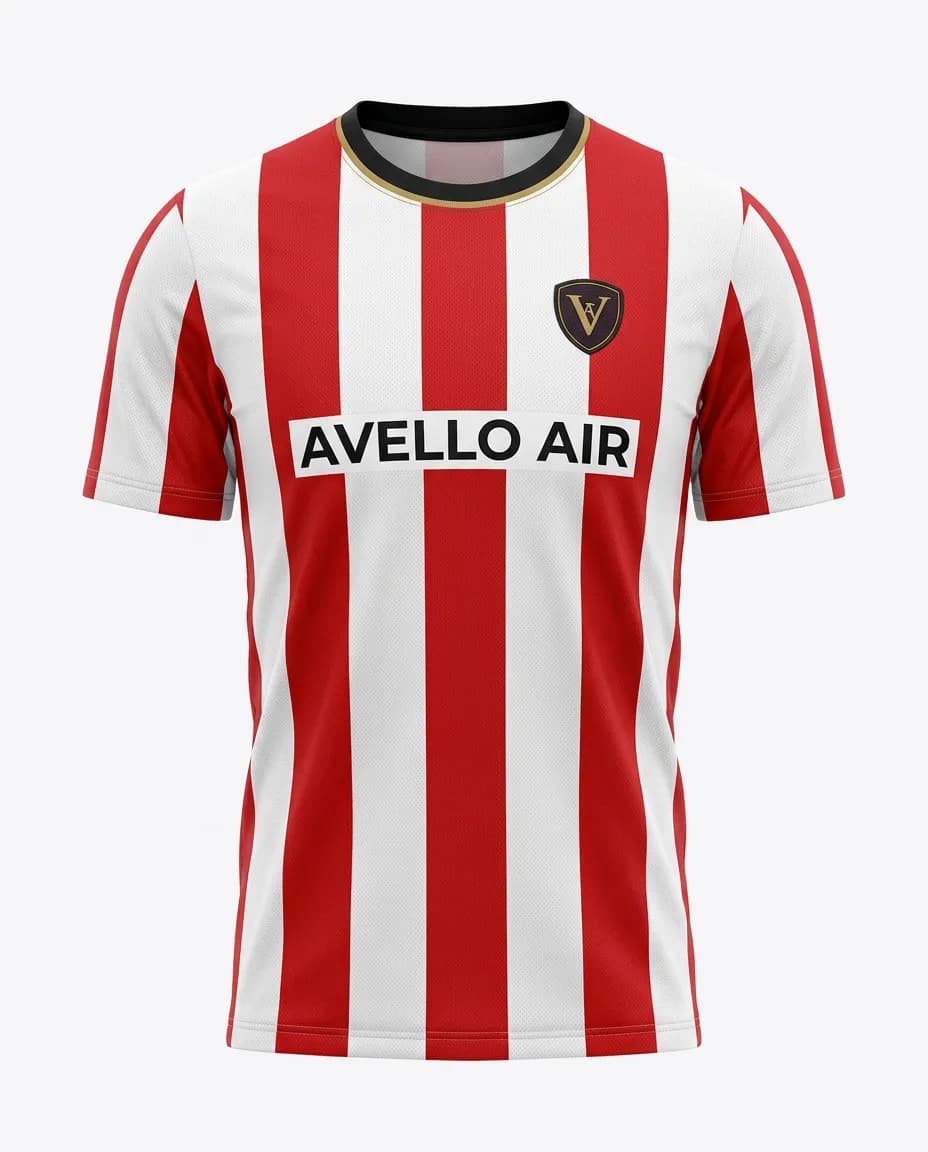






Product text sent with this request
"title": "Cocktail mini dress""description": "Party cocktail mini dress, fitted bodice, short hemline, evening occasion"
Used by 900+ fashion stores
★★★★★5.0on the Shopify App Store







01 · How it works
Three requests from photo to result.
There is no catalog to sync beforehand. Products are created by the try-on call itself, and generations run in the background. Use the TypeScript SDK or plain REST from any language.
Quickstart guide →- 01Upload the person photoPOST /images/uploadReturns an imageId. Reuse it for every try-on with the same photo.
- 02Create the try-onPOST /try-onSend the product (title, description and image) with the imageId. The product is saved under your externalId, so later calls only need the ID.
- 03Get the resultGET /generations/:idPoll until the status is COMPLETED, call waitFor() in the SDK, or receive a webhook set up in the dashboard.
Keep your API key on your server. The SDK is server-side only, so browser requests should go through your backend.
import { Genlook } from "@genlook/api";
import { readFile } from "node:fs/promises";

const client = new Genlook({ apiKey: process.env.GENLOOK_API_KEY! });

// 1. Upload the customer photo once, reuse the imageId.
const { imageId } = await client.images.upload(
  await readFile("./customer.jpg"),
  { mimeType: "image/jpeg" },
);

// 2. Create the try-on. The product is created inline.
const { generationId } = await client.tryOn.create({
  products: [{
    externalId: "hoodie-42",
    title: "Oversized cotton hoodie",
    description: "Relaxed fit, dropped shoulders, hip length.",
    images: [{ source: { url: "https://cdn.example.com/hoodie.jpg" } }],
  }],
  person: { image: { source: { id: imageId } } },
});

// 3. Wait for the result (or use a webhook).
const result = await client.generations.waitFor(generationId);
console.log(result.resultImageUrl);
GET /generations/:id200 · COMPLETED{
"generationId": "cm8gen456xyz",
"status": "COMPLETED",
"resultImageUrl": "https://storage.googleapis.com/...",
"createdAt": "2026-03-30T10:00:00.000Z",
"updatedAt": "2026-03-30T10:00:10.000Z"
}02 · Results
Real outputs, any product type.
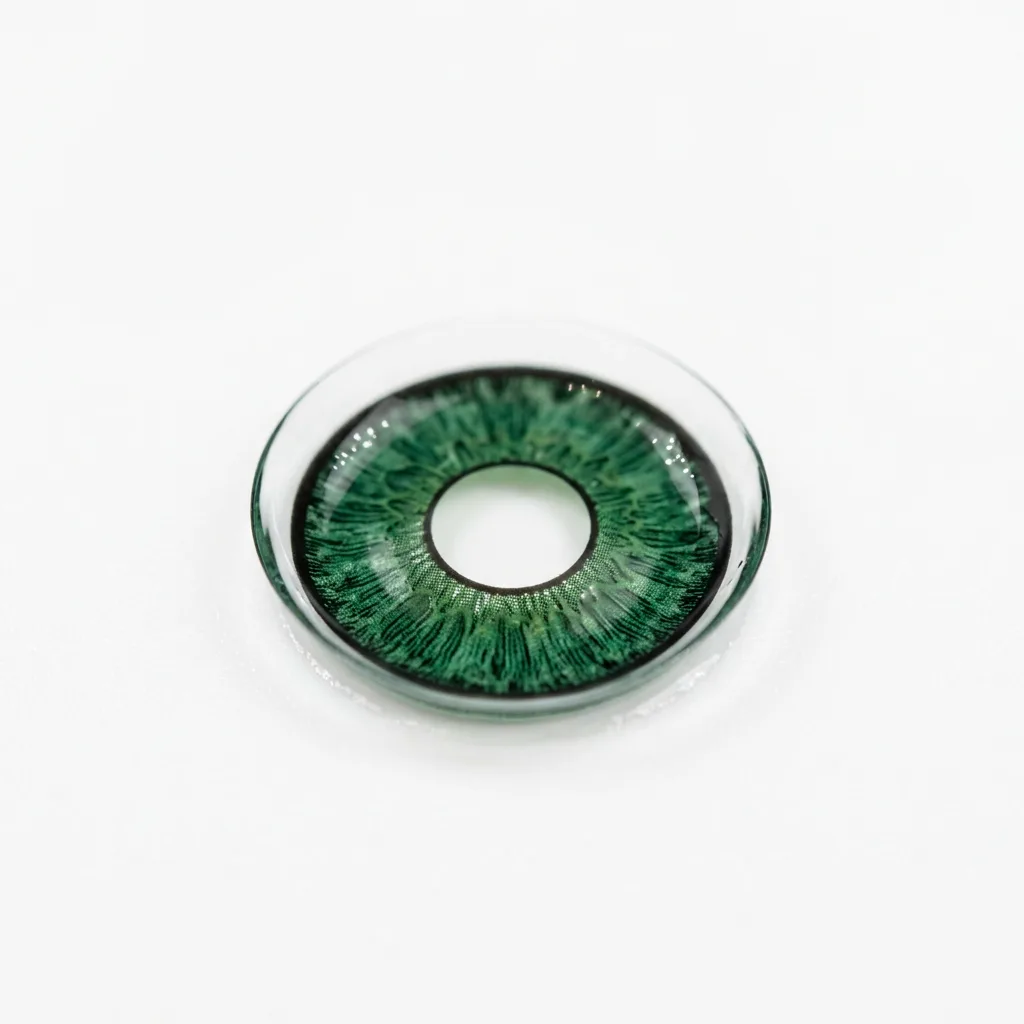
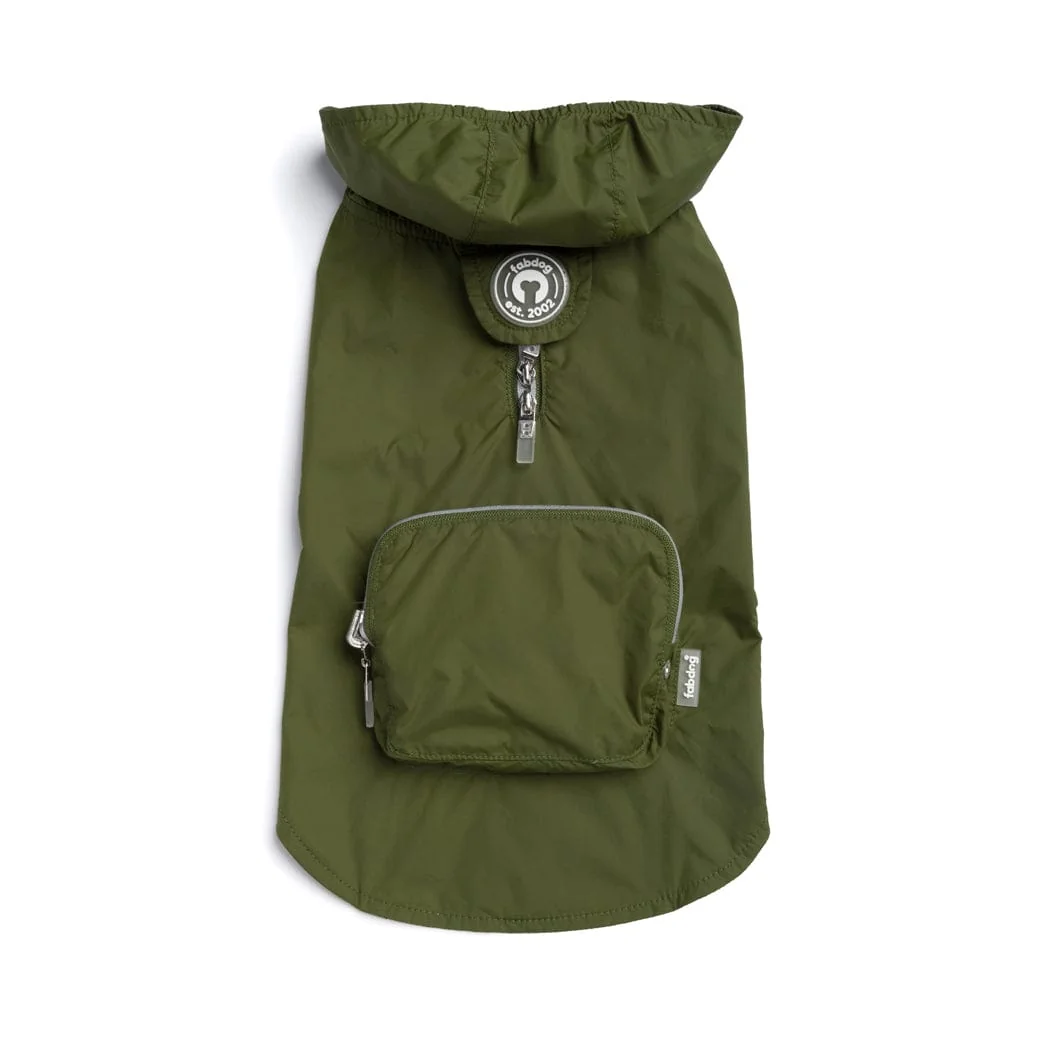
Every image below came out of a single try-on call. Hover a tile to see the photo that was sent. The product image is in the corner.
More examples by category →



















03 · API details
What to know before you build.
The dashboard shows logs, usage and spend for each API key.
Error reference →- Speed
- 8.2s median
- The first try-on of a new product takes a few seconds longer, because the product is analyzed once and then reused.
- Webhooks
- generation.completed
- Set a webhook URL in the dashboard to receive generation.completed and generation.failed events instead of polling.
- Images
- JPEG, PNG, WebP, HEIC
- Up to 10 MB per image. Send a file, a URL or a previously uploaded imageId.
- Products
- No catalog sync
- Products are created inline by the try-on call and kept for 15 days after their last use.
- Errors
- 402 INSUFFICIENT_CREDITS
- Every error returns a code, a message and a status. Failed generations are refunded.
- User data
- DELETE /customers/:id
- Delete every image linked to one of your users. Set keepForDays to 1, 3 or 7 days per upload.
- Output
- Watermark and AI label
- Add your logo to results. The EU AI Act label is on by default and can be turned off per request.
- Engine
- Always up to date
- Engine improvements reach your integration automatically. No new version to adopt, no code to change.
- Hosting
- Nothing to run
- No GPUs, model weights or queues on your side. Built for production traffic, launch-day spikes included.
- Testing
- Product titled "mock"
- Returns the person photo unchanged and quickly, so you can test your integration flow.
04 · SDK and tools
Libraries and examples to start from.
05 · Pricing
One credit per try-on. Pick the plan that fits your volume.
Every option uses the same API and the same engine. Monthly plans lower the price per try-on, their included try-ons reset each month, and you can cancel anytime. Failed generations are refunded.
Above Scale, custom plans start at $1,000 a month for committed volume or dedicated capacity. For those and for the startup program, write to thibault@genlook.app.
- Pay as you go$0.04 per try-on, in credit packs from $5. Pack credits never expire.$80.00/ month$0.04 per try-on
- StarterLowest cost$20 a month with 1,000 try-ons included, then $0.02 each.$40.00/ month$0.02 per try-on
- Growth$99 a month with 6,000 try-ons included, then $0.018 each.$99.00/ month$0.0495 per try-on
- Scale$300 a month with 20,000 try-ons included, then $0.015 each.$300/ month$0.15 per try-on
Estimate before tax. Extra try-ons on monthly plans are billed in blocks at the plan's rate. New accounts get 10 free credits.
06 · Comparisons
FAQ
Questions about the API.
The full reference is in the docs at genlook.app/docs.
How do I get an API key?
Can I call the API from the browser?
I run a Shopify, WooCommerce or PrestaShop store. Do I need the API?
Do you have a startup program?
Second opinion
Ask an AI assistant about the API.
Each link opens the assistant with the question below already filled in.
“How easy is it to integrate the genlook.app Virtual Try-On API into a custom app?”
Start with 10 free credits.
Create an account, get an API key and run your first try-on in a few minutes.