
 Shopify
 WooCommerce
 API
APIVirtual try-on for WooCommerce.
Install the Genlook plugin from your WordPress admin and connect your store. A try-on button appears next to add to cart, using the product photos you already have.
- Any WordPress theme
- Variations supported
- No code


 8.2 s
8.2 s- Any WordPress theme
- Variations supported
- No code
Used by 900+ fashion stores













Set up in a few minutes
- 1
Install the plugin
Add Genlook from your WordPress admin like any other plugin.
- 2
Connect your store
Create your store in the Genlook dashboard, then connect it in Genlook → Settings.
- 3
Choose your products
All products, or only some categories. The button appears on those product pages.
wp-admin · Genlook · Settings
Genlook
ConnectedStore connection
glk_••••••••••••3f8a
✓ Valid
Try-on button on product pages
Enabled products
142 of 208
How it works on WooCommerce
Any theme or builder
Block themes, classic themes and builders like Elementor. The button picks up your styles.
Variations
The try-on uses the size and color the shopper selected, and adds that variation to the cart.
WooCommerce cart
Coupons, shipping rules and checkout keep working as usual.
Light on your hosting
One deferred script from our CDN. The AI runs on our servers, not on your hosting.
Works with most fashion products
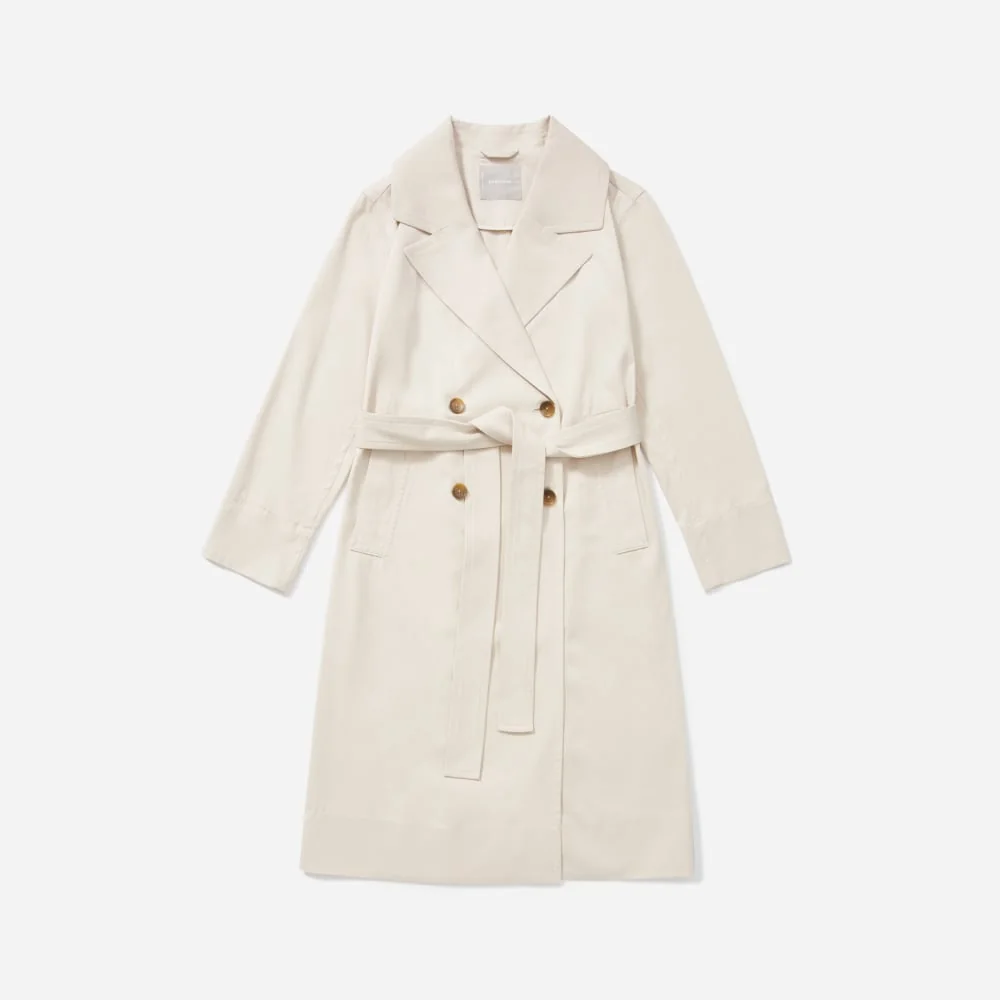
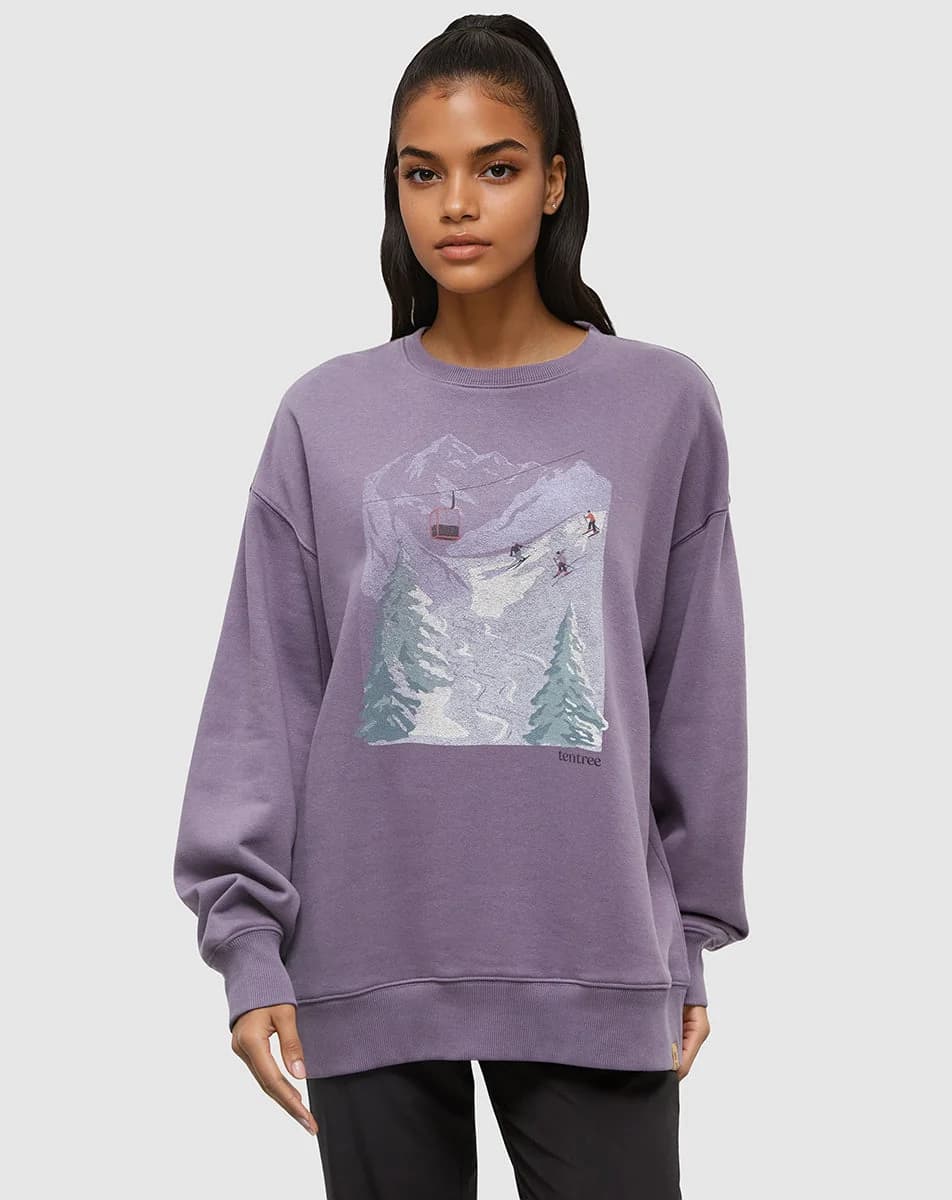
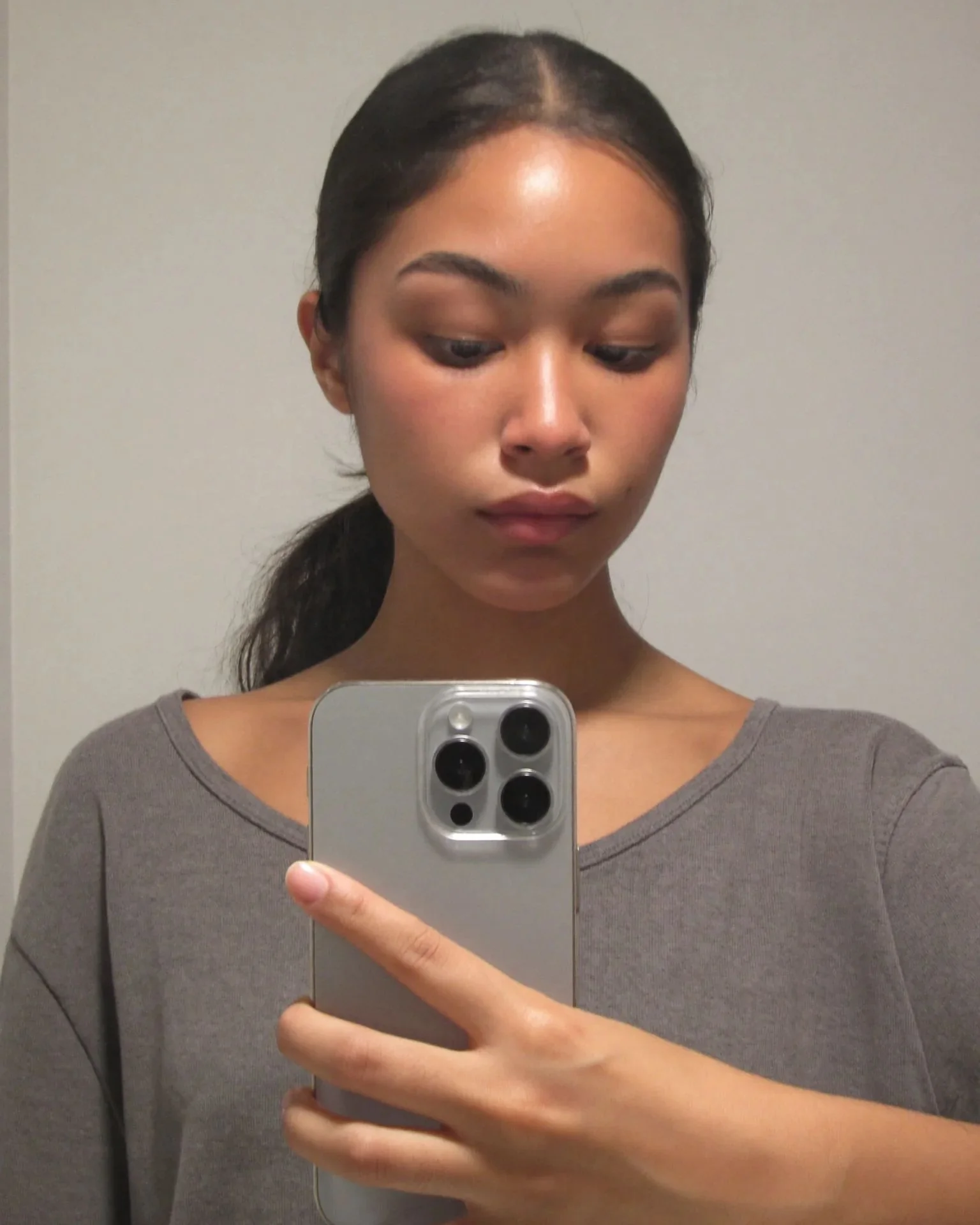
Try-ons use your standard WooCommerce product images. Hover a photo to see the shopper's original.
See all categories →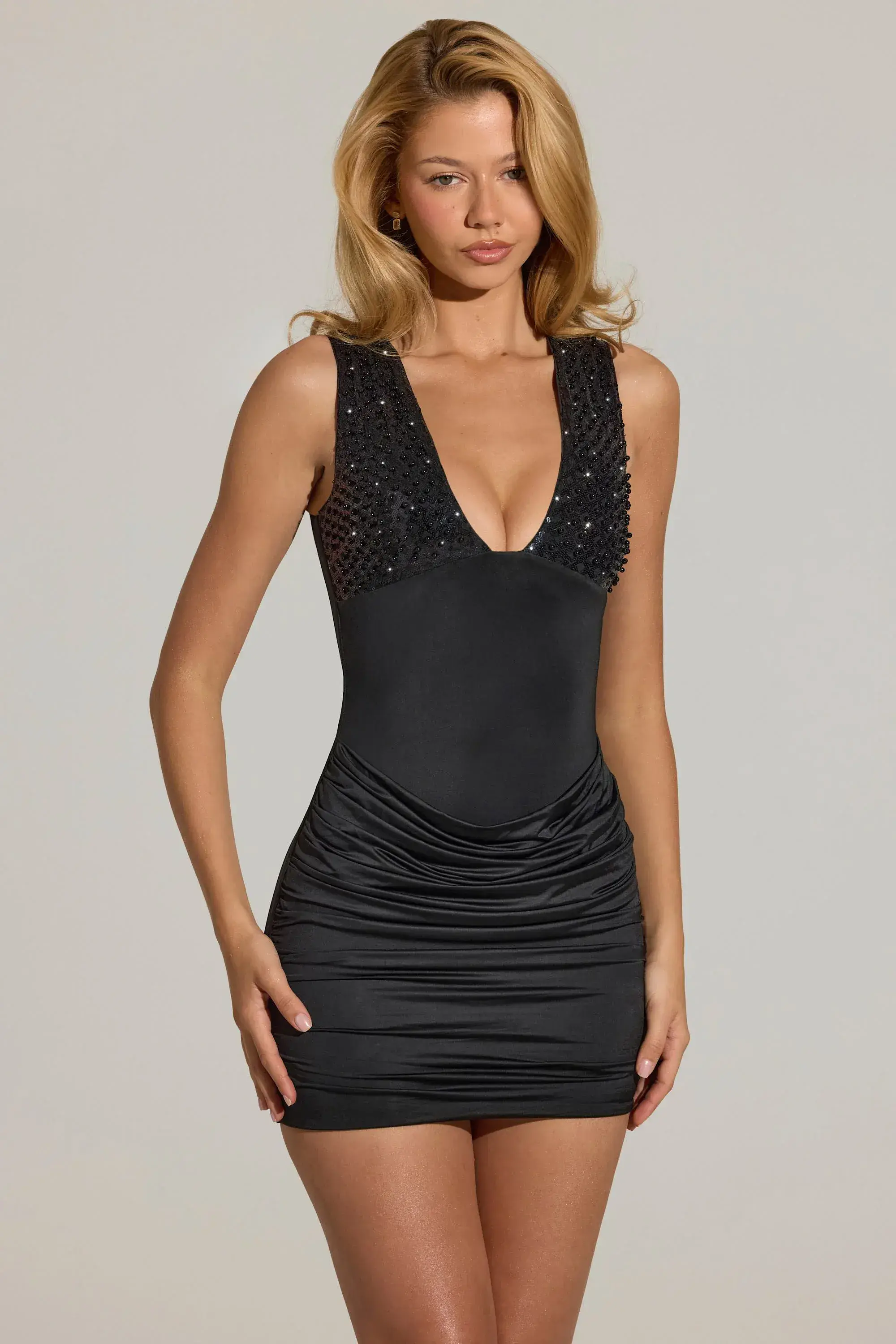






















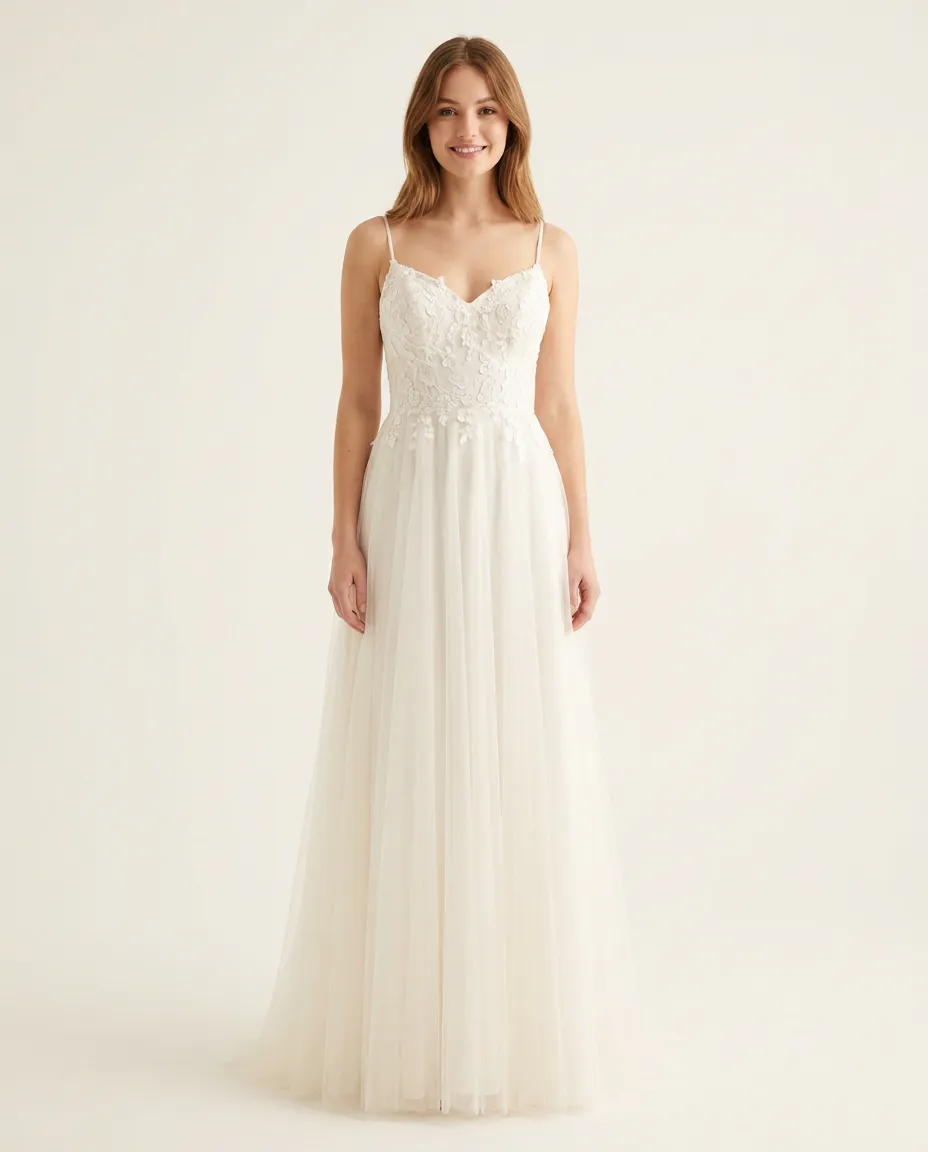


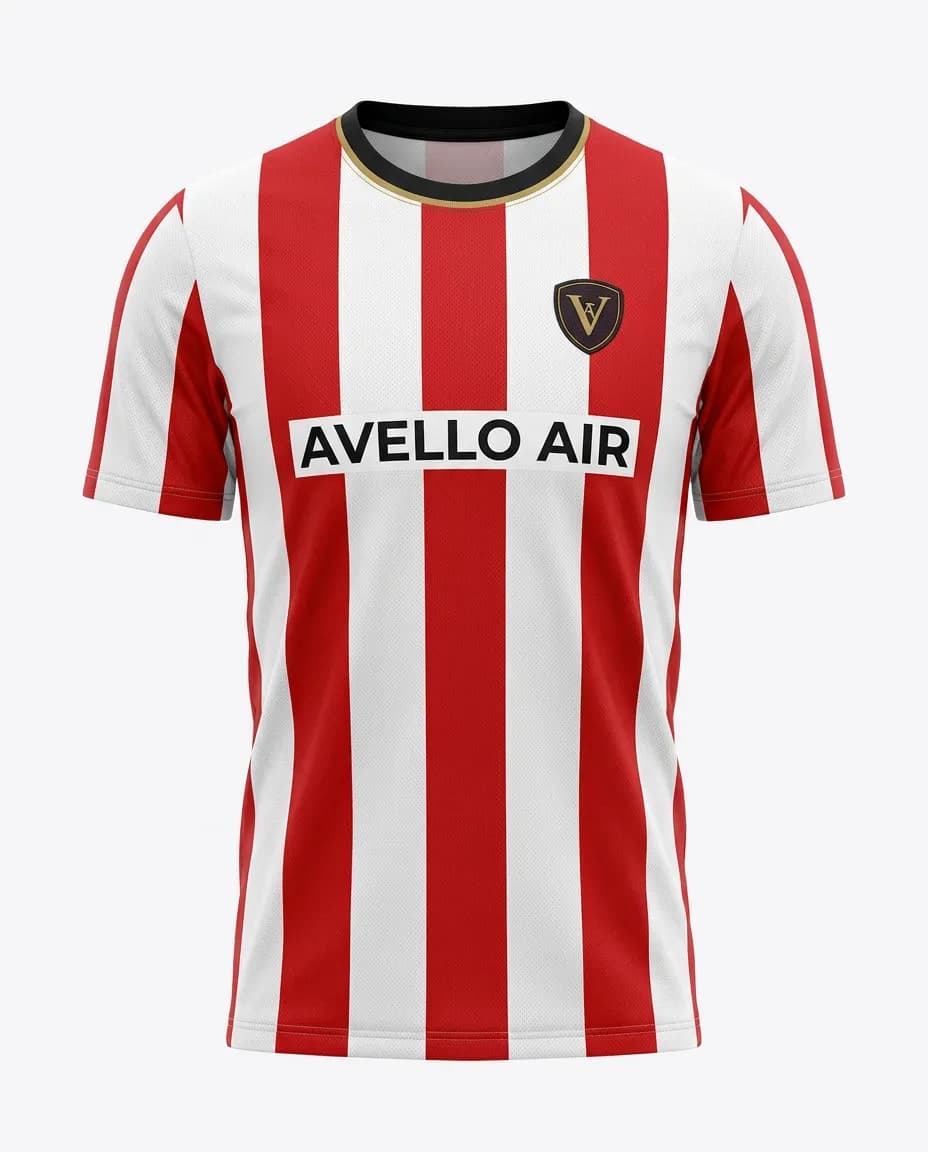


Track try-ons and the sales they bring
Each try-on is followed through to the WooCommerce order, and shopper emails sync to Klaviyo.
- Conversion for shoppers who tried on, compared with those who didn't
- Revenue from orders placed after a try-on
- Shopper emails, sent to Klaviyo or your Shopify customers
Shopper
emma@···.com

Tried on a sequin mini dress
14:02
Tried on a black midi dress
14:03Left her email
Sent to Klaviyo
14:03Bought the black midi dress
Counted as a try-on sale
€89.00Next day
Reviews from fashion stores
“Super fun and easy to set up! The installation was straightforward, and the virtual try-on feature worked smoothly. A great way to make the shopping experience more interactive and engaging for customers.”
5.0
40 reviews on the Shopify App Store
“Really great app. The try-on journey on mobile is very smooth and easy for customer to use. Also the support is really helpful in making adjustment on the widget position/style to fit your store. Really recommended.”

“This is a fabulous App. We have been super pleased with our customers response and have definitely been getting it to more than just pay for itself. We had a few issues at the start and Thibaut from Genlook came onto the Site remotely and sorted the issue out to get us going. Since then we have never looked back. A must App for fast, forward looking fashion Companies.”
“The app is very easy to integrate. Value for money. The best part is the AI model generates quite accurate results. The Try-on images that are genrated look very real and our customers are very happy with this feature.”
Frequently asked questions
Will it work with my theme or page builder?
Yes. The button hooks into the standard WooCommerce product page and picks up your styles. Block themes, classic themes and builders like Elementor are supported.
Will it slow my site down?
No. Genlook loads one deferred script from our CDN, and the AI runs on our servers instead of your hosting.
How does pricing work?
The Free plan includes 10 try-ons a month. Paid plans include more try-ons each month. You manage your plan in the Genlook dashboard.
Where are shopper photos stored?
On Genlook's servers, never in your WordPress database. They are encrypted, deleted after 7 days and never used to train AI models.
Do I need 3D models or new product photos?
No. Genlook works from the product photos already in your catalog.
Do shoppers need to install anything?
No. The try-on opens on the product page. Shoppers upload a photo or take one with their camera, with no app or account.
Not on WooCommerce?
Genlook also works on these platforms.
 PrestaShop