
 Shopify
 WooCommerce
 API
APIVirtual try-on for activewear.
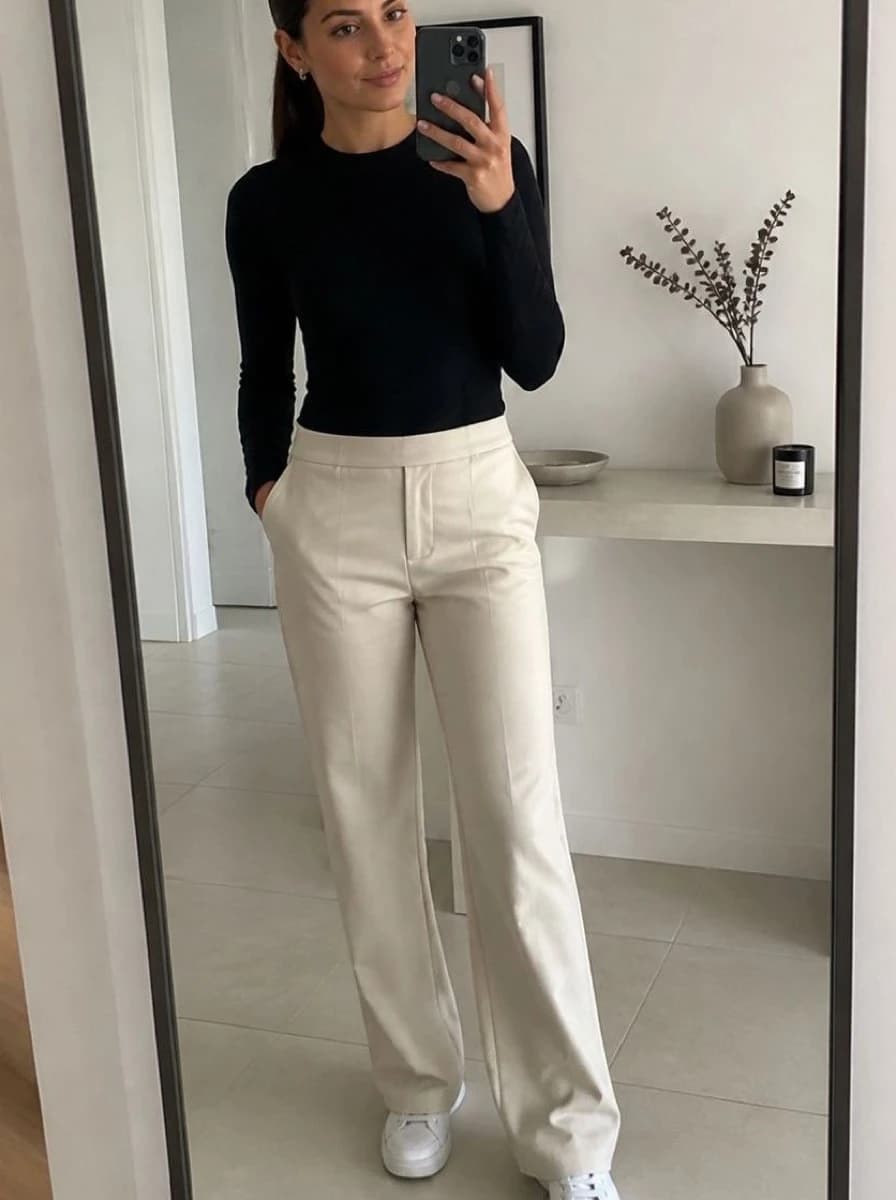
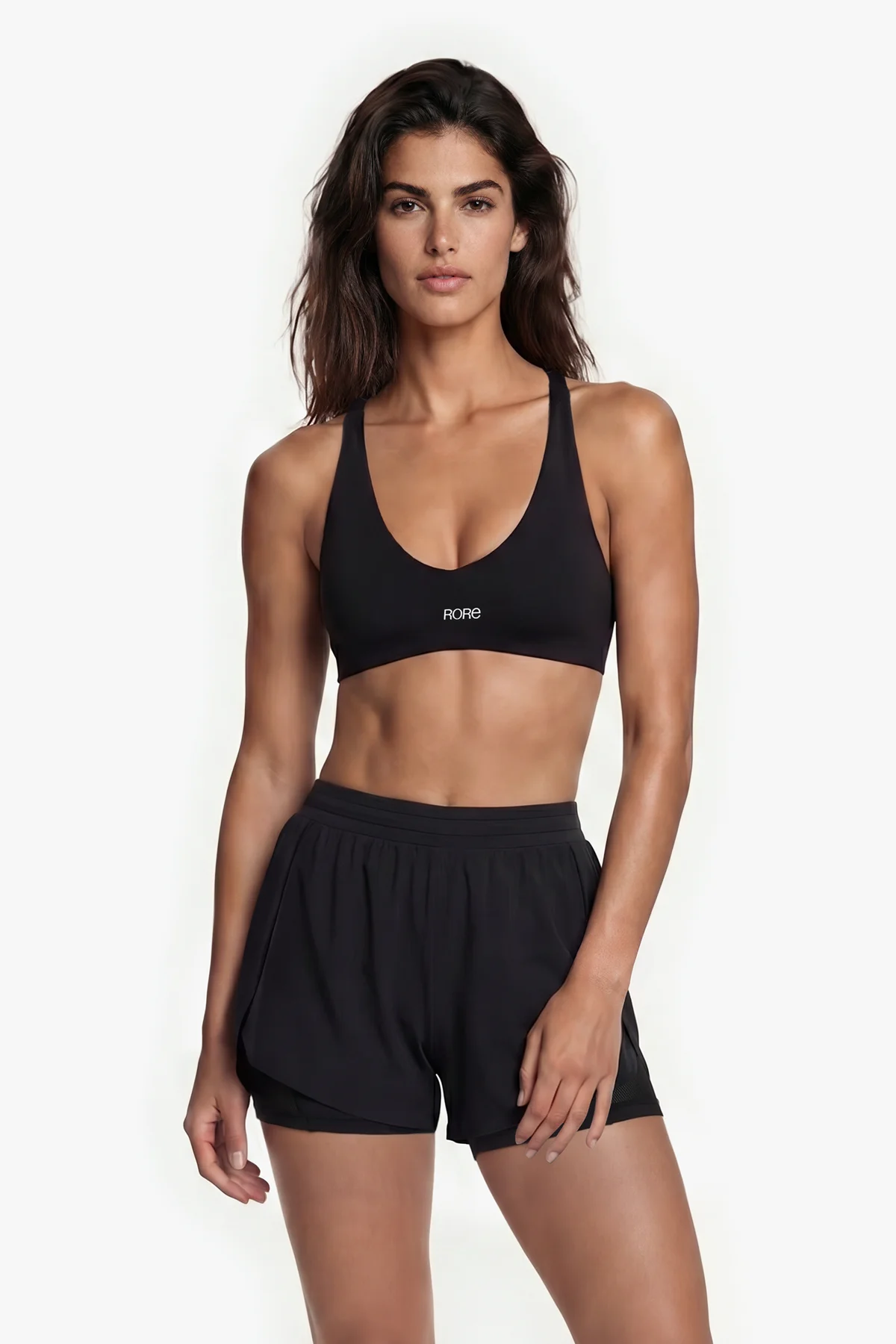
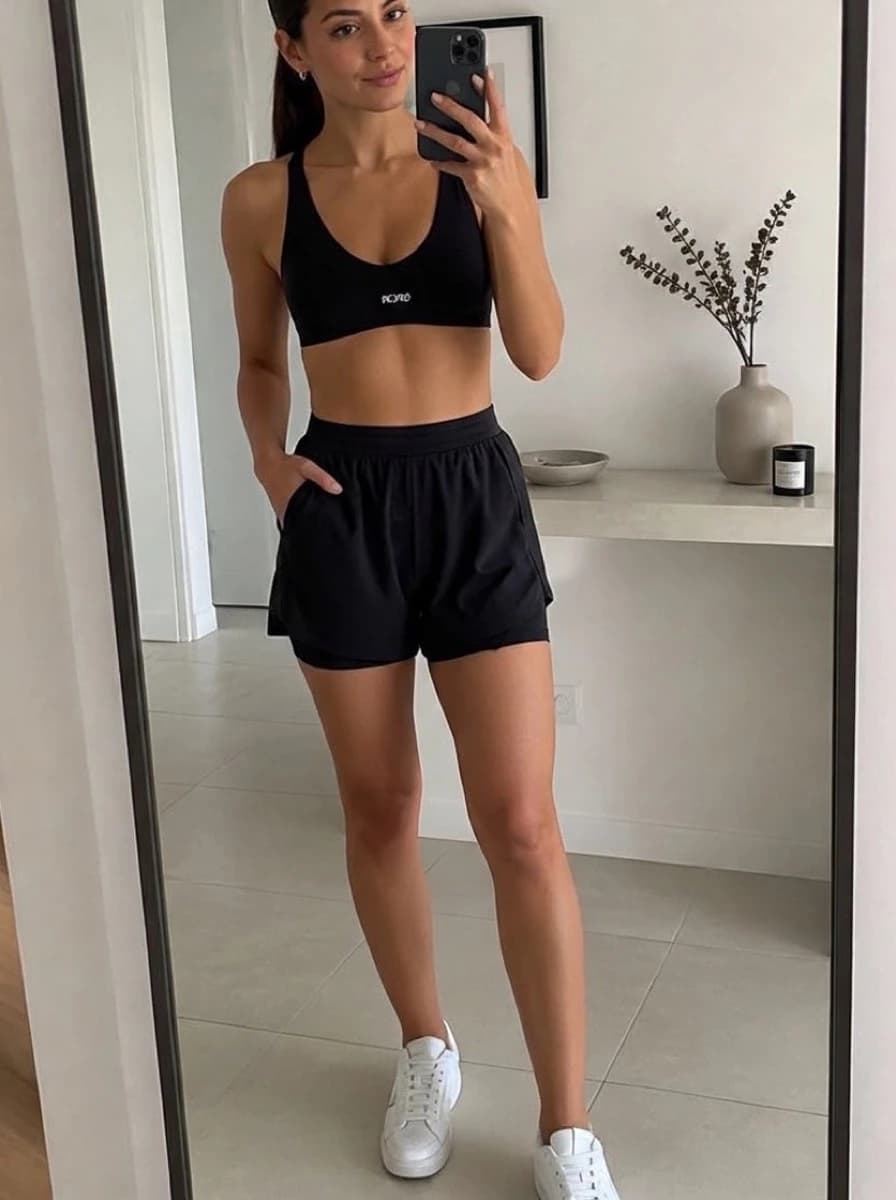
Activewear shoppers want to know how a piece looks on them: how cropped a top is, where leggings end, how a set looks together. Genlook shows your activewear on the shopper's own photo, right on the product page.
Free plan, no card needed
 8.2 s
8.2 sFree plan, no card needed
Used by 900+ fashion stores








Examples of activewear try-ons
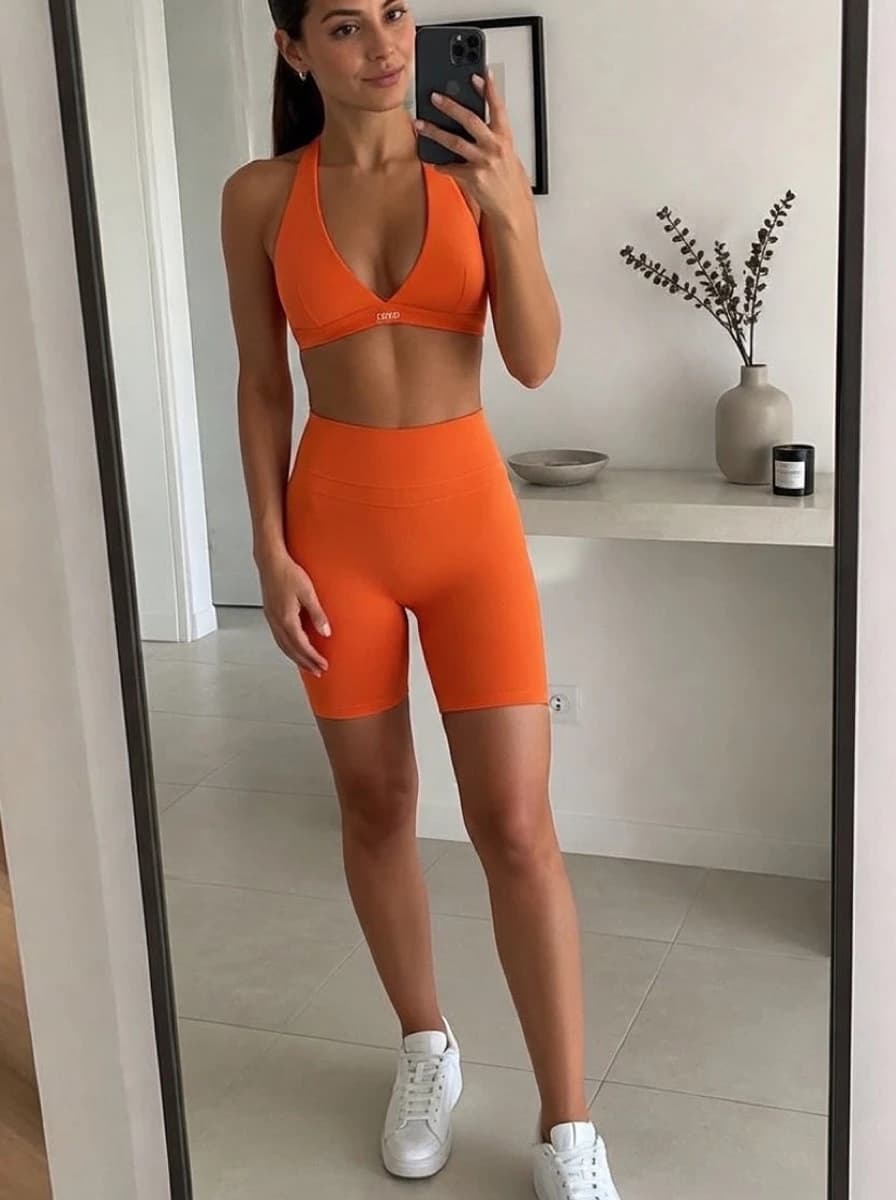
One shopper photo with four different pieces. Each result is shown next to the product photo it was made from.
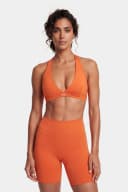
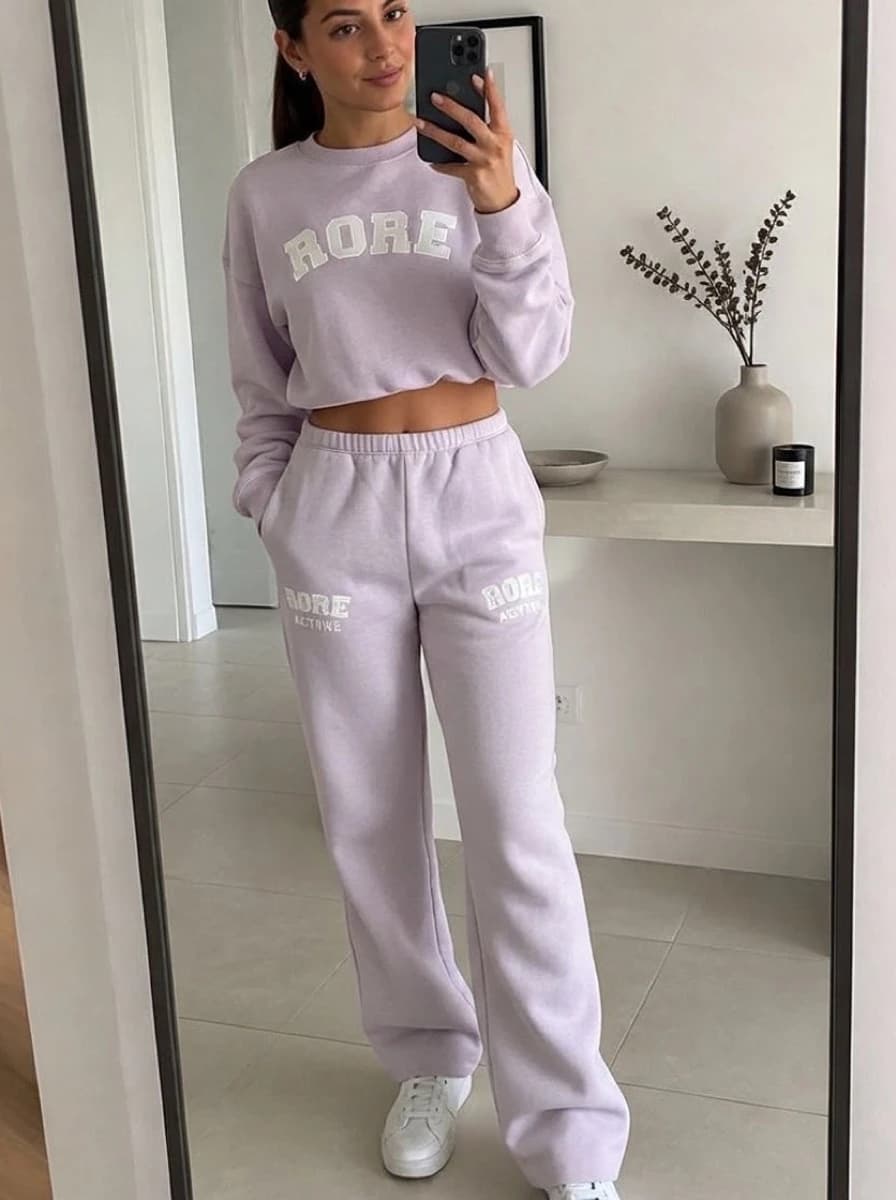
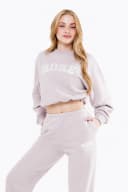
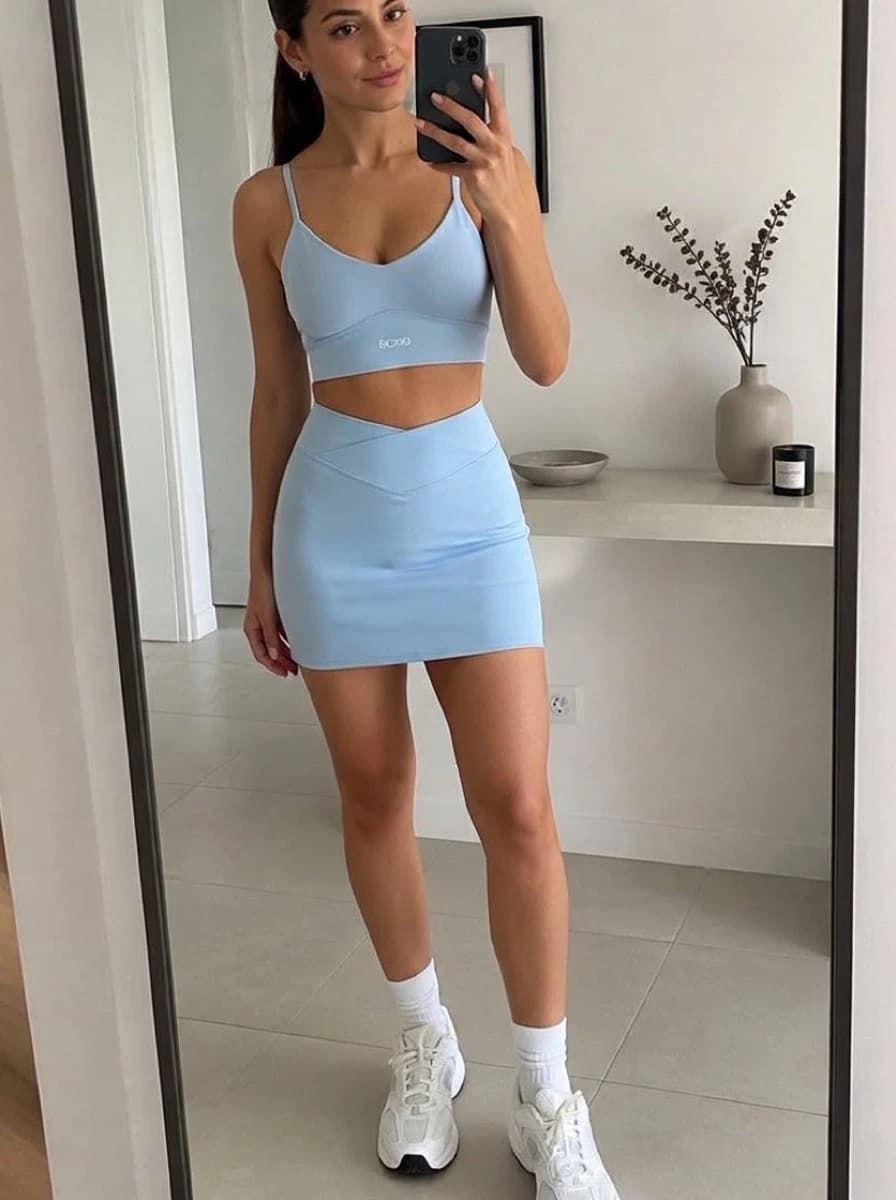
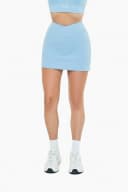
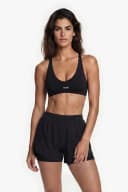
Activewear shoppers can't see how a piece looks on them
Shoppers ask visual questions about activewear. They want to know if a top is too cropped, whether 7/8 leggings end at the calf or the ankle, and how a tight piece looks on their body. A size chart doesn't show this, and a model with a different build shows it on someone else.
- Online activewear has a high return rate
- Crop length and tight fabrics look different on every body
- Genlook shows each piece on the shopper's own photo before they buy
 Genlook
900+
fashion stores use Genlook
5.0
rating on the Shopify App Store
8.2s
median time per try-on
Crop to 7/8
tops, leggings and sets
Try-on for leggings, sports bras, sets and more
Genlook works with tight pieces like leggings and sports bras and with looser pieces like training tees and hoodies.
How Genlook renders tight and stretchy activewear
Tight pieces follow the body
Leggings and sports bras follow the shape of the body in the photo, the way stretch fabric does.
Crop and legging length
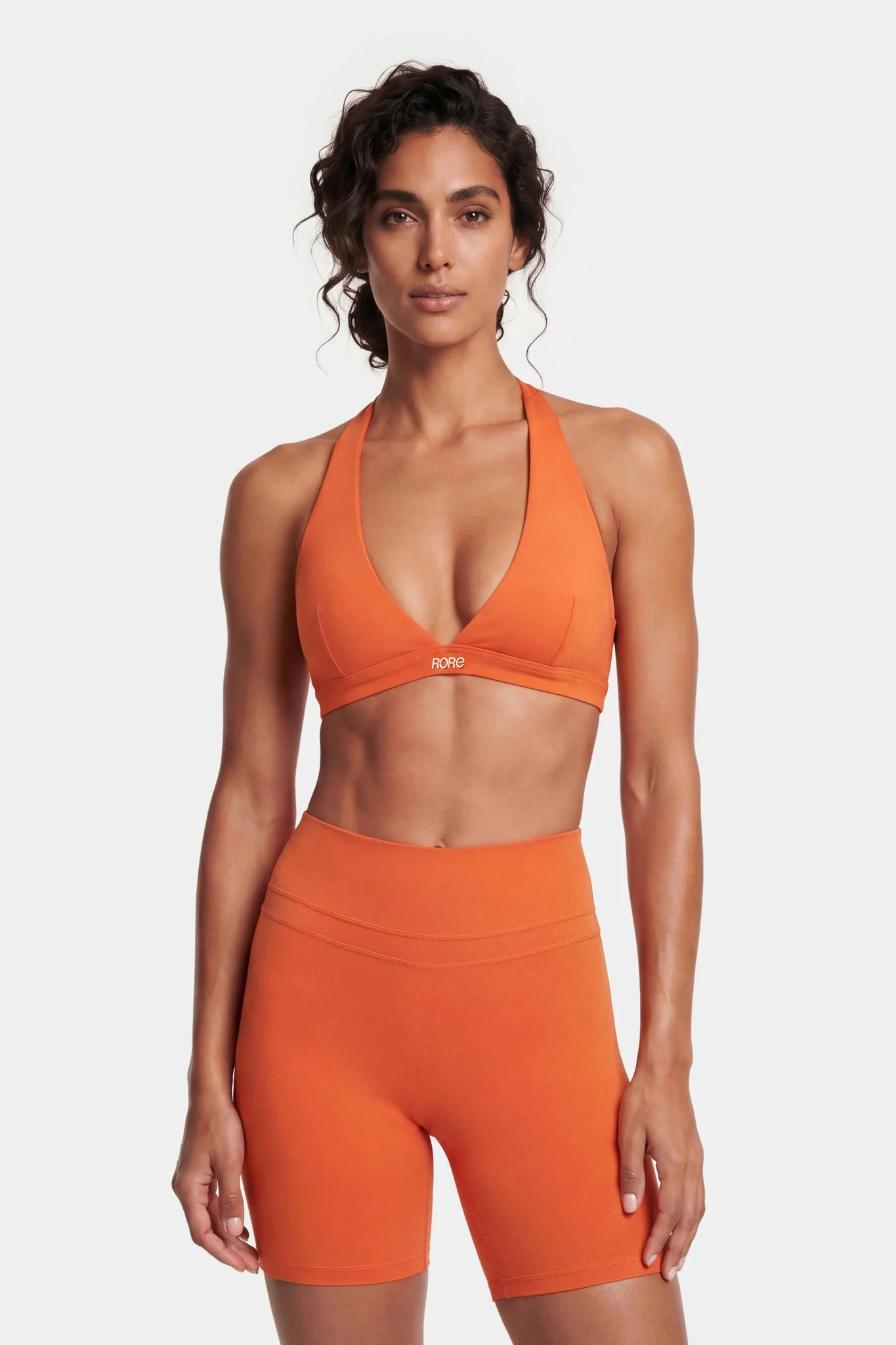
The result shows where a crop top ends and where the leggings end on the shopper.
Matching sets shown together
If your product photo shows a set, shoppers see the top and bottom together in the colorway they picked.
Different styles look different
A high-support racerback and a light halter keep their own straps, coverage and shape.
Where stores use try-on
Product pages
A try-on button next to add-to-cart shows the piece on the shopper's own photo, including crop length and where the leggings end.
Matching sets
Shoppers see the top and bottom together on themselves, in the colorway they picked, before buying both pieces.
Launch campaigns
Send traffic from a new drop to product pages with try-on, so shoppers can see the new pieces on themselves.
Why activewear shoppers need to see the piece on themselves
Online activewear returns run around 18 to 22%. Many of the questions shoppers have are about proportions. Where a crop top ends or where 7/8 leggings end depends on the person wearing them. A size chart and a model photo can't show that on the shopper's own body.
A try-on on the shopper's own photo shows how the piece looks on them before they order. It does not measure anything, so keep your size chart next to it for picking the size. The live demo shows how tight pieces look in a try-on.
Frequently asked questions
Does it work with tight, stretchy fabrics?
Yes. Leggings, sports bras and other tight pieces follow the shape of the body in the shopper's photo. Looser pieces like hoodies keep their looser shape.
Can we use flat lay photography?
Yes. Genlook takes a flat lay or ghost mannequin photo of your leggings or sports bra and shows how it looks worn on the shopper.
Can shoppers try a full matching set?
Yes. If your product photo shows the set, the try-on shows the top and bottom together in the colorway the shopper picked.
Will this slow down my store?
No. The widget loads only when a shopper interacts with it, so your page speed stays the same.
Are shoppers' photos private?
Yes. Photos are encrypted in transit and at rest, never used to train AI models, and deleted after 7 days.
What does it cost?
The Free plan includes 10 try-ons a month, and no card is required. Paid plans include more try-ons each month.
Available on
Or use the Try-On API for a custom store.
 PrestaShop module