Shopify
 WooCommerce
 API
APITry-On Widget
The embeddable UI component on a product page that lets shoppers launch a virtual try-on without leaving the site.
What is a try-on widget?
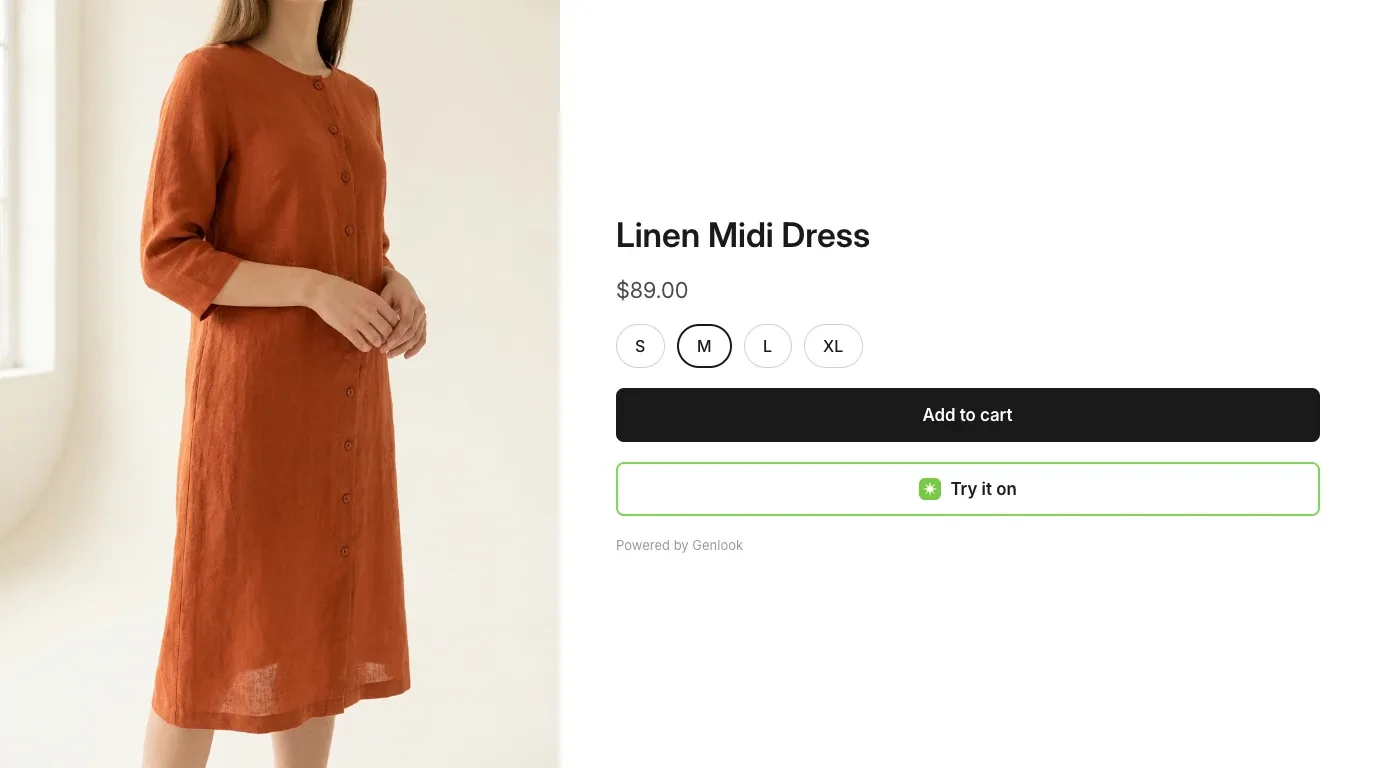
A try-on widget is the user interface component embedded on an e-commerce product page that lets shoppers launch a virtual try-on experience without leaving the site or downloading an app.
It is the shopper-facing entry point to a virtual fitting room: usually a button near the add-to-cart area that opens a modal or drawer where the try-on takes place.
How it works
- Embed: a script injected by the platform (on Shopify, typically a theme app embed) renders the button on product pages.
- Launch: clicking the button opens the widget in an overlay, keeping the product page underneath.
- Capture: the shopper uploads a photo or uses their camera.
- Result: the rendered try-on is displayed, often with options to switch sizes, colors, or products.
Because the script loads on every product page, widgets are typically split into a small boot script and a lazily loaded UI to limit the impact on page performance.
FAQ
Questions, answered.
Does a try-on widget require an app download?↓
No. The experience runs entirely in the browser, inside the store. That is what distinguishes a widget from app-based try-on flows.