
 Shopify
 WooCommerce
OFFICIAL PRESTASHOP MODULE
Virtual try-on for PrestaShop.
A native PrestaShop module that drops a fitting room onto your product pages, on the theme you already run, with the catalog images you already have. Upload the module, paste your key, and go live from the back office.


 6.2s
6.2s
Trusted by 400+ fashion brands
★★★★★5.0on the Shopify App Store







01 · Built for PrestaShop, specifically
It behaves like part of your store.
A real module
A native PrestaShop module that hooks into your existing theme, not an iframe bolted on top. Works with PrestaShop 8 and 9.
Runs on your photos
No 3D models, no re-shoots. Genlook's AI understands each product straight from the catalog images you already have.
Built for mobile
Most fashion traffic is mobile. The try-on flow is fast and thumb-friendly, with no app for shoppers to install.
Privacy by default
GDPR compliant. Shopper photos are encrypted, deleted automatically after 7 days, and never used for training.
02 · On your products
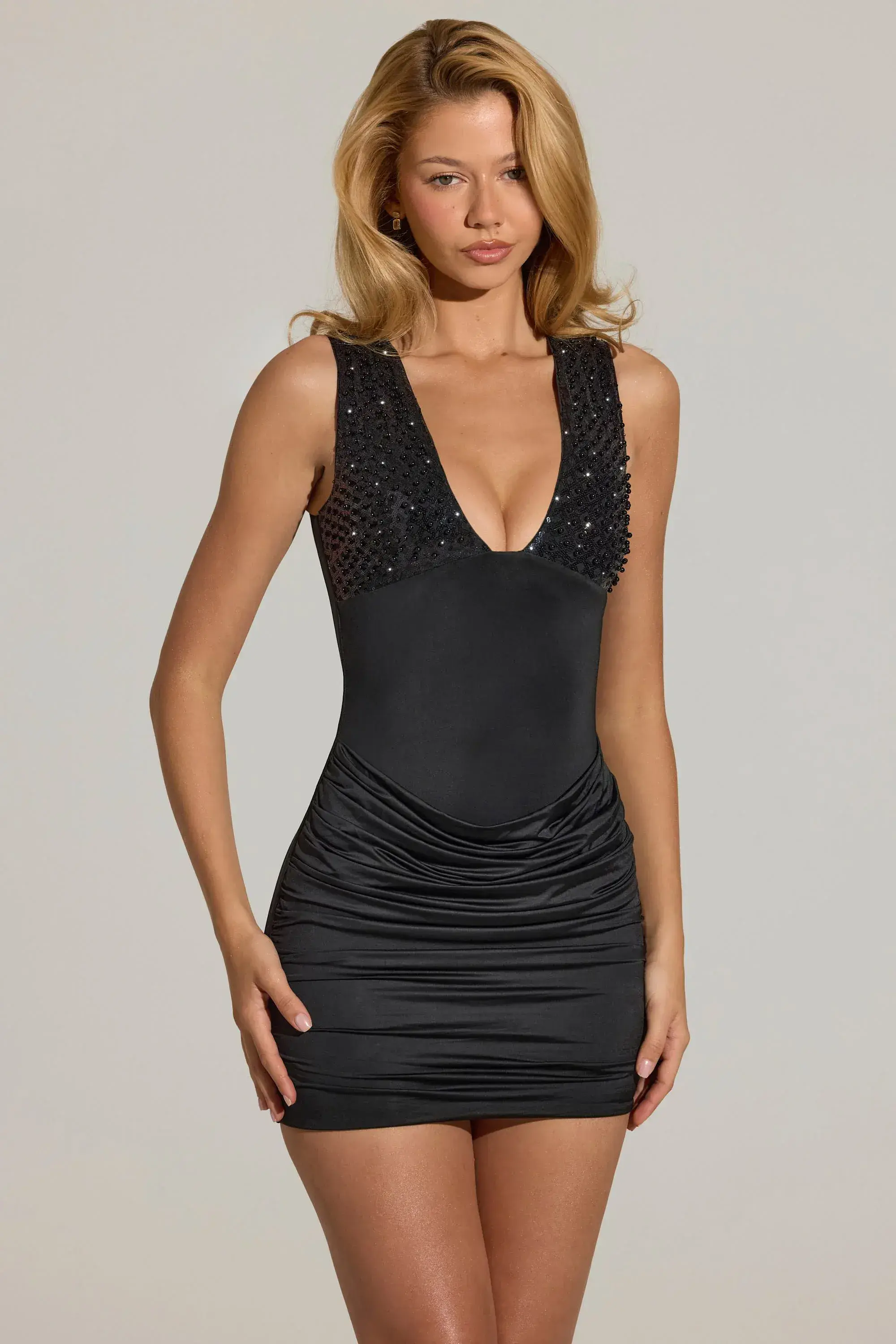
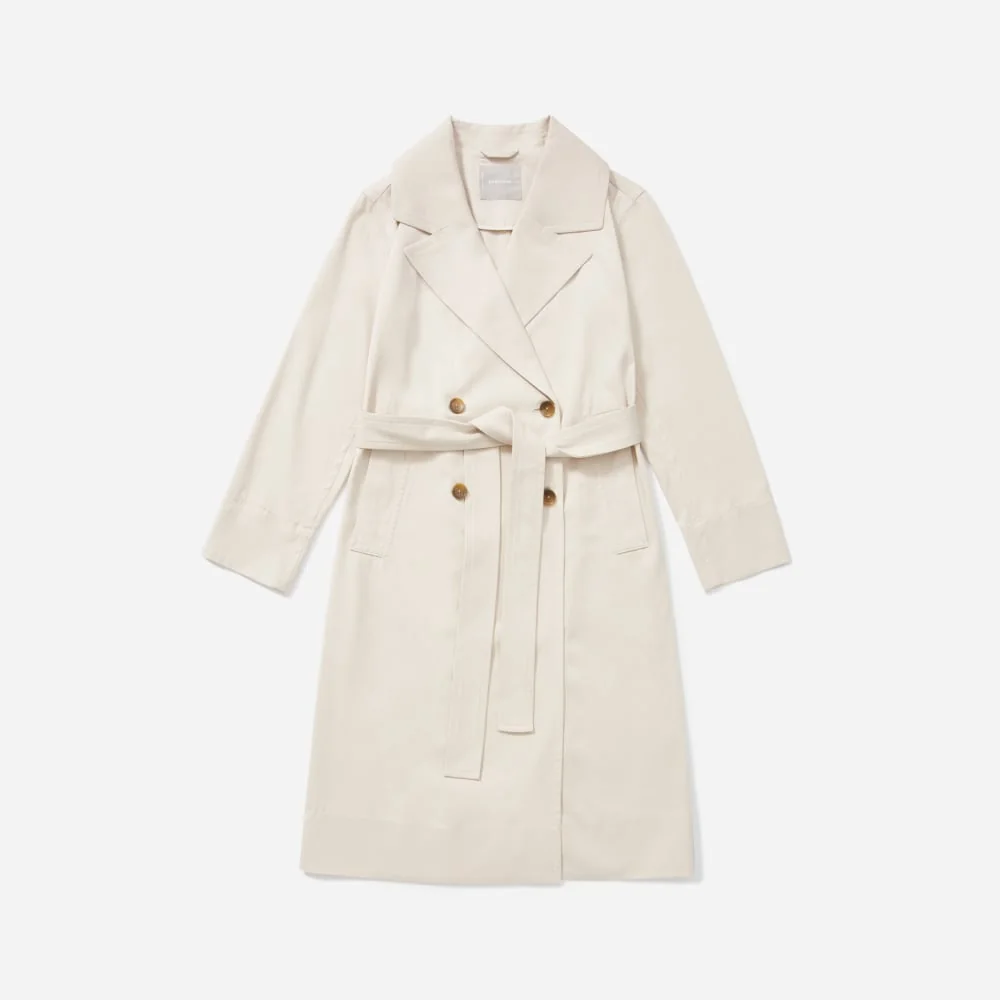
Your catalog, on their body.
Generated from standard PrestaShop catalog images, no special photography required.
































Conversion: shoppers who tried on vs. not
yourstore.com · PrestaShop
Tried on with Genlook
6.4%
Didn't try on
2.1%
Revenue attributed to try-ons this month
€12,480
03 · Built to convert
Watch hesitation turn into checkouts.
Every try-on is tracked from widget open to order. See the conversion lift on try-on sessions, catch the garments shoppers love, and capture emails for your campaigns.
+32%
conversion after try-on
−24%
fewer returns
Reviews from fashion stores.
“The app is very easy to integrate. Value for money. The best part is the AI model generates quite accurate results. The Try-on images that are genrated look very real and our customers are very happy with this feature.”
Sanaulla International
United Arab Emirates · ★★★★★
“We’re using this on our website, and everything is working smoothly. It’s fast, reliable, and performs well. We look forward to them adding more features in the future. 100% recommended.”
BARABAS®
United States · ★★★★★
“A perfect experience with a very helpful and responsive team.”
SARA ELEMARY
Egypt · ★★★★★
“I'm blown away by both the app and the support. The image generation is incredibly realistic and the app is very easy to use. I had a small question about integrating it with our theme, and the founder, Thibault, was super responsive and helped me immediately. It's amazing to get that level of support. Highly recommend!”
IStyleRight
India · ★★★★★
“This is a fabulous App. We have been super pleased with our customers response and have definitely been getting it to more than just pay for itself. We had a few issues at the start and Thibaut from Genlook came onto the Site remotely and sorted the issue out to get us going. Since then we have never looked back. A must App for fast, forward looking fashion Companies.”
Pia Rossini Retail
United Kingdom · ★★★★★
04 · Under the hood
What the module actually does on your site.
Genlook is a real PrestaShop module, installed from Module Manager like any other. It hooks into the standard product page through PrestaShop 8 and 9 hooks, no theme surgery, no override files to maintain across updates. It resolves the combination the shopper picked, adds to cart through PrestaShop's own cart, and leaves your checkout, carriers and vouchers untouched. The widget follows your store's language switcher, which matters for the typical PrestaShop setup selling into three or four European markets at once.
Nothing heavy runs on your server: the AI generates on our infrastructure and your site serves one deferred script. Shopper photos never enter your database. They are encrypted on Genlook's side, deleted after 7 days and never used for training, which keeps your own GDPR surface clean. Product coverage, widget design, email capture and per-shopper limits are all managed from the Genlook menu in your back office. Billing and advanced analytics live in the Genlook dashboard, one account across every platform.
Not on PrestaShop?
Shopify app →WooCommerce plugin →Try-On API for custom stores →More platforms coming
05 · PrestaShop, specifically
Asked by PrestaShop stores.
How do I install the PrestaShop module?↓
Create a free account, add a PrestaShop store and copy your API key. Upload the module zip in Modules → Module Manager, open the Genlook menu, paste the key and enable try-on on your products. Most stores are live in under 10 minutes.
Which PrestaShop versions are supported?↓
PrestaShop 8.0 and later, including PrestaShop 9, with PHP 8.1 or later. On PrestaShop 1.7 the Try-On API still works with any storefront.
Does it work with my PrestaShop theme?↓
Yes. Genlook uses standard PrestaShop hooks, so the try-on button slots into your existing theme and inherits your styles, Classic, Hummingbird or a custom theme.
Will it slow my site down?↓
No. One deferred script loads from our CDN, and the AI runs on our servers, not your hosting. Your Core Web Vitals stay yours.
Do I need 3D models of my products?↓
Never. Genlook works entirely from your existing 2D product photos. Its AI understands the garment from the image.
What does try-on cost?↓
Same plans as everywhere: a free plan to start, then paid plans by monthly volume. Shoppers who only browse cost you nothing.
A fitting room in your PrestaShop store.
Free plan to start. Module uploaded and live in ten minutes, no theme code.