Shopify
 WooCommerce
Virtual try-on for dresses.
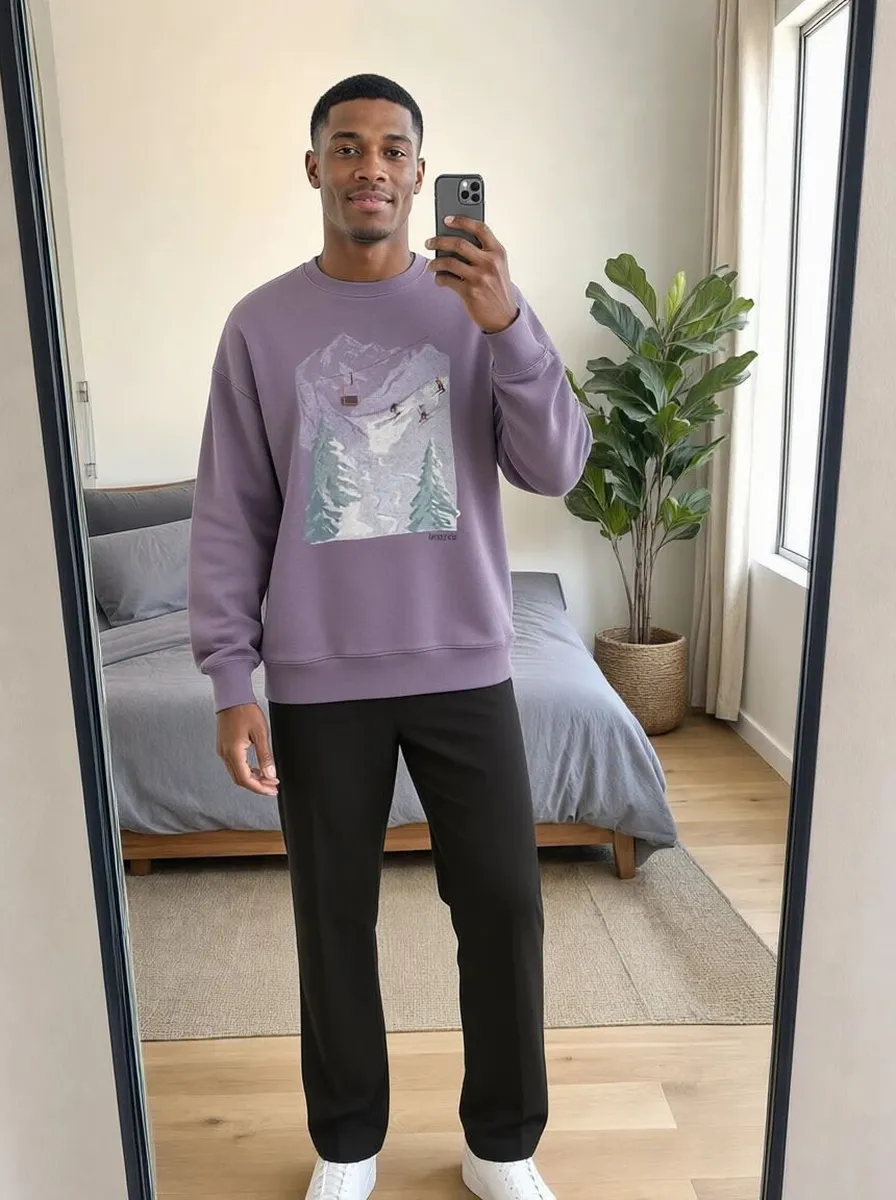
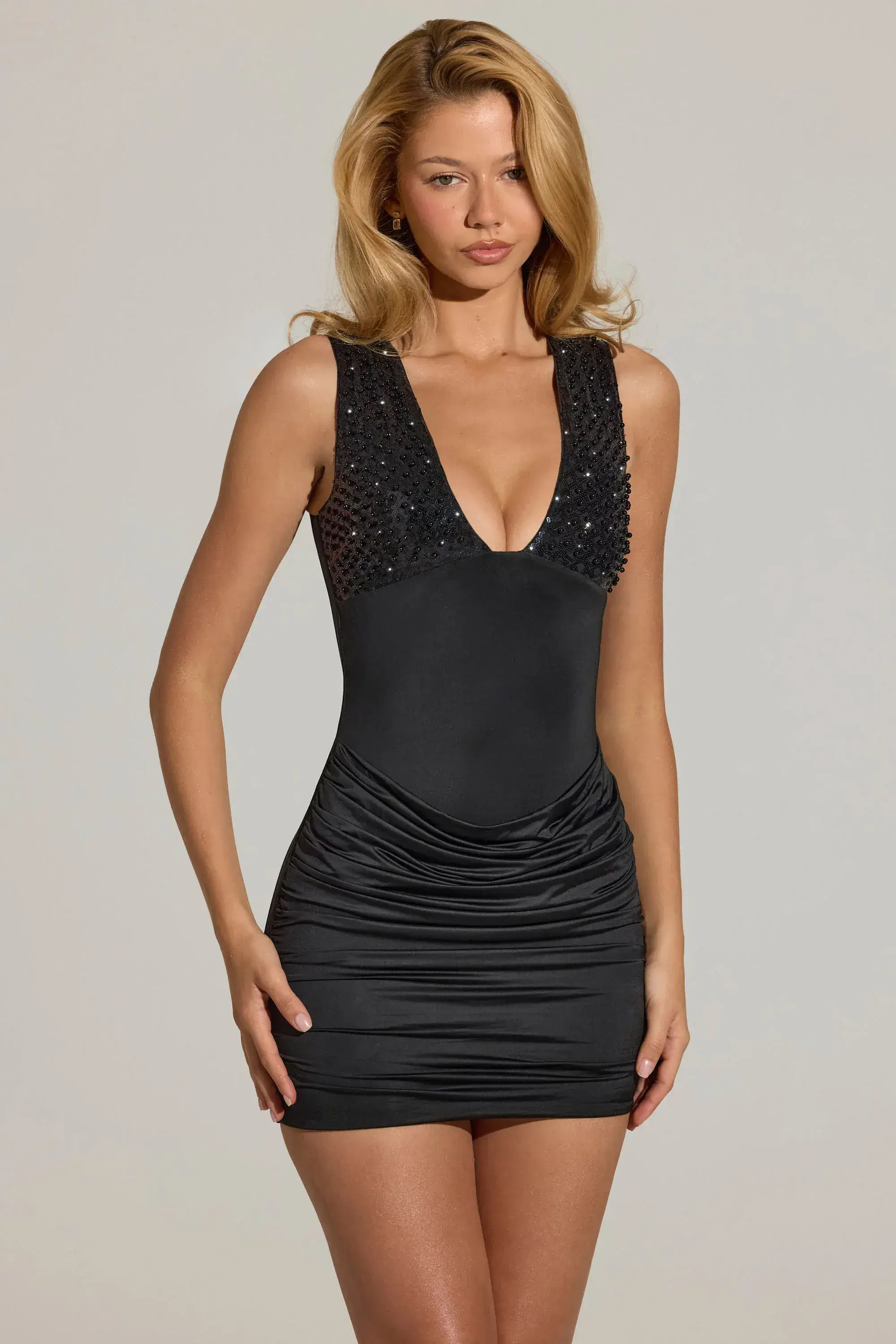
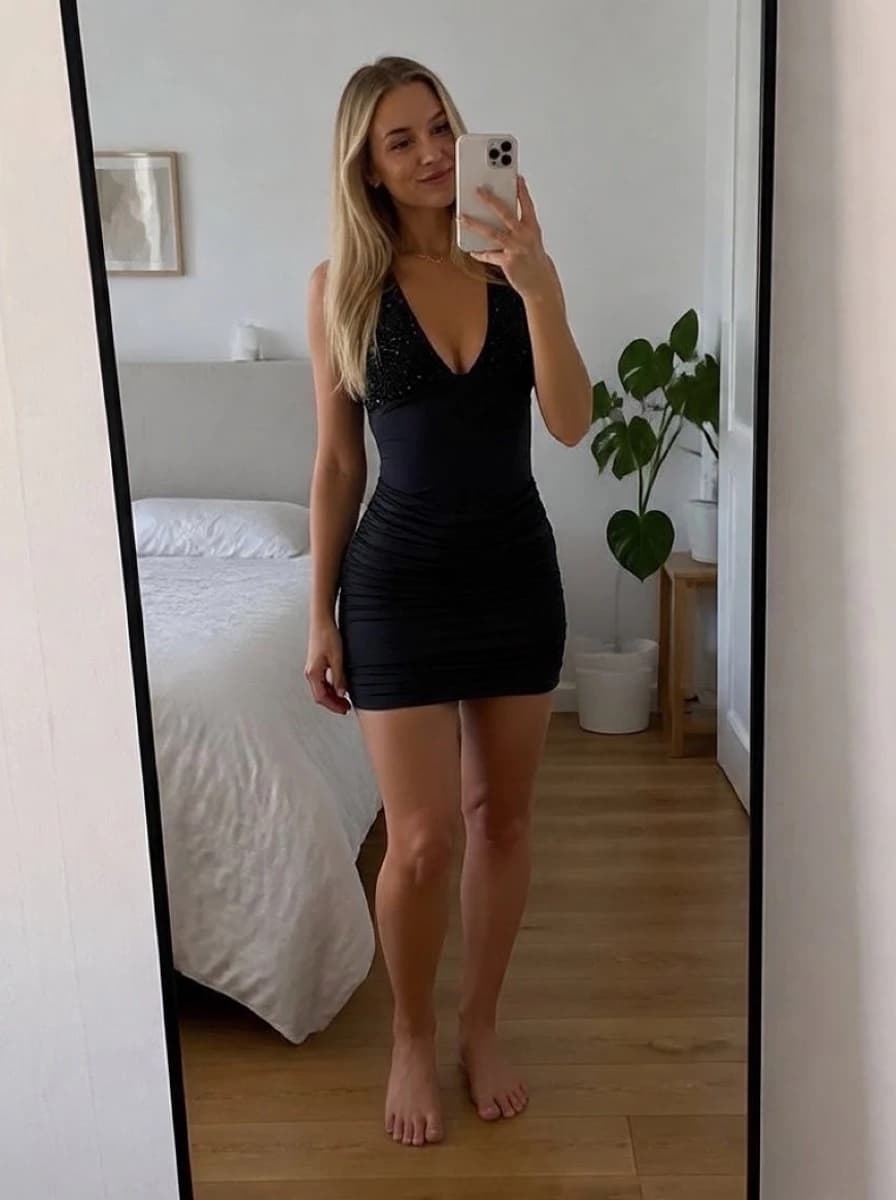
Shoppers choose a dress on how the drape, waistline and hem look on them. Genlook shows your dresses on the shopper's own photo, right on the product page.
Free plan, no card needed

 8.2 s
8.2 sFree plan, no card needed
Used by 900+ fashion stores








Examples of dress try-ons
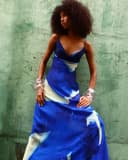
One shopper photo with four different dresses. Each result is shown next to the product photo it was made from.

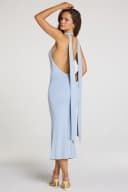
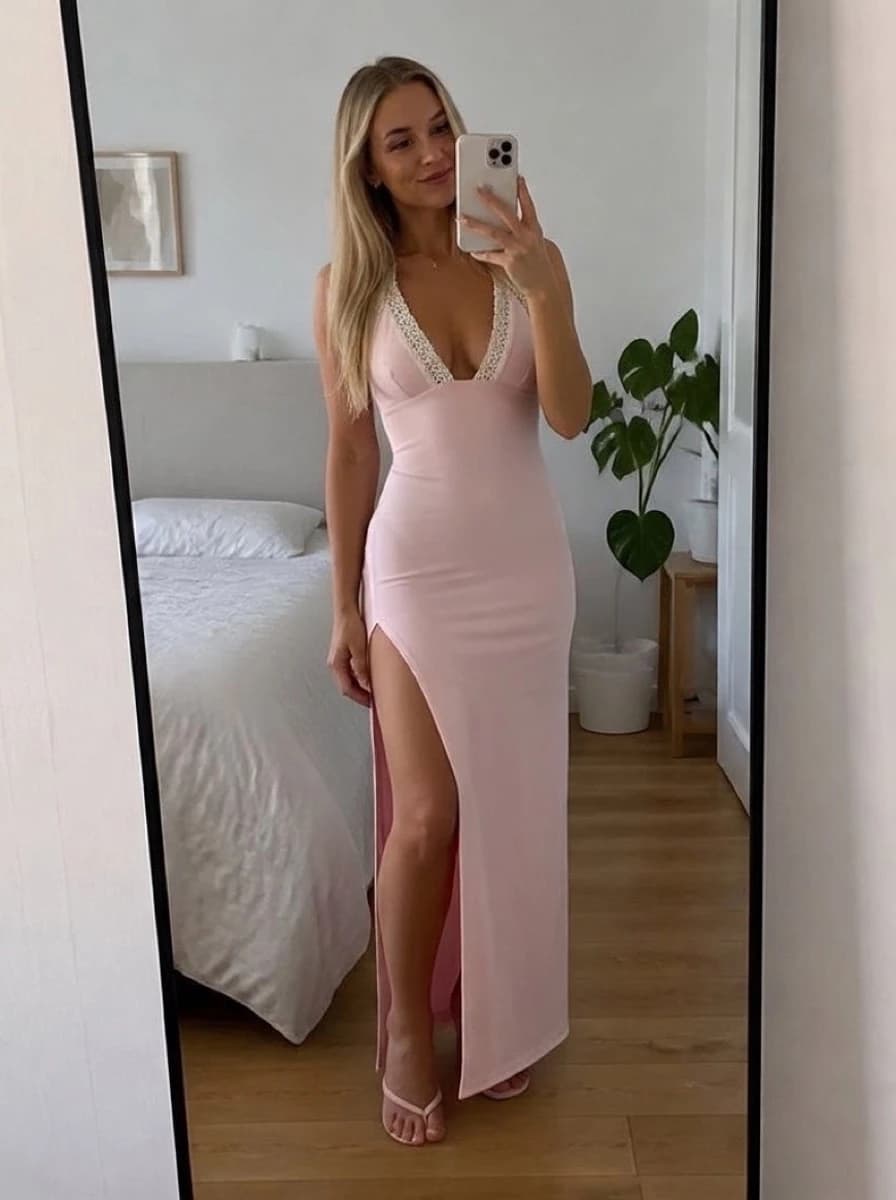
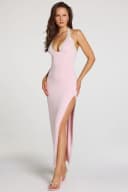
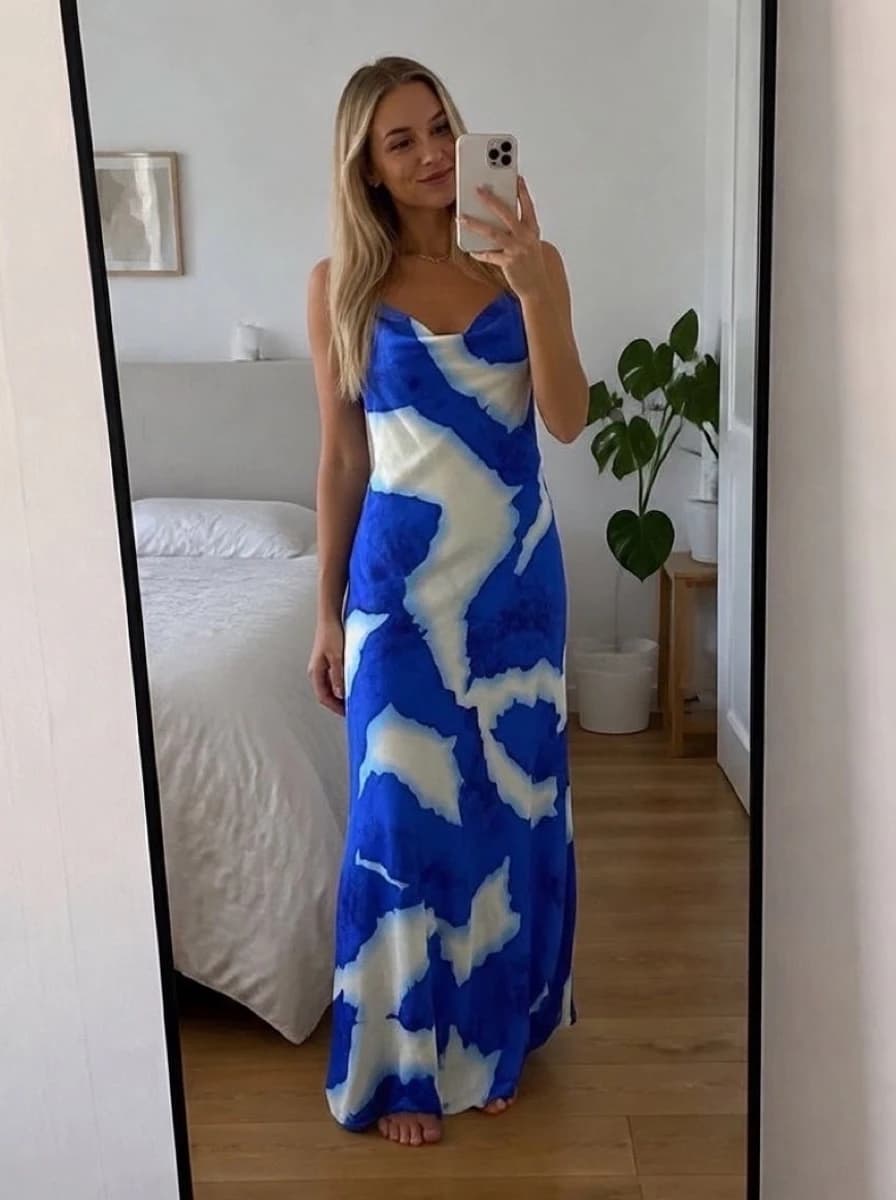
Shoppers can't see how a dress will look on them
Shoppers choose a dress for its silhouette. A product photo shows the dress flat or on a model, so shoppers can't tell how it will look on them. Many hesitate and leave the cart.
- Dresses have the highest return rate of any apparel category
- Drape and hemline look different on the model than on the shopper
- Genlook shows each dress on the shopper's own photo before they buy
Genlook900+
fashion stores use Genlook
5.0
rating on the Shopify App Store
8.2s
median time per try-on
Mini to maxi
dress lengths, cuts and fabrics
Try-on for every dress style, from slip dresses to gowns
Wrap, bodycon and A-line dresses each keep their own silhouette on the shopper's photo.
How Genlook renders length, fabric and prints
Dress length
A maxi dress reaches the ankle and a mini stays short on the shopper.
Fabric
Satin keeps its sheen and fall, chiffon stays light, and structured cotton holds its shape.
Prints and patterns
Florals, stripes and other patterns follow the body without blurring. Shoppers can zoom in on the detail.
Waistline, neckline and straps
These details are the ones that often decide a dress purchase, and they show on the shopper's own photo.
Where stores use try-on
Product pages
A "See it on you" button next to add-to-cart, where shoppers decide whether to buy.
Occasion collections
Wedding-guest and party-season pages get shoppers who are close to buying. Try-on lets them see the dress on themselves before they leave to compare.
Follow-up emails
Shoppers can leave their email in the try-on window, with consent. Genlook syncs it to Klaviyo so you can follow up with shoppers who tried a dress.
Why dresses are hard to sell with product photos alone
Dresses are returned more than any other apparel category. Benchmarks put the online rate at 33 to 38%, and 43% of shoppers who return clothing point to fit. Shoppers judge a dress on its silhouette, and a photo of someone else doesn't show the silhouette on their own body.
Showing the dress on the shopper's own photo helps them see how it looks before checkout. It does not measure anything, so a clear size chart still handles the size choice. The live demo shows try-ons on a real catalog.
Frequently asked questions
Do maxi, midi and formal dresses all work?
Yes, all lengths and cuts work. Dresses are one of the strongest categories for Genlook: the try-on keeps the hemline, waistline and the way the fabric falls.
Does the drape look real?
The dress is generated on the shopper's pose. Satin flows, knits sit close, and structured fabrics hold their shape. You can check the results in the live demo.
What product photos do I need?
The ones you already have, packshot or on-model. Clear images on a plain background give the best results.
Does it help with sizing?
Try-on shows the style and proportions of the dress on the shopper's photo. It is not a measurement tool, so pair it with a clear size chart for the size choice.
Are shoppers' photos private?
Yes. Photos are encrypted in transit and at rest, never used to train AI models, and deleted after 7 days.
What does it cost?
The Free plan includes 10 try-ons a month, and no card is required. Paid plans include more try-ons each month.
Available on
Or use the Try-On API for a custom store.
 PrestaShop module
Learn more
Add try-on to your dress store.
Start on the Free plan with 10 try-ons a month, no card required. It works with the dress photos you already have.