
 Shopify
 WooCommerce
Colored and cosmetic contact lenses are one of the most emotional things you can sell online. Shoppers aren't buying a spec sheet. They're buying a version of themselves. "Will this honey shade warm up my brown eyes?" "Is this blue too much?" And unlike a t-shirt, the exact same lens looks completely different depending on the eye it lands on.
That gap between the studio swatch and reality is the single biggest reason colored-lens orders come back. This guide covers why that happens, how AI virtual try-on fixes it, and what it looks like in practice, with real before/after examples generated by Genlook's dedicated eye-lens engine.
Why colored contacts are so hard to sell online
A colored contact lens listing usually shows one of two things: a flat swatch of the lens on white, or the lens on a single model. Both leave the shopper guessing:
- Iris tone changes everything. An enhancement tint that gives light eyes a soft glow can be nearly invisible on dark brown eyes. An opaque grey that looks dramatic on the model might read flat on someone else. One photo can't represent every customer.
- Opacity is invisible in a swatch. Shoppers can't tell from a product shot whether a lens will fully cover their natural color or blend through it.
- No in-store try-on. With glasses you can walk into a shop and try frames. With contacts, hygiene rules mean there's no "try before you buy". Online is often the only way people shop them.
- The result: high, expensive returns. When the color doesn't match the fantasy, the lens comes back, and the shopper buys from a competitor who showed them better.
What virtual try-on actually does for lenses
Virtual try-on replaces the guess with a personalized preview. The shopper uploads a selfie or uses their camera, and the lens color is rendered on their own eye, blended with their real iris tone, keeping the pupil and the eye's natural highlights intact.
The important word is dedicated. Generic try-on tools and social filters paint a flat colored disc over the eye. That kills the pupil, wipes out the catchlights, and ignores the shopper's underlying eye color, so every lens looks the same. A purpose-built eye-lens engine instead:
- Finds each iris and its exact position.
- Keeps the pupil dark, round, and centered.
- Blends the lens color, opacity, and pattern (including the limbal ring) with the natural iris.
- Preserves the corneal catchlights so the eye still looks wet and alive.
See it in action
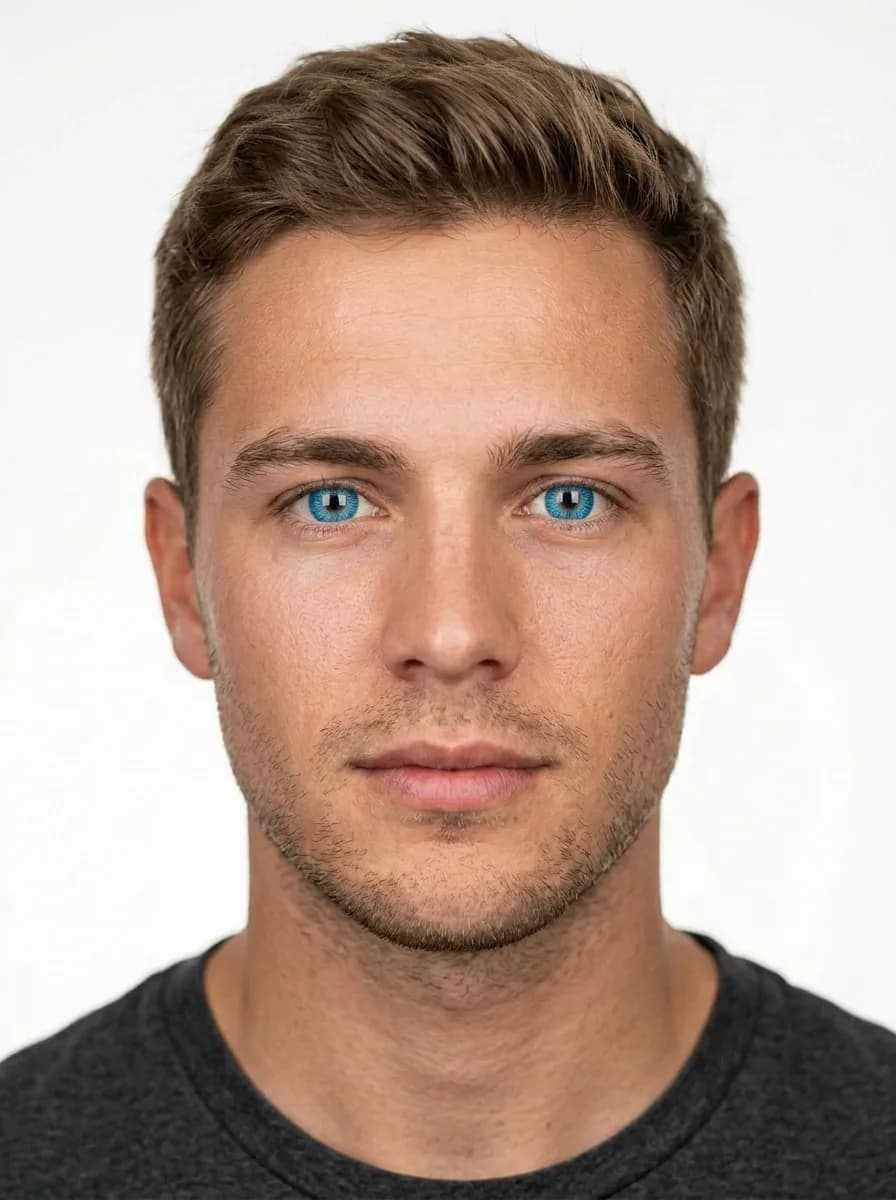
Here's the same engine applied to three shoppers and three lens colors. Each pair is a real photo on the left and the AI try-on on the right. Only the iris changes.
A subtle honey-hazel enhancement: the natural brown warms up without looking artificial, exactly the kind of nuance a flat overlay can't show.


A bold emerald green opaque lens on darker eyes: full coverage, with the limbal ring and texture keeping it believable.


A bright ocean blue with a starburst center. Pupil and catchlights preserved so it reads as a real lens, not a paint fill.

The business case
Getting shoppers to see themselves in the product changes the numbers in three ways:
- Fewer returns. Color mismatches are the top return reason for cosmetic lenses. When expectations match reality before checkout, that category of return shrinks.
- Higher AOV and exploration. With a try-on, shoppers flip through three, four, five shades on the same selfie instead of committing to one guess. More of those comparisons end in "I'll take two."
- Trust and repeat purchase. A store that shows you exactly what you're getting earns the next order too.
How to add it to your store
With Genlook it's a product-page add-on, not an app build:
- Install on Shopify, WooCommerce, or PrestaShop.
- Point it at your existing lens photos. The engine extracts color and pattern automatically. A clean swatch, a lens on a fingertip, or an on-eye shot all work.
- Enable the try-on button per product or collection.
- Shoppers click, upload or snap, and see the color on their own eyes.
The routing is automatic: Genlook classifies each product, and lens listings are sent to the dedicated eye-lenses engine rather than the generic clothing or eyewear pipelines, so contacts are treated as contacts, not as glasses.
FAQ
FAQ
Questions, answered.
How is this different from a Snapchat-style eye color filter?↓
Filters overlay a flat color and lose the pupil and the eye's natural highlights. A dedicated eye-lens engine blends the lens color and opacity with each shopper's real iris while keeping the pupil, limbal ring, and catchlights intact, so the preview reflects how the lens will actually look on that person.
Does it work for prescription contacts?↓
Yes. The preview shows color, pattern, and opacity. It makes no claim about vision correction. Display prescription and diopter details separately as usual.
What product photo works best?↓
A clean image of the lens where the color and pattern are visible: a swatch on white, on a fingertip, or in its case. If you also have an on-eye photo, Genlook will use whichever best represents the color.
Do shoppers need to install an app?↓
No. It runs entirely in the browser on the product page, on phones and desktops. Shoppers upload a photo or use their live camera, no app or QR code.