
 Shopify
 WooCommerce
Zara Set the Expectation. Now Your Shoppers Have It.
When Zara rolled out its AI-powered virtual fitting room, it did something more important than launch a feature: it taught millions of shoppers that trying clothes on before buying online is possible.
That expectation doesn't stay inside the Zara app. Shoppers carry it to every fashion store they visit, including yours. The question in their head when they land on your product page is no longer "I wonder how this fits" but "why can't I try this on here?"
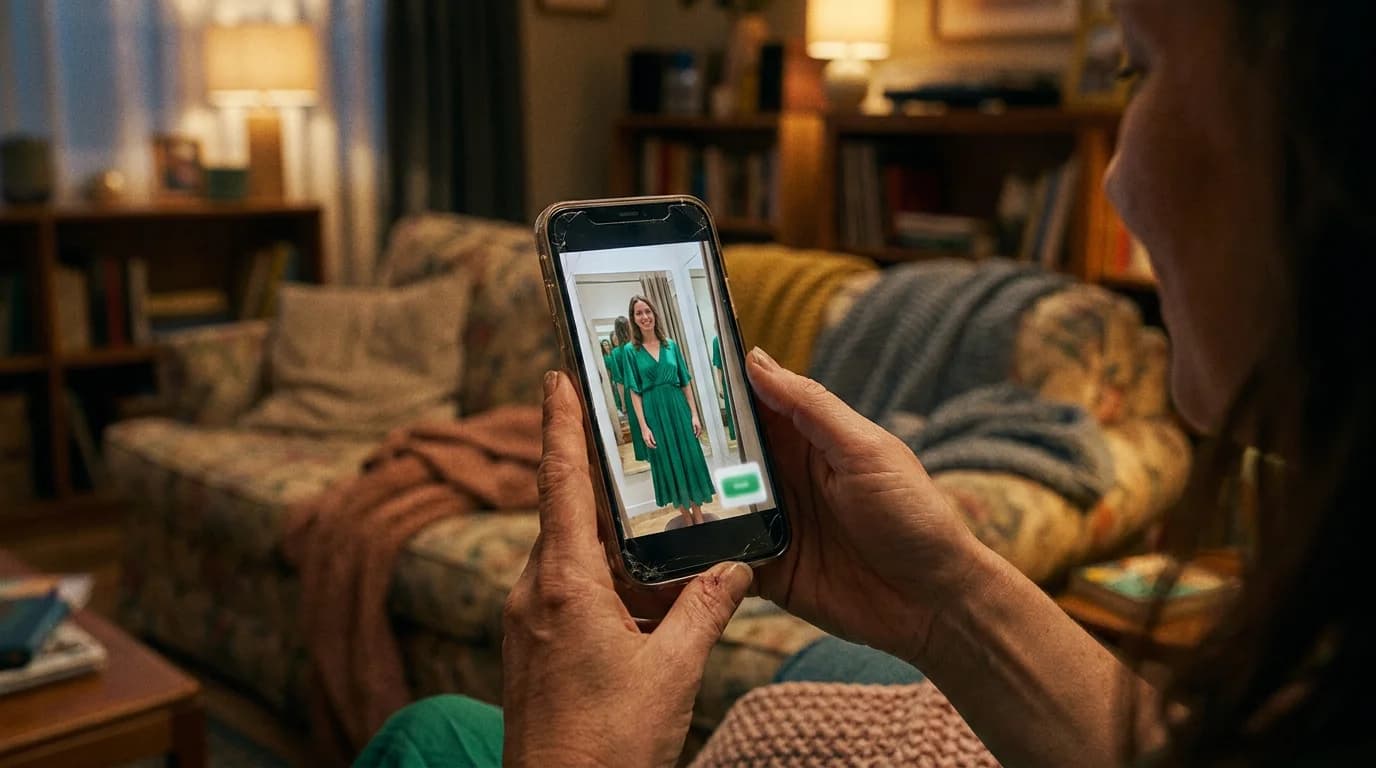
The good news: you can answer that question today, without Inditex's R&D budget, and honestly, with a better experience than Zara's. This guide covers what Zara actually built, where its approach creates friction, and the step-by-step of putting an AI fitting room on your own store.
What Zara Built (and What It Costs the Shopper)
Zara's implementation is technically impressive and deliberately heavy:
- App-only. The fitting room lives exclusively in the Zara mobile app: web shoppers are excluded.
- Two-photo onboarding. Users upload a portrait and a full-body shot, and consent to biometric-adjacent data processing.
- Avatar creation. The system builds a 3D digital avatar, which takes about two minutes.
- The payoff. A rotating 360° avatar that can wear multiple garments at once.
For Zara, the trade-off works: immense brand loyalty means shoppers will download the app, follow the steps, and wait. It's a walled-garden strategy: the fitting room is a reason to live inside Zara's app.
Why You Shouldn't Copy Zara's Approach Literally
For an independent brand, each of those steps is a conversion cliff. Asking a first-time visitor to download an app would lose most of them before the feature ever loads; a two-minute avatar build is an eternity against a typical product-page session.
Copy the outcome (shoppers seeing clothes on themselves), not the architecture (app + 3D avatar + wait). Generative AI makes the lightweight version not just possible but better:
| Zara's fitting room | An AI fitting room on your store | |
|---|---|---|
| Where | Zara app only | Your product pages, mobile & desktop browser |
| Onboarding | 2 photos + avatar creation | 1 photo (a mirror selfie works) |
| Wait | ~2 minutes | Seconds |
| Technology | 3D avatar | Generative AI rendered on the shopper's real photo |
| Who can have it | Zara | Any store |
The generative approach also produces a fundamentally different artifact: not a game-like 3D avatar, but a photorealistic image of the actual shopper wearing your actual product, which is what drives the "add to cart" decision.
How to Add an AI Fitting Room to Your Store, Step by Step
With Genlook, the whole setup fits in an afternoon, no developers required:
1. Create your account
Head to genlook.app/get-started and connect your platform: Shopify, WooCommerce, or any other supported platform. The integration installs the try-on widget on your product pages automatically.
2. Enable your products
Genlook works from your existing product photography: the same images already on your product pages. Enable the products you want (start with bestsellers), and the try-on button appears on them. No 3D scanning, no reshoots.
3. Let shoppers try on with one photo
A shopper taps the try-on button, uploads a single photo, and sees the garment rendered on themselves in seconds, in the browser, on the product page, right next to your "Add to cart" button. No app, no avatar, no waiting room.
4. Measure and expand
Track try-on usage, engagement, and conversion from your dashboard. Once the numbers confirm what Zara already knows (shoppers who see clothes on themselves buy with more confidence), roll it out across the catalog.
Tips for getting the most out of it
- Promote the feature. Zara spent heavily teaching shoppers the behavior; you get that education for free. A "Try it on" hint in your hero banner or email campaigns converts that awareness.
- Start where fit-doubt is highest. Dresses, outerwear, swimwear: the categories where hesitation costs you the most are where the fitting room pays fastest.
- Watch your return rate, not just conversion. The fitting room works on both ends: more confident purchases, fewer disappointed unboxings.
The Bottom Line
Zara validated the AI fitting room at a scale no independent brand could, and in doing so, handed every fashion retailer both a challenge and a gift. The challenge: shoppers now expect it. The gift: the expectation is set, and the technology to meet it no longer requires an app, an avatar pipeline, or a fast-fashion giant's budget.
Get your AI fitting room at genlook.app/get-started, live on your product pages today, one photo per shopper, results in seconds.
FAQ
Questions, answered.
Can small online stores get a virtual fitting room like Zara's?↓
Yes. Tools like Genlook bring generative AI try-on to independent stores on Shopify, WooCommerce, and other platforms. Shoppers upload one photo and see garments rendered on themselves in seconds, directly on the product page, with no app download or 3D avatar required.
How is Genlook different from Zara's AI fitting room?↓
Zara's fitting room is app-only, requires two photos, and builds a 3D avatar over about two minutes. Genlook runs in the browser on your own product pages, needs a single photo, and returns a photorealistic try-on image in seconds.
Do I need special product photos or 3D models?↓
No. Generative AI try-on works from the standard product photography already on your store. You enable the products you want, and the try-on button appears on their pages.
How long does it take to set up an AI fitting room?↓
Minutes to an afternoon. Connect your store at genlook.app/get-started, enable products, and the try-on experience is live, no development work needed.