Shopify
 WooCommerce
Virtual try-on for headwear.
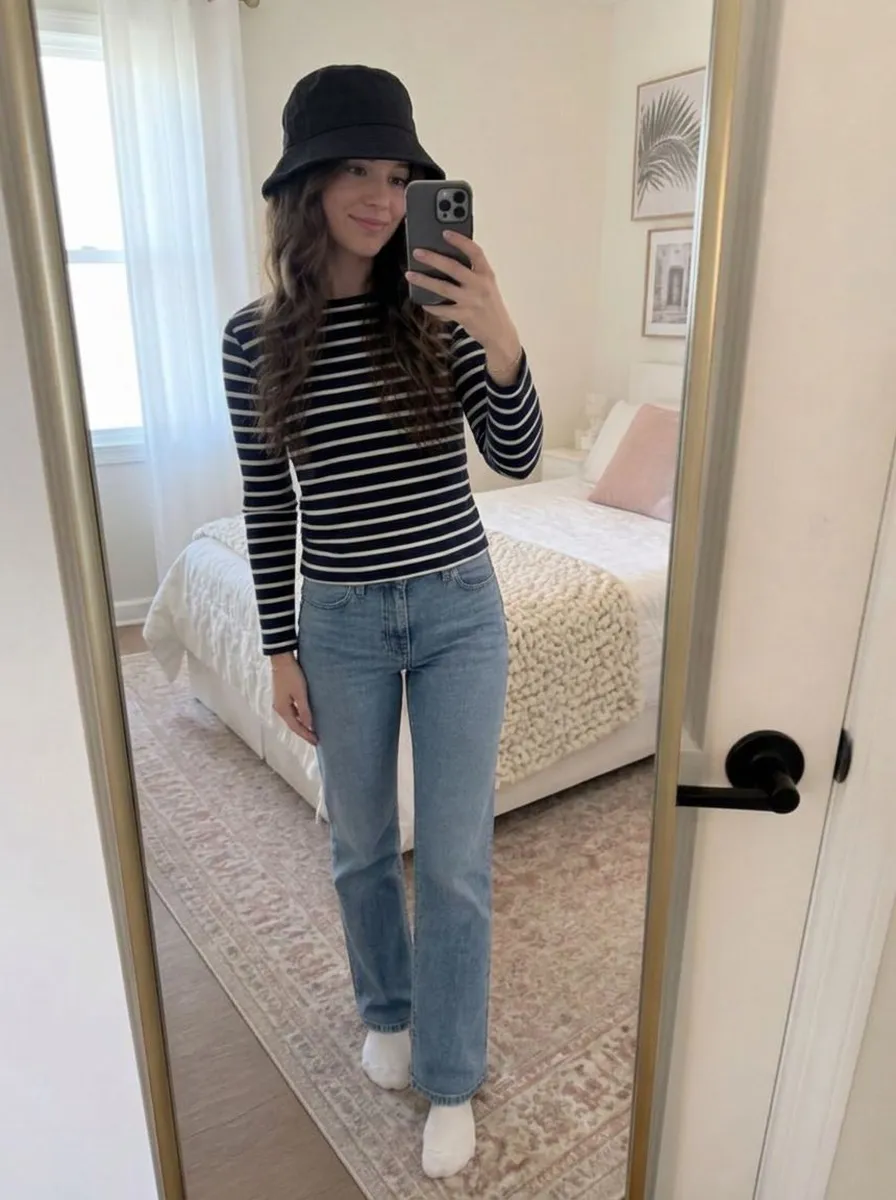
Genlook shows your caps, beanies and bucket hats on the shopper's own head in under 10 seconds, right on the product page. It uses the product photos you already have.
Free plan, no card needed
 8.2 s
8.2 sFree plan, no card needed
Used by 900+ fashion stores













Examples of headwear try-ons
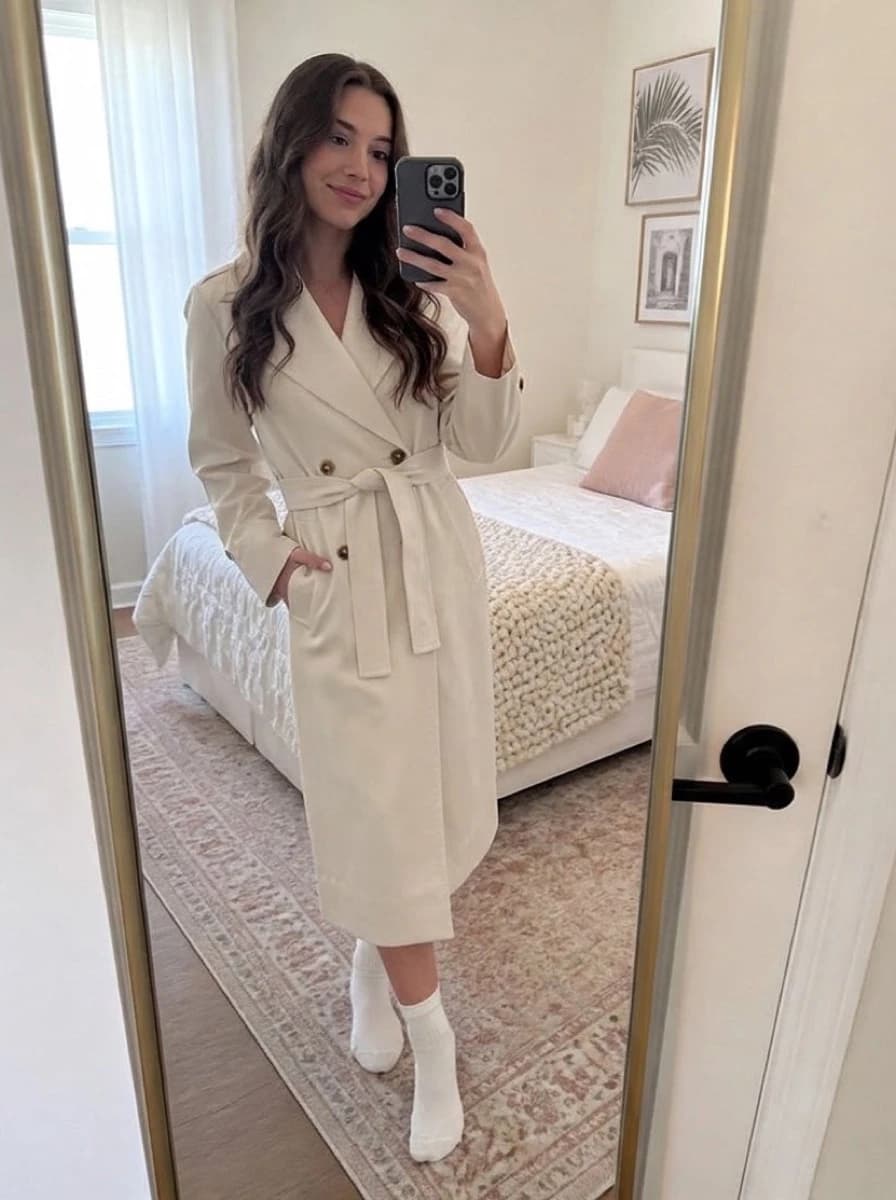
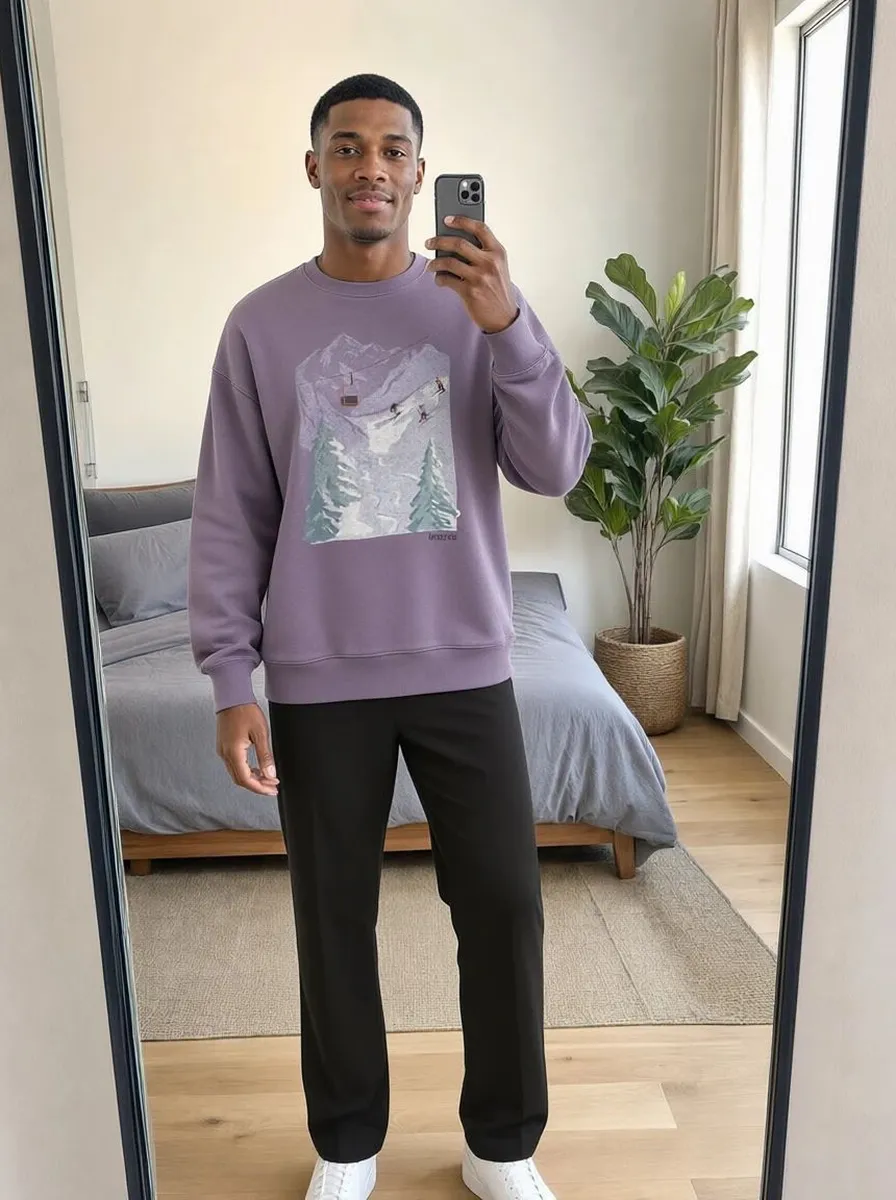
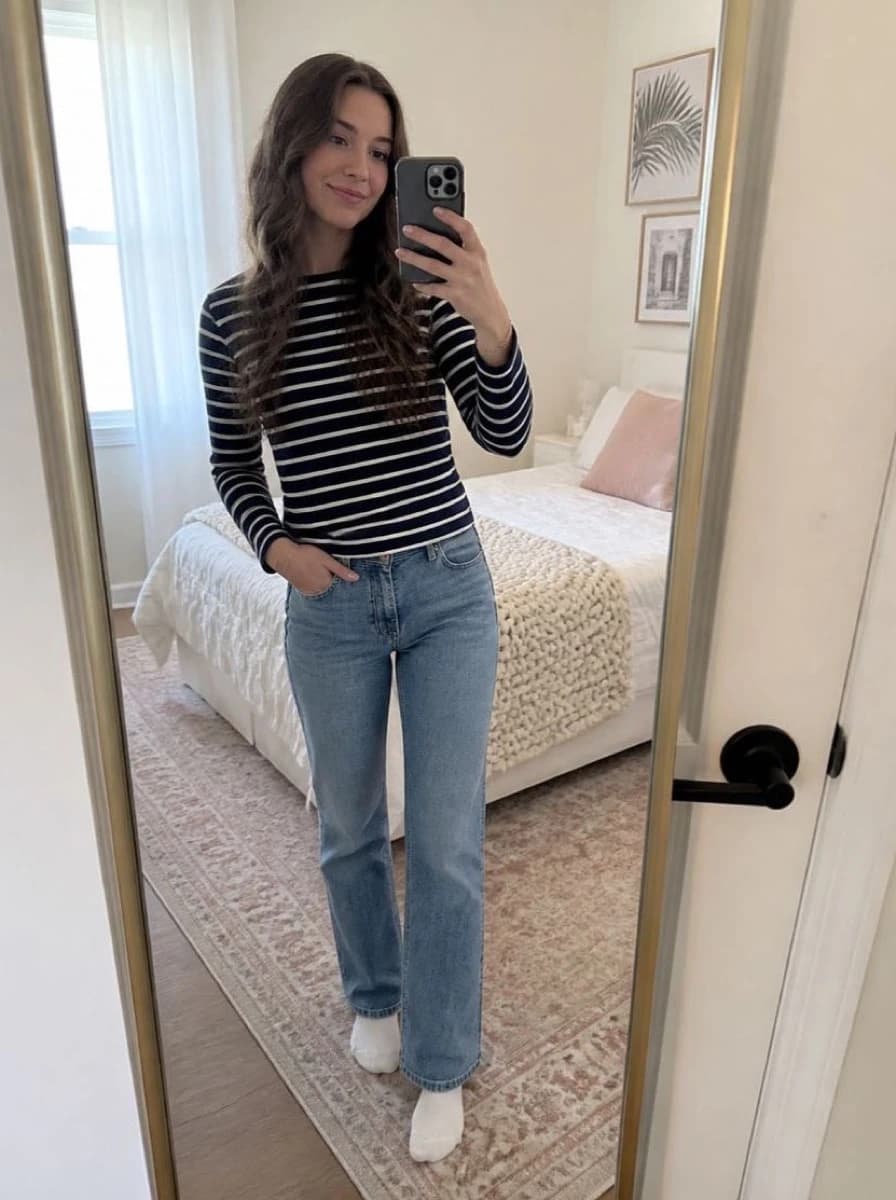
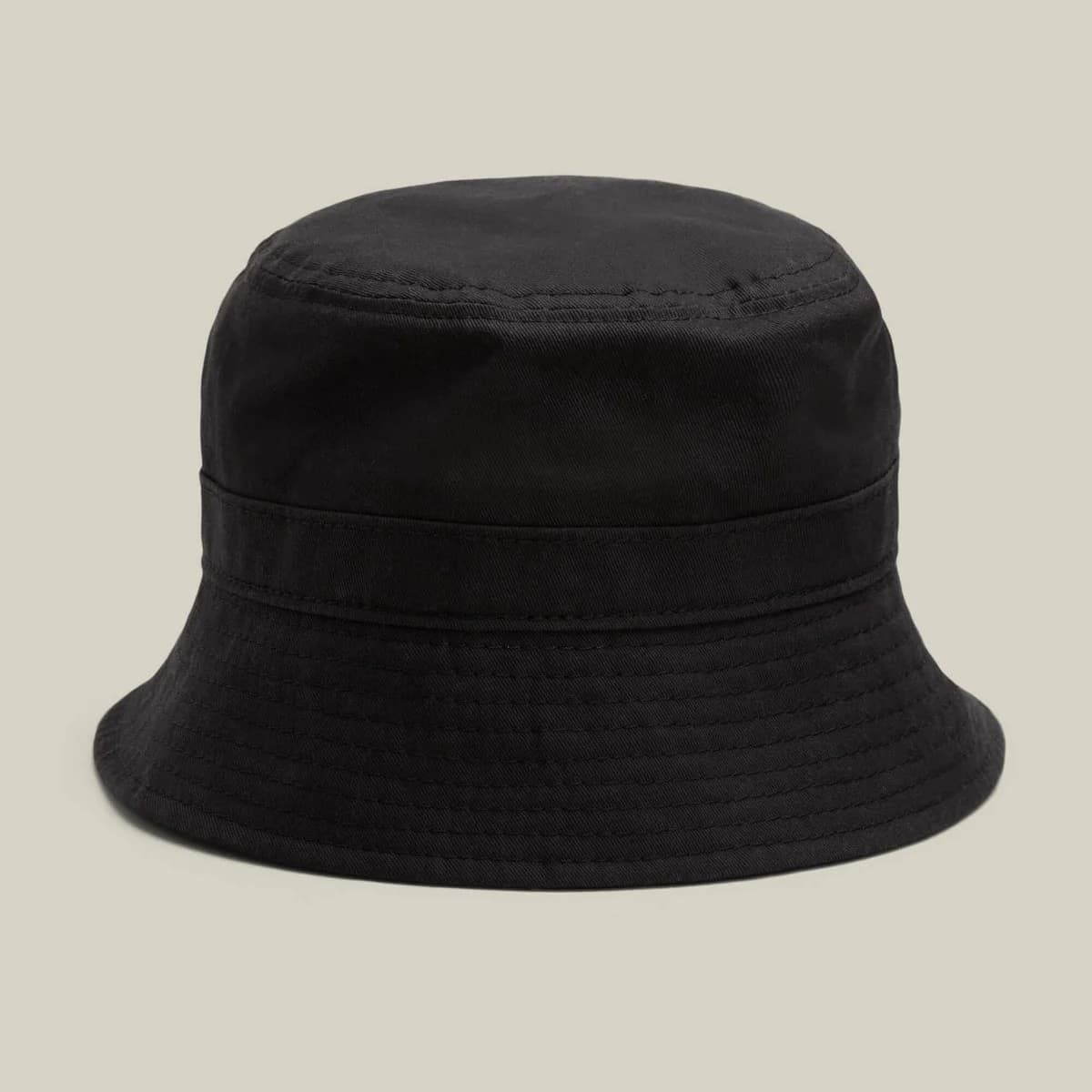
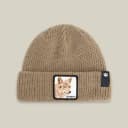
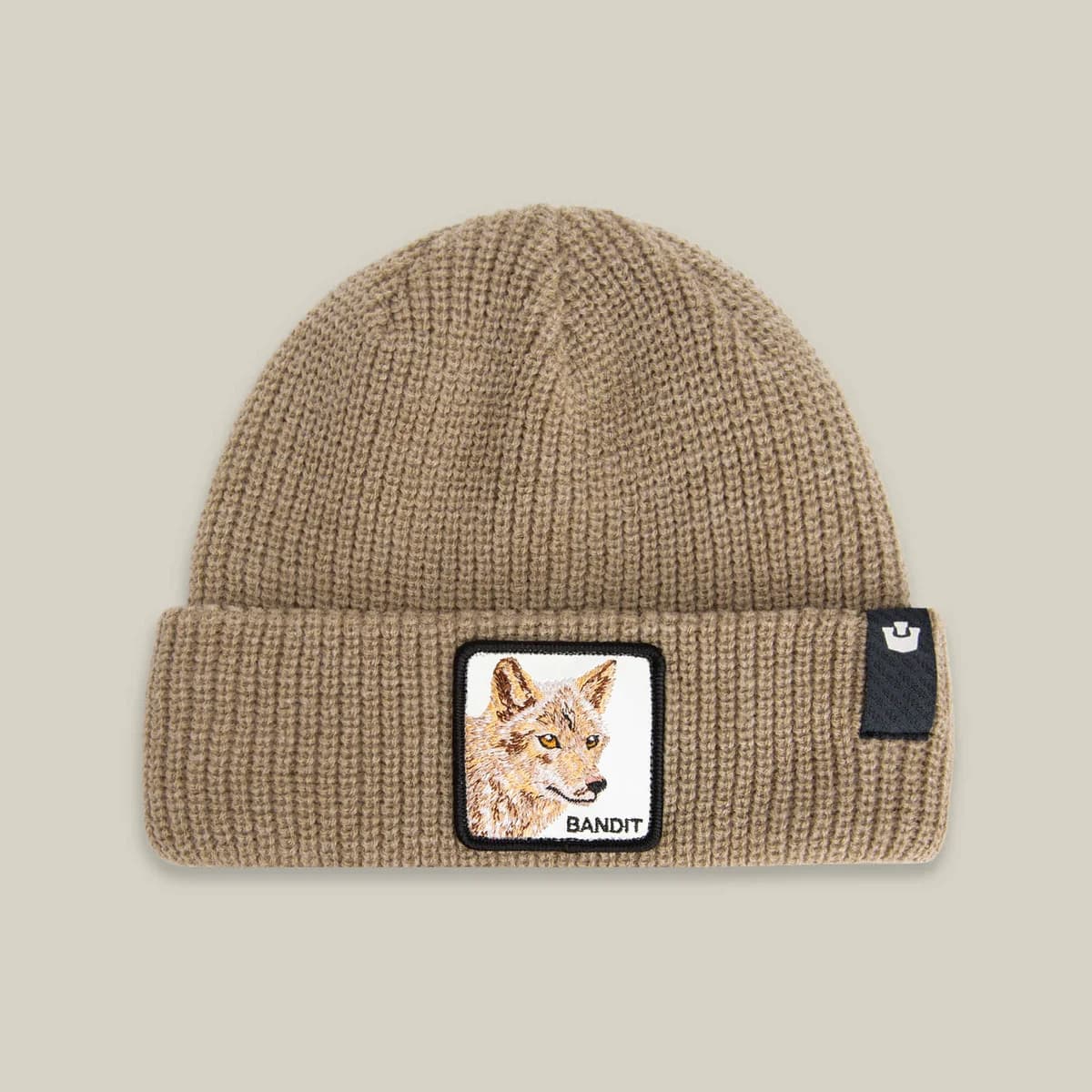
Same shopper photo, three different hats, each with the product photo it came from.
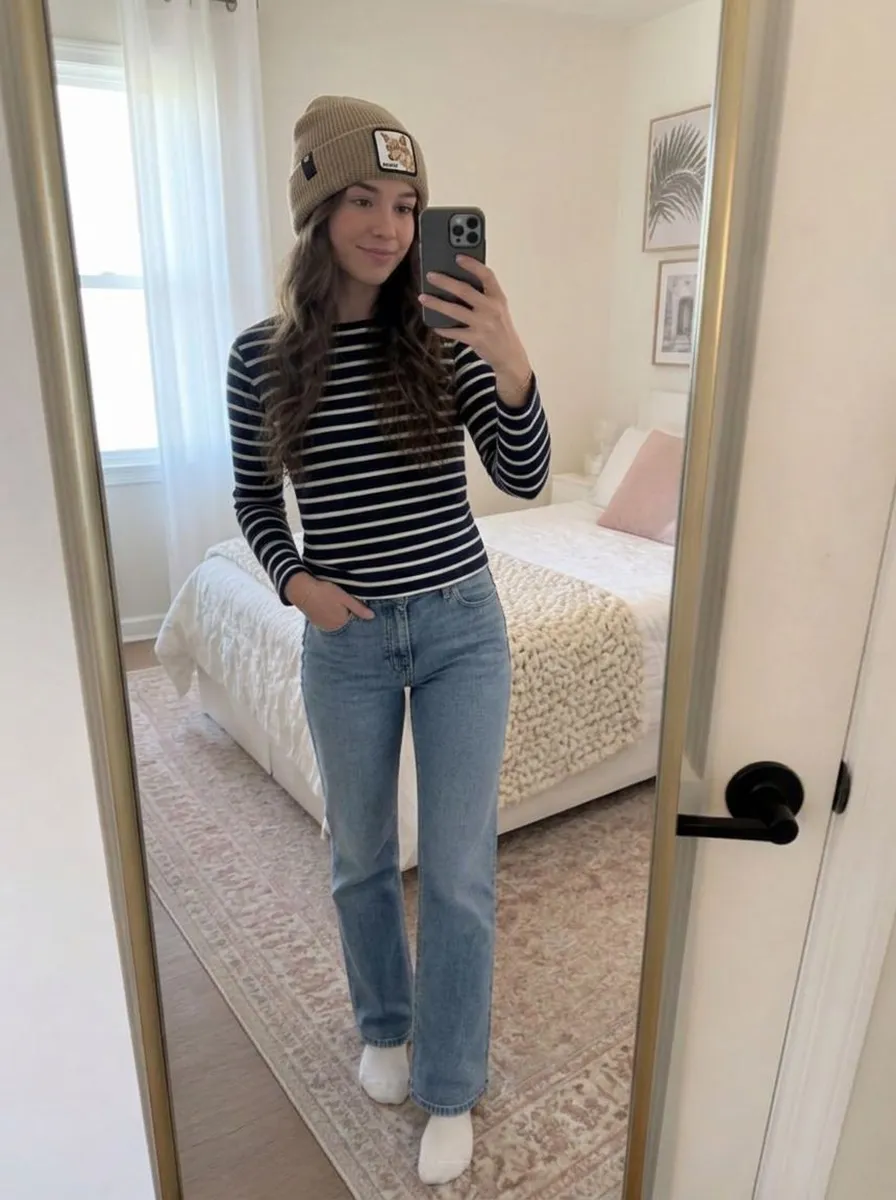
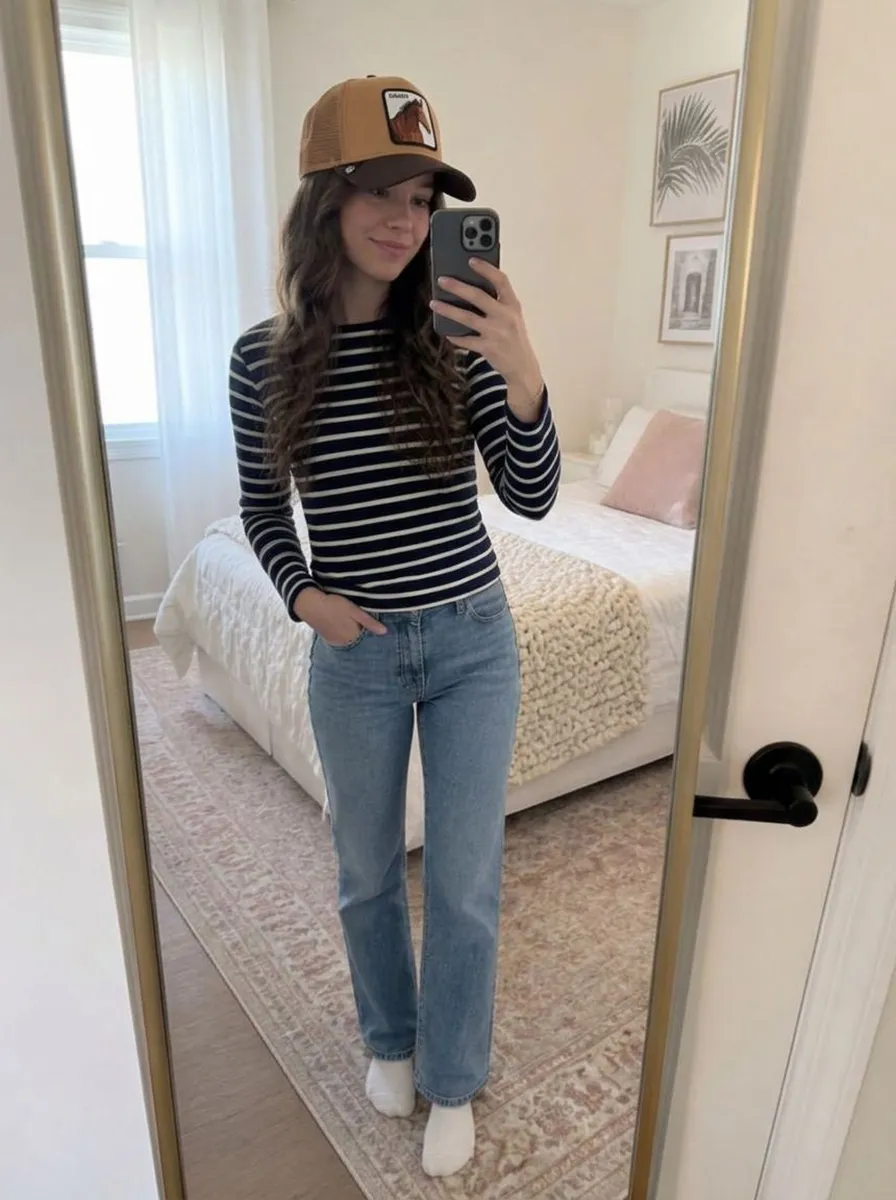
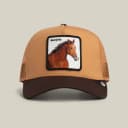
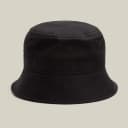
Product photos don't show how a hat looks on the shopper
Whether a hat suits someone depends on their face shape, hairline and hair volume, and a product photo shows none of that. Many shoppers prefer to try hats on in a store. Try-on lets them see the hat on their own head from the product page.
- Shoppers aren't sure a hat will suit their face shape
- A model's photo doesn't show how the hat looks on the shopper
- Genlook shows the hat on the shopper's own photo, on the product page
 Genlook
900+
fashion stores use Genlook
5.0
rating on the Shopify App Store
8.2s
median time per try-on
Cap to bucket hat
headwear styles supported
Try-on for caps, beanies, fedoras and other hats
Soft knits, structured caps and wide brims sit differently on the head. The try-on renders each type the way it is worn.
How Genlook renders hats
Detects the hat type
Genlook recognizes whether the product is a structured cap, a soft beanie or a bucket hat and renders it accordingly.
Sits over the hair
The brim sits over the shopper's hair, the way it would when worn.
Works from standard photos
You don't need 3D scans. Your standard catalog photos are enough.
One photo for the whole store
Returning shoppers reuse their photo across the store, so comparing three hats takes three clicks.
Where stores use try-on
Product pages
Shoppers see how the hat looks on their own head, next to the add-to-cart button.
Style comparison
Shoppers compare a cap, beanie or bucket hat on their own face instead of a model's.
Drops & colorways
Link new colors and seasonal drops to product pages with try-on so shoppers can see them on themselves.
Why shoppers often buy hats in stores
Most hats are one-size, so there is no size chart to help. The decision is whether the hat suits the shopper's face, and the product photo doesn't show that. Getting the right look is hard across fashion in general, with 69% of online shoppers struggling to get the right fit first time. In a store, a mirror answers the question in a few seconds. Most product pages can't.
Genlook shows the hat on the shopper's own head from one photo, so they can check the look from the product page. The live demo shows how caps, beanies and brims render, and what virtual try-on is covers how the technology works.
Frequently asked questions
Does it work for both fitted caps and knit beanies?
Yes. Genlook handles structured caps, soft knit beanies, bucket hats and headbands without you having to tag each product.
How does the hat sit on different hairstyles?
The try-on takes the shopper's hairline and hair into account, so the brim sits over the hair the way it would when worn. With voluminous hair, the hat sits higher.
Do shoppers need to take a selfie every time?
No. Returning shoppers reuse the photo they uploaded before, across the whole store. The second try-on takes one click.
Do I need special product photos?
No. Standard catalog photos on a clean background are enough for Genlook to extract the hat.
Are shoppers' photos private?
Yes. Photos are encrypted in transit and at rest, never used to train AI models, and deleted automatically after 7 days.
What does it cost?
Genlook has a Free plan with 10 try-ons a month, and no card is required. Paid plans include more try-ons each month. Shoppers who only browse don't use any try-ons.
Available on
Or use the Try-On API for a custom store.
 PrestaShop module
Learn more
Add virtual try-on to your hat store.
Start on the Free plan with 10 try-ons a month, no card required. It works with the product photos you already have.