Shopify
 WooCommerce
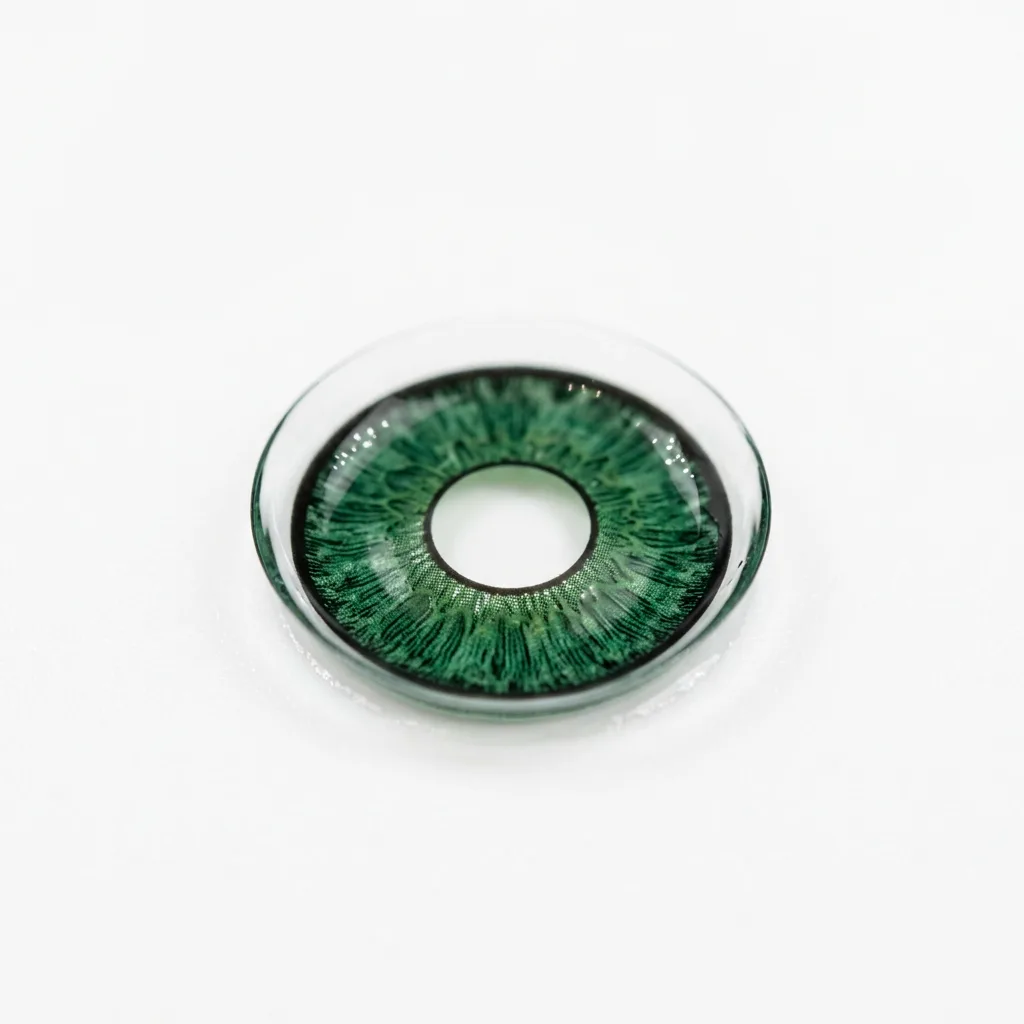
Virtual try-on for colored contact lenses.
The same colored lens looks different on brown eyes than on blue eyes. Genlook shows your lenses on the shopper's own eyes, with their color and opacity, right on the product page.
Free plan, no card needed

 8.2 s
8.2 sFree plan, no card needed
Used by 900+ fashion stores








Examples of colored lens try-ons
One shopper photo, three different shades. Each result is shown next to the product photo it was made from.
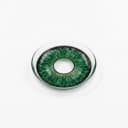



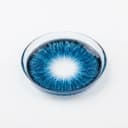
Shoppers can't see how a lens shade looks on their own eyes
The same lens looks different on dark brown eyes than on light blue ones. A studio swatch shows the lens by itself, so shoppers have to guess how it will look on them.
- A lens swatch shows the lens by itself, without the shopper's eye color
- Opaque lenses cover the natural eye color and enhancement lenses blend with it
- Genlook shows the shade on the shopper's own eyes in seconds
Genlook900+
fashion stores use Genlook
5.0
rating on the Shopify App Store
8.2s
median time per try-on
Opaque to tint
lens types and shades
Try-on for opaque, enhancement and tinted lenses
An opaque grey and a light honey tint look different on the eye. The try-on shows each type on the shopper's own eyes.
How Genlook renders colored lenses on the eye
Lens color on the shopper's eyes
The lens color and pattern combine with the shopper's natural eye color, so opaque and enhancement lenses each look as expected.
Natural-looking eyes
The pupil and the natural highlights in the eye stay in place, so the result looks like a real eye.
Patterns and limbal rings
Gradients, textures and limbal rings carry over from the product photo.
No setup per product
Use your standard lens product photos. Genlook picks up the color and pattern from them.
Where stores use try-on
Product pages
Shoppers preview the lens color and opacity on their own eyes, right on the product page.
Collection pages
Shoppers compare shades across a color collection on their own photo.
Email campaigns
Link shade launches to product pages with try-on, so shoppers can see the new colors on their own eyes.
Why a colored lens looks different on every shopper
The colored lens market is worth $5.1B and growing double digits, and shoppers choose lenses on how they look. An opaque lens covers the natural eye color, while a tint blends with it. The same product can look different on different eyes, and a studio swatch only shows one version.
A try-on on the shopper's own photo shows their version on the product page, with no app to download. It covers color, pattern and opacity only. Show prescription and diopter details separately, as usual. The guide to lens try-on covers the setup in detail, and the live demo shows example results.
Frequently asked questions
Do shoppers need to download an app to try lenses on?
No. Genlook runs on the product page in the browser, on phones and desktops. Shoppers upload a front-facing photo or take one with their camera.
How does the color look on different eye colors?
The try-on combines the lens color and opacity with the shopper's natural eye color. Opaque lenses cover the natural color, and tinted and enhancement lenses blend with it.
Does it work for prescription contacts?
Yes. The preview shows color, pattern and opacity. It says nothing about prescription or vision correction, so display your diopter details separately as usual.
What product photos work best?
A clear photo of the lens: a swatch on white, on a fingertip, or in its case. If you also have an on-eye photo, Genlook uses whichever image shows the color best.
Are shoppers' photos private?
Yes. Photos are encrypted in transit and at rest, never used to train AI models, and deleted after 7 days.
What does it cost?
The Free plan includes 10 try-ons a month, and no card is required. Paid plans include more try-ons each month.
Available on
Or use the Try-On API for a custom store.
 PrestaShop module
Learn more
Add try-on to your contact lens store.
Start on the Free plan with 10 try-ons a month, no card required. It works with the lens photos you already have.