Shopify
 WooCommerce
 API
APIGenlook is now available on PrestaShop
The official Genlook module brings AI virtual try-on to PrestaShop 8 and 9 stores. Upload the module, paste your API key, and go live from the back office.
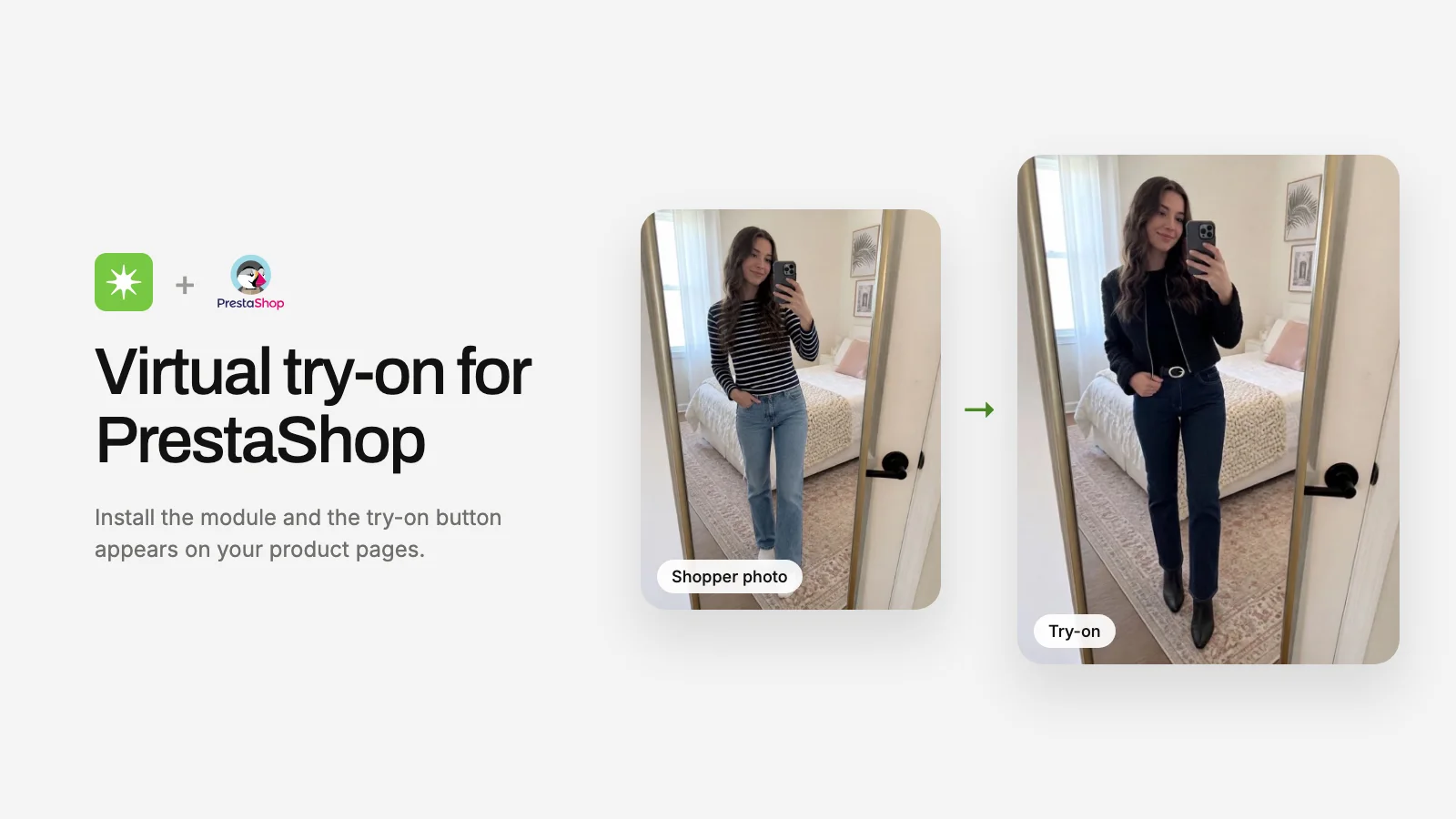
After Shopify and WooCommerce, Genlook now runs on PrestaShop. The official module brings the same virtual try-on widget, product controls, and analytics to PrestaShop merchants.

What you get
- Same widget, same results. Shoppers upload a photo on your product pages and see how the garment looks on them in seconds.
- Everything from your back office. A Genlook menu in PrestaShop handles product coverage, widget design, email collection, and per-shopper limits.
- One Genlook account across platforms. Billing, integrations, and advanced analytics live at app.genlook.app.
Getting started
- Sign in at app.genlook.app, add a PrestaShop store, and copy your site API key.
- Upload the module in Modules → Module Manager and install it.
- Open Genlook from the back office menu, paste your key, and enable try-on on all products.
The module supports PrestaShop 8.0 and later, including PrestaShop 9, with PHP 8.1 or later. Most merchants are live in under 10 minutes.