Shopify
 WooCommerce
 API
APIShopify Flow triggers: automate on every try-on
Genlook now adds two triggers to Shopify Flow. Tag customers, alert your team, or hand try-on events to your email and SMS apps, with nothing to connect.
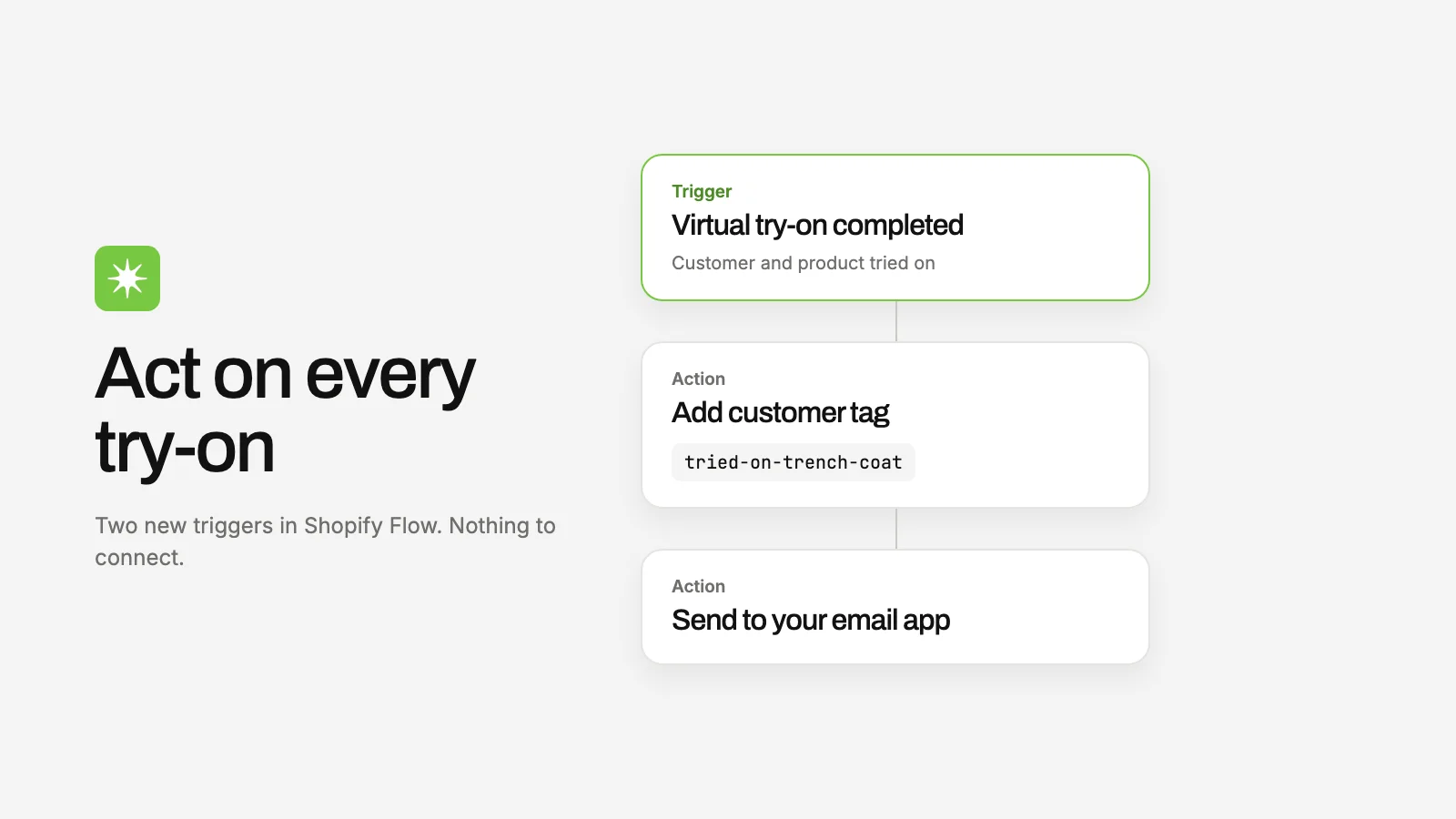
A try-on is one of the strongest purchase signals a shopper can send. Starting today, you can act on it anywhere Shopify Flow reaches.
Genlook adds two triggers to Shopify Flow, Shopify's free automation app. There is nothing to connect or enable: if Genlook is installed on your store, the triggers are already in the Flow editor.
The two triggers
- Virtual try-on completed fires once per try-on, within seconds, with the customer and the product tried on. Best for workflows like "tag customers who tried on product X".
- Virtual try-on session completed fires once per browsing session, 30 minutes after the last try-on, with session totals and the most tried-on product. Best for follow-ups after a real fitting session of several items.
What you can build
- Add a customer tag for every product tried on, then segment on it in your email tool.
- Send an internal email when a shopper tries on three or more items in one session.
- Hand the event to any email, SMS, or loyalty app that plugs into Flow as an action.
Triggers fire for identified shoppers: logged-in customers, or shoppers who shared their email through the widget. When an anonymous shopper identifies later, their earlier try-ons from that device are replayed into Flow at that moment.