Shopify
 WooCommerce
 API
APILive Try-On (Beta): see the garment on yourself, in real time
Live Try-On is now in beta. Shoppers open their camera and see your product on themselves as they move, no photo upload needed. Opt-in, Shopify first.

Photo try-on gives shoppers a realistic picture of themselves in your product. Live Try-On removes the last step: no photo to pick, no wait. The shopper opens their camera and sees the garment on themselves, live, as they move. It is the closest thing to a mirror a product page can offer.
Live Try-On ships today as a beta for Shopify stores.
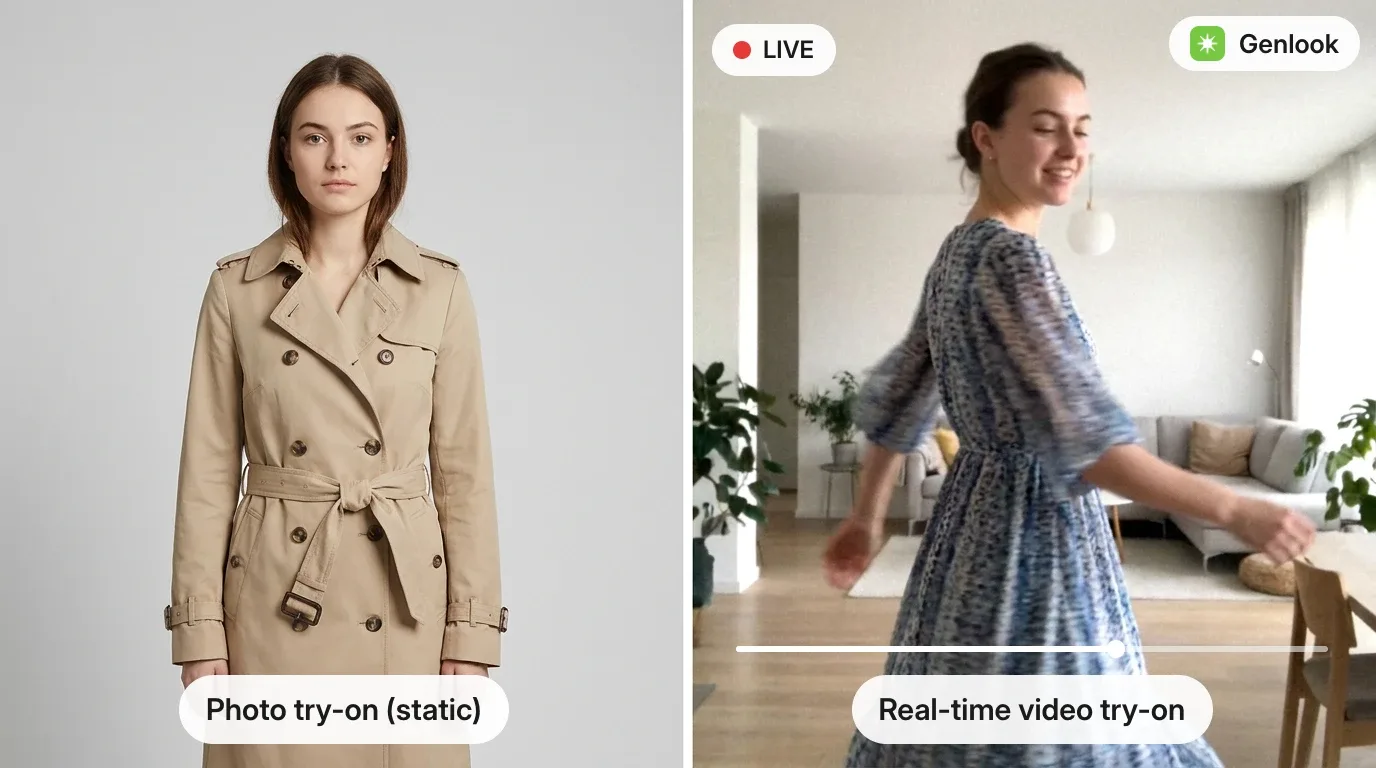
How it works
- A second app block, Genlook Live Try-On, appears in your theme editor once the feature is on. Place it next to your regular try-on button; it shares the same styling options and uses a camera icon by default.
- The shopper taps it, allows camera access, and sees the product on themselves in real time.
- It follows your existing product visibility rules, so it only shows on products where try-on is enabled.
Off by default, and priced for the beta
Live Try-On is entirely opt-in. Turn it on in Settings → Try-on experience. The classic photo try-on keeps working unchanged whether or not you enable it.
Live sessions use more compute than a photo, so they draw more from your plan:
- A live session runs for up to 20 seconds and uses 4 try-on credits.
- Each shopper gets up to 1 minute of live try-on per week, so nobody can burn through your allowance.
- By default, only logged-in customers see the live button. You can open it to every visitor from the same settings page.
The exact rates are shown next to the toggle before you enable anything.
Keep both buttons
Photo try-on produces an image the shopper can save and share. Live Try-On is the instant wow. They complement each other, and we recommend running both.
This is a beta: behavior and pricing may still evolve, and your feedback shapes what comes next. Tell us what you think at support@genlook.app.