Shopify
 WooCommerce
 API
APIImage Inpainting
Regenerating a masked region of an image while leaving the rest untouched.
What is image inpainting?
Image inpainting is a computer vision technique that reconstructs or replaces a selected region of an image while keeping the rest untouched. Originally used to restore damaged photographs and remove objects, it is now commonly performed by diffusion models, which fill the masked region with new, context-aware content.
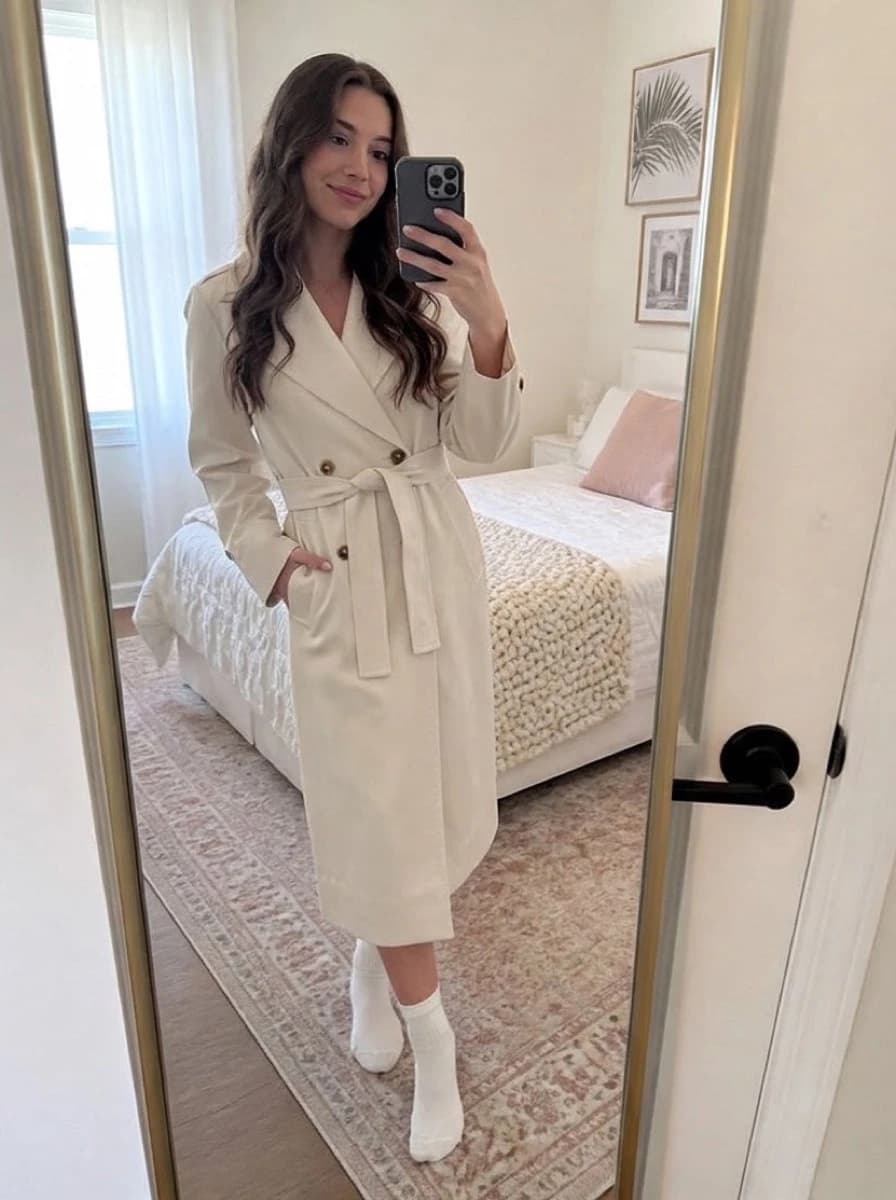
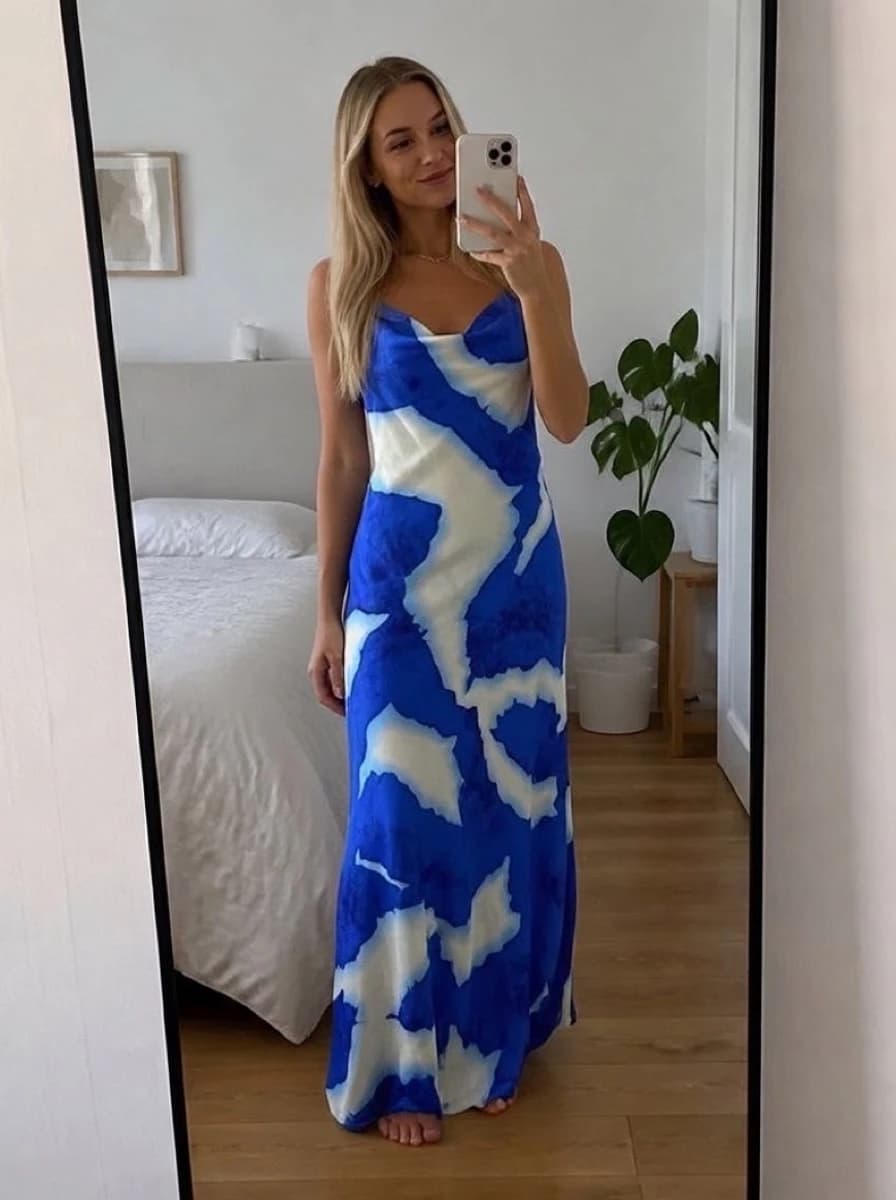
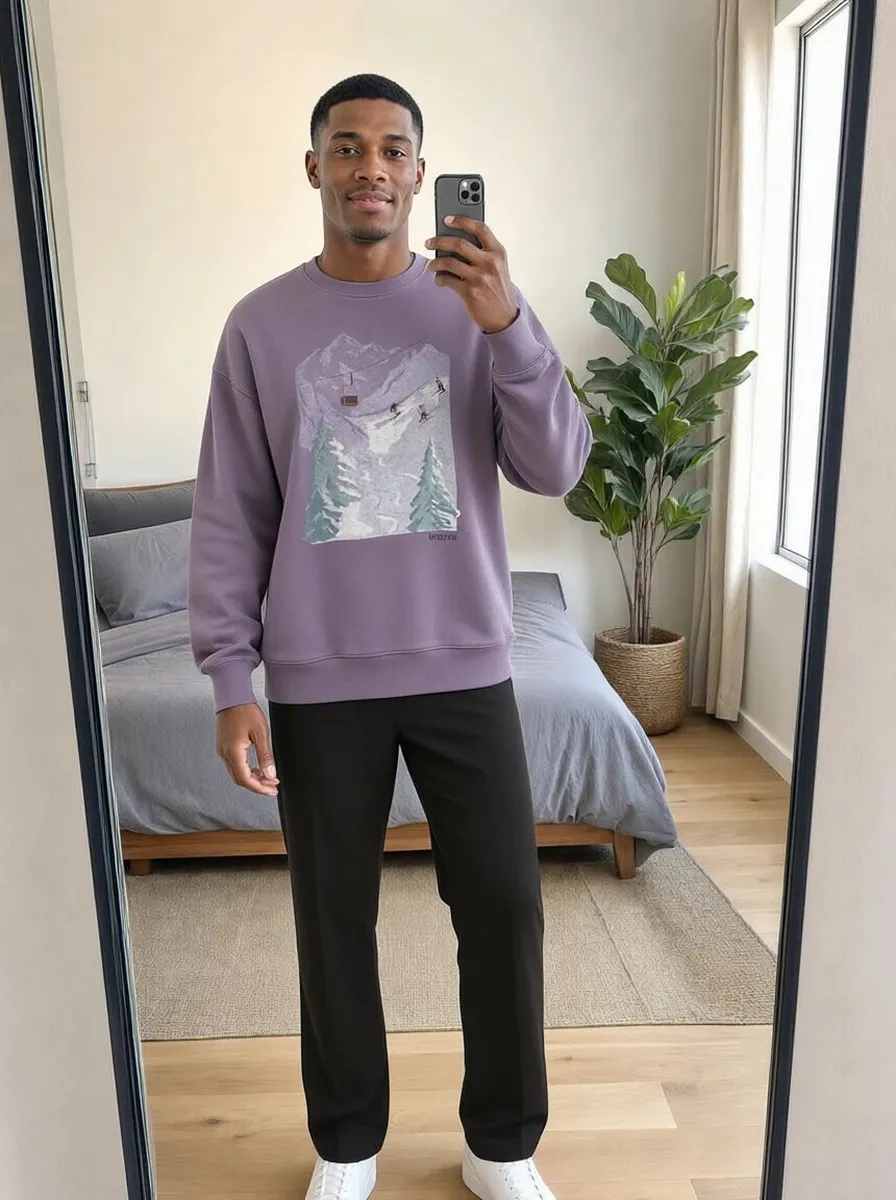
In virtual try-on, inpainting confines generation to the clothing region: the face, hair, and background of the original photo are preserved pixel-for-pixel, and only the garment area is regenerated.

How it works in a try-on pipeline
- Mask creation: image segmentation produces a pixel-precise mask of the garment to replace.
- Context encoding: the model analyzes everything outside the mask: skin tone, lighting direction, background.
- Conditioned regeneration: the masked area is filled with the new garment, guided by the product image and the person's pose.
- Blending: mask edges are feathered so the regenerated region transitions smoothly into the preserved pixels.
Main challenges
- Mask accuracy: a mask that misses a sleeve leaves the old garment visible; one that is too large erodes hands or hair.
- Occlusion: hair or crossed arms in front of the clothing must remain in the foreground.
- Boundary realism: visible seams between generated and original pixels break the illusion, especially at collars and hems.
A short history of inpainting
| Era | Approach | Example |
|---|---|---|
| 2000s | Diffusion-based PDE methods propagate surrounding pixels into small holes | Telea's fast marching method (2004), used for scratch and text removal |
| 2009 to 2015 | Patch-based synthesis copies matching texture patches from elsewhere in the image | PatchMatch (2009), the basis of Photoshop's Content-Aware Fill (2010) |
| 2018 to 2021 | Deep learning models trained to fill large holes with plausible structure | LaMa (2021), strong on large masks and repeating patterns |
| 2022 onward | Generative diffusion inpainting creates new content guided by text or a reference image | Stable Diffusion and later diffusion inpainting models |
The first three generations reconstruct what was probably behind the mask. Generative inpainting can put something new there, which is what makes it usable for try-on: the masked region becomes a garment that was never in the original photo.
Inpainting beyond try-on
- Object removal: erasing people, wires or logos from photos.
- Photo restoration: filling cracks, stains and missing corners in scanned prints.
- Outpainting: the reverse operation, extending an image beyond its original borders.
- Product photo editing: swapping backgrounds or fixing wrinkles in garment shots.
Mask-free alternatives
Some recent try-on systems skip the explicit mask: the model receives the full person photo and the product image and decides itself which pixels to change. This avoids mask errors (a missed sleeve, an eroded hand) but makes it harder to guarantee that the face and background stay untouched, so many pipelines still combine a mask with a generative model.
FAQ
Questions, answered.
Is inpainting the same as content-aware fill?↓
Same idea, different capability. Content-aware fill copies surrounding textures to hide an object; generative inpainting synthesizes new, semantically correct content, such as a garment that was not in the photo.
What is inpainting in AI?↓
In AI image generation, inpainting means regenerating a selected (masked) part of an image while keeping everything else. A diffusion model fills the mask with new content that matches the lighting and context of the rest of the picture, guided by a text prompt or a reference image.