
 Shopify
 WooCommerce
 API
APIThe 6 Best Virtual Try-On Apps for Shopify in 2026, by Product Category
We compared the leading Shopify virtual try-on apps for clothing, eyewear, jewelry, shoes, and beauty: which technology fits your products, what the vendors actually claim, and how to test them, with a clear disclosure of where we're biased.
Table of contents
Quick answer: match the technology to your product category first. For clothing, generative AI apps fit best: Genlook (our app, free plan) and Antla (from $19.99/mo) are the two to shortlist. For rigid goods, use AR specialists: FittingBox for eyewear, Camweara for jewelry and watches, Kivisense for shoes, Banuba for makeup. Then compare your finalists on your own catalog; free plans and trials make that test cheap.
In 2026, Virtual Try-On (VTO) is no longer a futuristic gimmick reserved for luxury giants like Gucci or Sephora. It is a standard expectation for the modern online shopper.
The measurable case has firmed up too, as long as you read the numbers carefully. Zalando, Europe's largest fashion platform, reports a 40% decrease in returns in recent virtual try-on pilots with Levi's garments. DressX's 2026 Virtual Try-On Intelligence Report, drawn from 1.2 million shoppers across luxury e-commerce sites, found that shoppers who used try-on converted 50% more often and added items to cart roughly three times as often. Both figures come from parties invested in the technology, one an operator and one a vendor, so treat them as directional rather than guaranteed. Peer-reviewed work points the same way: studies in the European Journal of Innovation Management and the Journal of Services Marketing link virtual try-on to higher purchase intention through fit confidence and immersion.
For Shopify merchants, the question isn't "should I add virtual try-on?" but rather "which app is right for my specific product?"
The technology varies wildly between categories. A solution that works perfectly for sunglasses (rigid AR) will fail miserably for a silk dress (requires fluid physics).
How we chose
Full disclosure: Genlook is our app, so read the clothing picks knowing that. Every app here was evaluated on its App Store listing, live demo, and published claims, and when a number is a vendor's own claim rather than an independent study, we say so, ours included. Categories are ranked by technology fit, nobody pays to be listed, and the cheapest way to settle any of it is to install two apps on a duplicated theme and compare them on your own products.
The Tech Landscape: AR vs. Generative AI
Before diving into the apps, it is crucial to understand why the market is splitting into two distinct technologies in 2026.
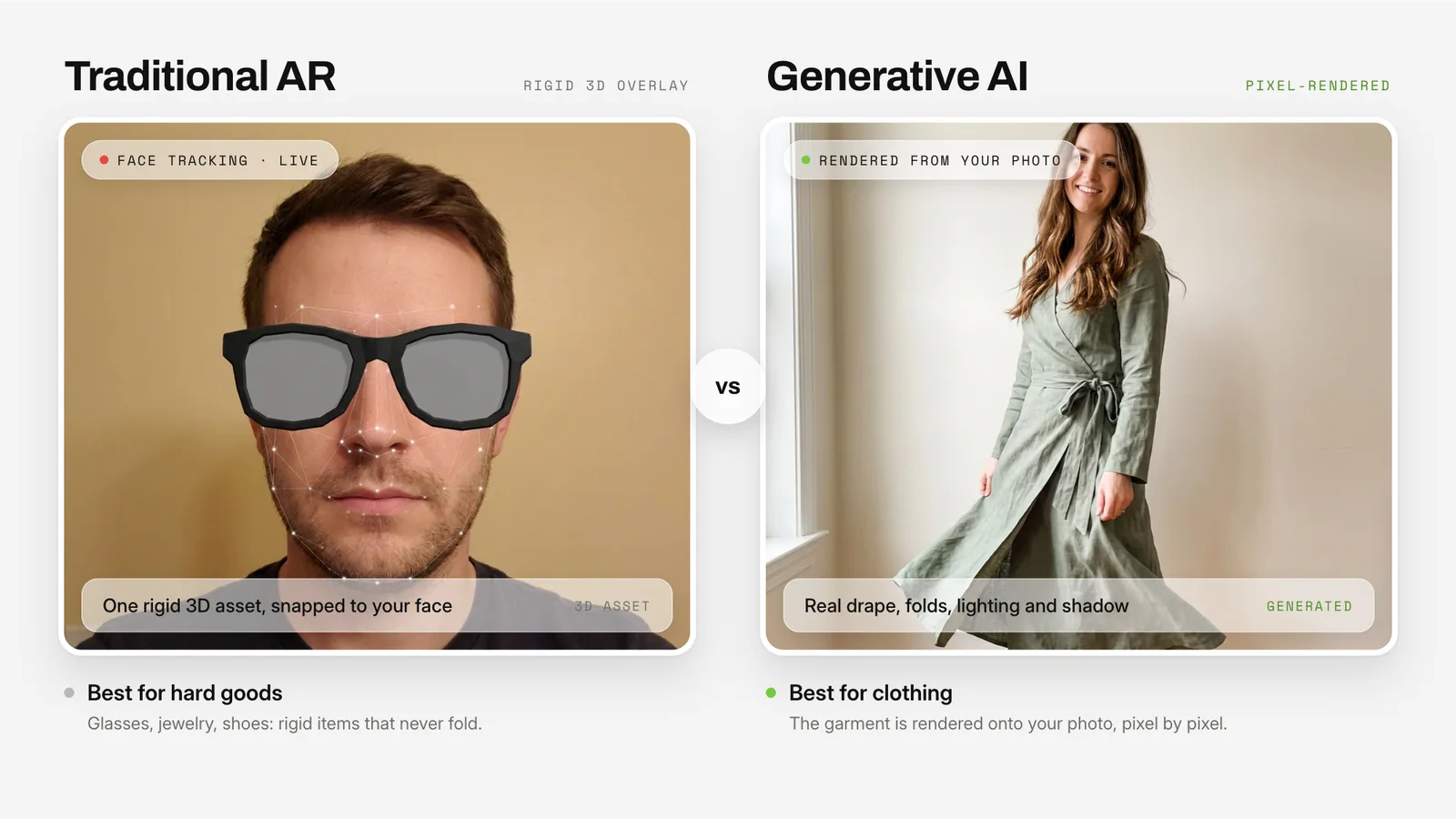
1. Traditional Augmented Reality (AR)
Best for: Hard Goods (Glasses, Jewelry, Shoes) AR works by tracking specific points on the body (like ears or fingers) and overlaying a 3D model on top of the camera feed. This works beautifully for rigid objects that don't change shape. In 2026, WebAR has become so advanced that customers rarely need to download a separate app to use these features.
2. Generative AI (GenAI)
Best for: Soft Goods (Clothing) AR fails with clothes because clothes fold, wrinkle, and drape. If you just overlay a 3D t-shirt on a video, it looks like a paper doll cutout. Generative AI is what finally made apparel try-on work: the model analyzes the shopper's photo and renders the clothing onto it pixel by pixel, accounting for lighting, shadows, and fabric drape. It eliminates expensive 3D asset creation entirely, working from the product photos you already have.
1. Clothing: Genlook (that's us)
Category: Apparel, Fashion, Streetwear
Technology: Generative AI
When it comes to apparel, the "3D Model Bottleneck" has historically killed VTO projects. Creating a 3D asset for every SKU is expensive (approx. $100-$300 per item) and slow. Traditional AR overlays also tend to look cartoonish on fabric, because they can't show how a garment actually sits on a body.
Genlook solves this with generative AI: you keep your standard flat-lay or model photos, and when a shopper uploads their photo, the model renders your product onto them. Early 2026 has seen a surge of new AI try-on tools enter the Shopify App Store (OnYou, TryDrobe, Zege, Icona AI, and more; see the wider field below), which we take as evidence the generative approach won the clothing category.
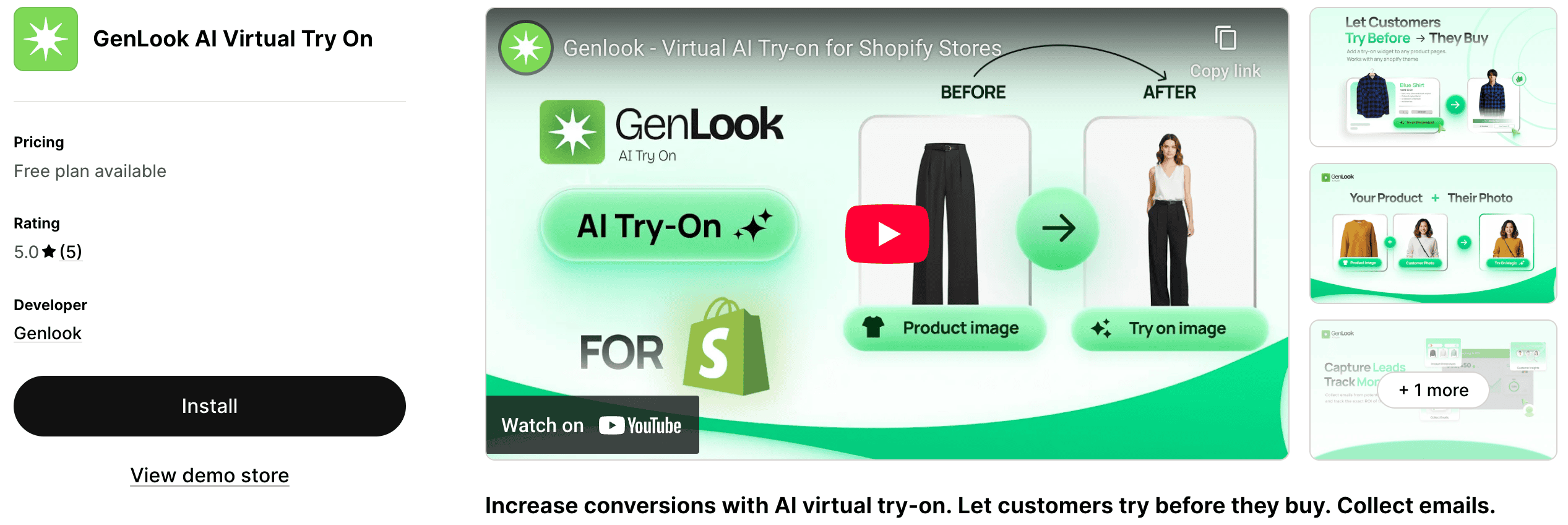
- How it works: You upload nothing new. When a customer uploads their photo, the AI renders your product onto them, with a median generation time of about 9 seconds per look.
- Pros:
- No 3D models: works from the product photos you already have, which saves thousands of dollars in asset creation.
- Handles fabric: denim, silk, wool, and fit differences (oversized vs. tight) render with realistic drape. In our own testing it beats 3D physics engines on this, but we are the vendor, so run the comparison yourself.
- Plug and play: installs as a Shopify app embed, no theme code changes.
- Whitelabel: shoppers see your store's branding, not ours.
- Cons (yes, we have them):
- It is not live AR. Shoppers get a rendered photo after a short wait, not a real-time camera overlay.
- It answers "does this suit me", not "what are my measurements". It renders glasses, jewelry, and accessories on the shopper's photo just like clothing, but for millimeter-precise optical sizing or ring sizing, the AR specialists below go deeper.
- Each render has a real compute cost, so plans meter monthly try-ons rather than offering unlimited generation.
- Verdict: If you sell clothes and don't want to hire a 3D design team, generative AI is the right technology, and Genlook is our implementation of it. It also covers swimwear, wigs, eyewear, and jewelry with the same one-photo flow.
Get started with Genlook, or install GenLook: AI Virtual Try On from the Shopify App Store directly.
2. Clothing alternative: Antla
Category: Apparel, Fashion
Technology: Generative AI
If you are evaluating the AI clothing space properly, Antla is the other app to test. Like Genlook, it generates try-ons from a single shopper photo without 3D models. Where it differs is philosophy: Antla is built around sharing, Genlook around the purchase.
- Why it stands out: Antla's core mechanic is a share-for-discount loop. After a try-on, shoppers get a coupon in exchange for posting the result, which turns try-ons into user-generated content and organic reach. It also ships a size chart and integrates with Klaviyo, Attentive, and Postscript.
- Pros:
- UGC engine: the share loop is genuinely differentiated if social proof drives your acquisition.
- Marketing stack integrations: Klaviyo, Attentive, and Postscript out of the box.
- Size chart included next to the try-on.
- Cons:
- No free plan: paid from $19.99/mo after a 7-day trial (Genlook has a free plan; that difference matters for testing).
- The widget is listed in English only, which is a real limitation for international stores.
- The discount-per-share economics are structural: every share costs margin.
- Verdict: A strong choice for fashion brands whose growth runs on user-generated content and who are comfortable trading discounts for reach. We keep a feature-by-feature comparison up to date if you want the detail.
3. Eyewear: FittingBox
Category: Sunglasses, Optical Frames
Technology: Face Tracking AR
For eyewear, accuracy is everything. If the virtual glasses look too big or too small, you risk a return. FittingBox is the veteran leader in this space, with about 20 years in business and 59 international patents. Their "Frame Removal" technology can even erase the glasses a user is currently wearing in the webcam feed and replace them with the virtual frames.
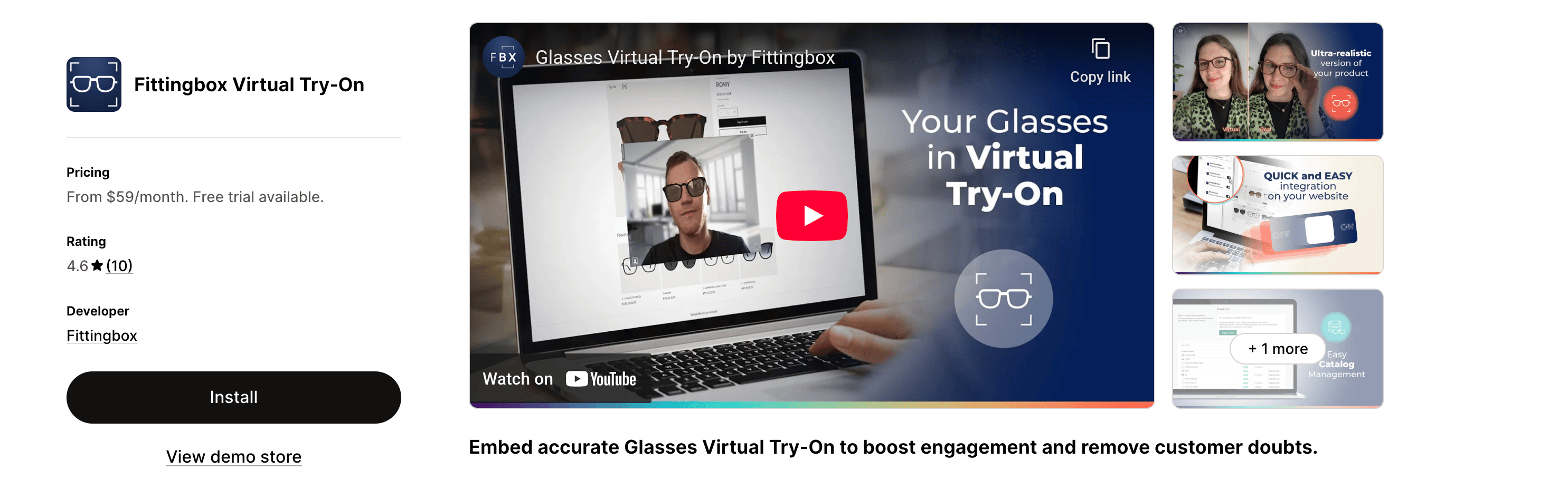
- Why it wins: Their database of digitized frames is massive: 195,000+ frame references across 1,200+ brands. If you sell branded eyewear (Ray-Ban, Oakley), they likely already have the 3D models ready for you to use.
- Pros:
- Extremely accurate sizing (crucial for prescription glasses).
- "Frame Removal" for shoppers who wear prescription glasses.
- Integrates with Shopify as well as WooCommerce, Magento, and PrestaShop.
- Cons:
- Implementation can be pricier for smaller stores.
- Requires high-quality 3D assets if you sell custom or private-label frames not in their database.
- Where Genlook fits: if eyewear is one part of a broader fashion catalog, Genlook renders glasses on the shopper's photo in the same widget as your apparel, no 3D models needed. FittingBox is the deeper tool when optical retail is your core business and precise frame sizing drives returns.
4. Jewelry & Watches: Camweara
Category: Rings, Earrings, Necklaces, Watches
Technology: Hand & Ear Tracking AR
Jewelry is difficult to render because it depends on sparkle, light refraction, and precise placement. Camweara (and similar competitors like MirrAR) specializes in high-fidelity rendering that makes gold look like gold, not yellow plastic. The company reports 150+ brands in 20+ countries and more than 20 million completed try-ons; those are Camweara's own figures, but the scale is consistent with how often we see it deployed.
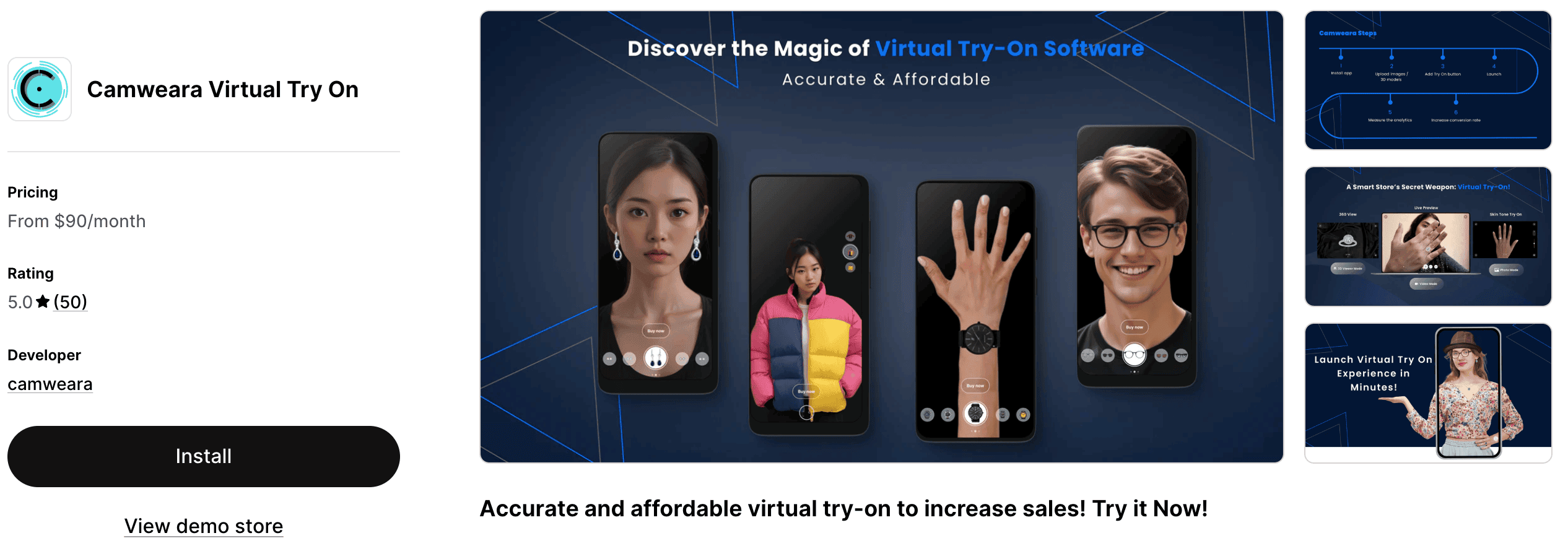
- Why it wins: Their hand-tracking is robust, and the "Ring Sizer" feature is a real value-add for reducing returns on rings.
- Key Features:
- Multi-Placement: Supports earrings, necklaces, and wristwear.
- Stacking: Users can try on multiple rings or bracelets at once.
- Broad category range: beyond jewelry, it also covers watches, eyewear, and accessories.
- Verdict: Essential for high-ticket jewelry items where trust is a major barrier to purchase.
5. Shoes: Kivisense
Category: Sneakers, Heels, Boots
Technology: Foot Tracking AR
Footwear VTO was popularized by Snapchat and Gucci, but Kivisense has made it accessible to independent stores. Their algorithm is lightweight and runs directly in the mobile browser (WebAR), so customers don't need to download a separate app to see the shoes on their feet. The company is strongest in the Chinese market (it pioneered WeChat and Alipay AR mini-programs) and reports 100+ brand partnerships.
- The Challenge: Feet move fast, and shoes are often occluded by pant legs. Kivisense's tracking is sticky and handles occlusion reasonably well.
- Best For: Sneaker drops and high-end footwear brands.
- Note: Like eyewear, this requires 3D models of your shoes (usually in .glb or .gltf format), and the storefront integration is a WebAR embed rather than a one-click Shopify app, so budget some setup time.
6. Beauty: Banuba AI Virtual Try-On
Category: Makeup, Eyewear, Accessories Technology: AI Face Tracking & AR
For beauty and cosmetics brands, Banuba offers an accessible and capable solution. Banuba is primarily an AR technology company that licenses its face-tracking SDKs, and its try-on plugin brings that engine to e-commerce stores at plans suited to different business sizes.
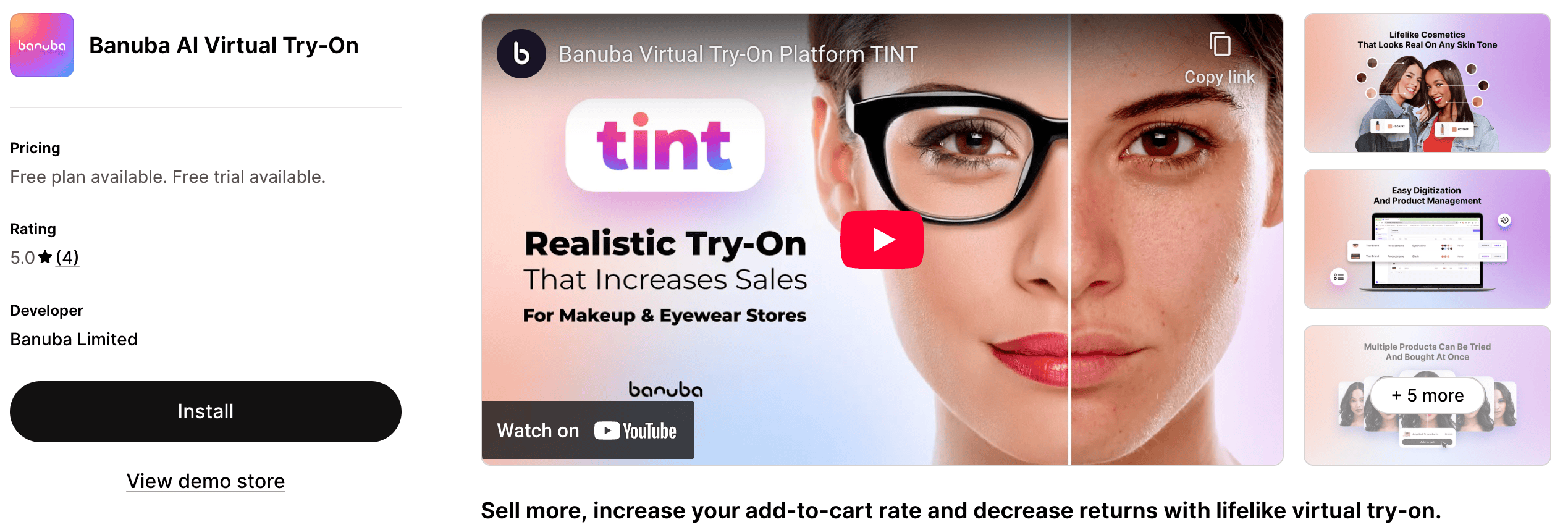
- Why it wins: Banuba combines makeup and eyewear capabilities in one plugin, working on almost any device with a camera without requiring an app download. The company advertises new-collection digitization in under 48 hours.
- Key Features:
- Lifelike Cosmetics: Realistic rendering of textures like matte, gloss, and satin.
- Dual Functionality: Covers both makeup and glasses, versatile for lifestyle brands.
- Smart Analytics: Data on which items are tried on most frequently.
- Verdict: A versatile option that brings the physical-store swatch experience online.
The wider field: other AI try-on tools to know
The clothing side of this market is moving fast, and a roundup that pretends six apps are the whole story would be doing you a disservice. Other names you will run into while evaluating:
- OnYou pairs photo-upload try-on with size recommendation and outfit suggestions, and integrates with Klaviyo, Attentive, and Gorgias. Its headline numbers (a claimed 10x conversion uplift) are self-reported without published methodology, so test before budgeting around them.
- TryDrobe offers an AI fitting room across web, iOS, and an API, and can work with clothing images from any site rather than a locked catalog integration.
- bitStudio is primarily an AI product-photography tool for fashion brands that also ships a Shopify try-on widget.
- Icona AI is a young Shopify-specific photo try-on for tops, bottoms, and full looks. Its conversion claims are unsourced, and its install base was small when we checked.
- Zege launched on the Shopify App Store in January 2026. Too new to have reviews when we checked, but worth watching.
- Doji is a consumer iOS app for trying on designer fashion. It is not a merchant widget, but it is shaping what shoppers expect try-on to feel like.
- Aiuta sells fashion visualization as an enterprise SDK and API; we compare it against our own developer API separately.
If a tool you are considering is not here, the evaluation method still applies: identify the technology (generative AI or AR), check whether its claims cite a source, and run it on your own products before committing.
Comparison Table: Which App Do You Need?
| Category | Recommended App | Tech Type | 3D Models Needed? | Key Benefit |
|---|---|---|---|---|
| Clothing | Genlook | Generative AI | No (Uses Photos) | Realistic fabric drape & easy setup |
| Clothing | Antla | Generative AI | No (Uses Photos) | Share-for-discount UGC loop |
| Eyewear | FittingBox | AR (Face Track) | Yes | Precise sizing & frame removal |
| Jewelry | Camweara | AR (Hand/Ear) | Yes | High-fidelity sparkle & material render |
| Shoes | Kivisense | AR (Foot Track) | Yes | Web-based foot tracking (no app needed) |
| Beauty | Banuba | AR (Face Track) | No (Uses Config) | Makeup & Eyewear support |
How to Choose the Right App for Your Store
When selecting a virtual try-on app in 2026, keep these three strategic factors in mind:
1. Asset Management Capability
Do you have a budget for 3D modeling?
- If No and you sell clothes: go generative AI (Genlook or Antla). You likely already have the product photos; that is all you need.
- If Yes: You can explore AR solutions, but be prepared for a lead time to digitize your catalog.
2. Integration Speed (App Embeds)
Ensure the app uses Shopify App Embeds. This is the modern standard for Shopify apps. It ensures the code is injected cleanly into your theme without leaving "ghost code" behind if you uninstall.
3. Mobile Performance
Most VTO usage happens on mobile. Every vendor above advertises mobile-first performance; verify it yourself by testing on a 3-year-old smartphone over 4G, not just the latest iPhone on Wi-Fi.
Conclusion
The era of "imagining" how a product looks is over. In 2026, customers expect to see it on themselves before they buy.
Virtual try-on addresses your two biggest P&L levers at once: conversion, by giving customers confidence, and returns, by filtering out bad picks before they ship. The published evidence (Zalando's 40% pilot result, DressX's conversion data, the peer-reviewed purchase-intention studies above) is directional rather than a guarantee, which is exactly why the free-plan test on your own catalog is the step that matters.
For fashion retailers who want generative AI try-on without the headache of 3D modeling, Genlook is the easiest place to start, and the free plan means the test costs nothing. You can install the GenLook Shopify virtual try-on app in a few clicks. Not on Shopify? We also compared the best virtual try-on plugins for WooCommerce.
FAQ
Questions, answered.
Which virtual try-on app is best for clothing?↓
For apparel, generative AI is the right technology, because fabric folds and drapes in ways rigid AR overlays can't reproduce. The two main Shopify options are Genlook (our app, free plan available) and Antla (from $19.99/mo with a 7-day trial). The honest answer is to install both on a duplicated theme and compare results on your own products.
Do I need an app for makeup try-on?↓
Yes, for beauty products, Banuba AI is a top-tier choice. It uses facial tracking to apply digital makeup with high realism and works on most devices without an app download.
Does virtual try-on slow down my Shopify store?↓
Modern apps use Shopify App Embeds, which load asynchronously after your page renders. The try-on widget doesn't block your page from loading, so site speed and Core Web Vitals stay where they are.
Is virtual try-on expensive for small stores?↓
Not anymore. Enterprise AR solutions can cost thousands, but the generative AI apps start much lower: Genlook has a free plan, and most competitors offer trials from around $20/mo. The main ongoing cost driver is generation volume, since each AI render has a real compute cost.
Do virtual try-on apps require 3D models of my products?↓
Depends on the technology. Generative AI apps like Genlook and Antla work from the product photos you already have. AR apps for eyewear, jewelry, and shoes (FittingBox, Camweara, Kivisense) overlay 3D models on the camera feed, so they need 3D assets: either from the vendor's existing database or custom digitization at roughly $100-$300 per SKU.
Which virtual try-on app has a free plan?↓
Genlook has a free plan with no card required, which makes it the cheapest way to test try-on on a real catalog. Most alternatives use time-limited trials instead; Antla, for example, offers a 7-day trial before its $19.99/mo plans.
How much does virtual try-on increase conversion?↓
Treat vendor numbers with care. The best public data points: Zalando reported a 40% decrease in returns in try-on pilots with Levi's garments, and DressX's 2026 report across 1.2 million shoppers found try-on users converted 50% more often. Results vary by catalog and audience, which is why free plans exist: measure the lift on your own store.